
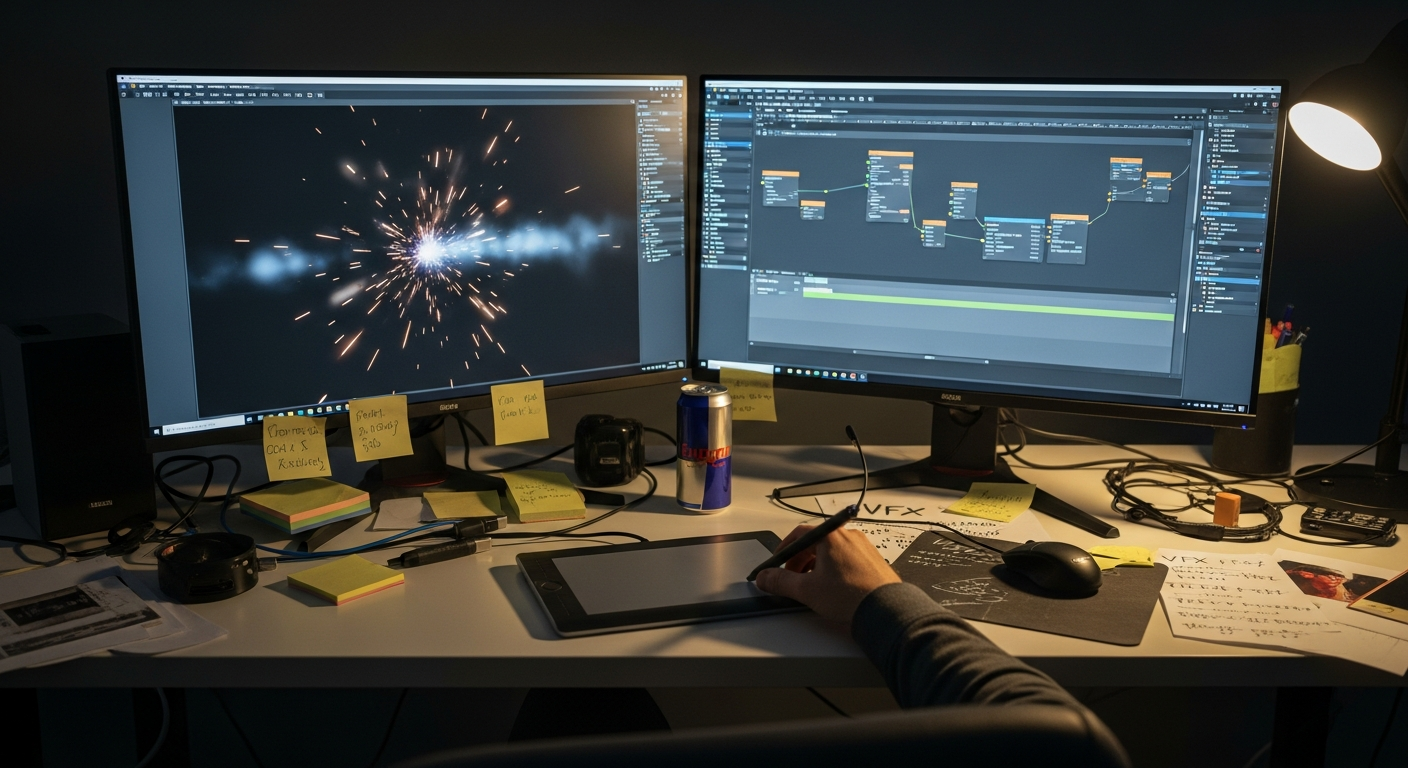
VFX means visual effects. In video games, VFX communicate actions and create atmosphere through effects such as impact sparks, spell trails, smoke, rain and glowing interaction cues. They help players recognise what happened, where danger is and which objects respond to them.
For example, animation moves a character through a sword swing while a timed trail and impact effect help communicate the strike. The movement, effect and gameplay event must agree. The production task includes visual design, timing, engine integration and checks in the actual game scene.
This guide breaks down what visual effects in video games are, how they’re made, and why they’re essential in modern game development.
What Are Visual Effects in Video Games?
Visual effects in video games communicate actions or create atmosphere through elements such as particles, animated materials, meshes, light and post-processing. They may be subtle or dramatic, and can be rendered in the scene rather than added as a separate overlay.
VFX are used for:
Magic spells and elemental effects
Explosions and debris
Weather and atmosphere (rain, fog, snow, sandstorms)
Lighting flashes and sparks
Muzzle flashes and bullet trails
HUD and UI feedback
Motion trails and swipes
Fire, smoke, water, and particles
Portals and teleportation effects
Some VFX are dramatic and eye-catching; others are subtle and environmental — but all contribute to immersion.
Why Visual Effects Matter in Games?
Visual effects influence the player experience in multiple ways, impacting both gameplay and emotional engagement.
1. They Amplify Gameplay Feedback
VFX tell players what happened, how it happened, and what it means.
For example:
A glowing hit effect confirms a successful attack
A dust puff shows where a player landed
A red flash indicates incoming damage
Good VFX make gameplay feel responsive and satisfying.
2. They Build Atmosphere and Mood
From drifting fog to glowing crystals and flickering torches, VFX shape the emotional tone of an environment.They help transform 3D models — like those explored in how artists use 3D modeling for games — into worlds that feel alive.
3. They Support Storytelling
VFX visualize magical energy, ancient technology, character emotions, environmental changes, and narrative events.
Examples:
A curse spreading as dark veins across the environment
A prophecy represented by glowing runes
A spaceship charging its engines with pulsing light
VFX communicate story without needing dialogue.
4. They Define Style and Art Direction
Different VFX styles create different moods:
Pixelated sparks for retro games
Stylized swooshes for cartoony action
Hyper-realistic explosions for military shooters
This ties directly into principles from how art direction in games shapes the look of a world.
5. They Improve Gameplay Readability
Players rely on VFX to understand:
Enemy attacks
Skill cooldowns
Area-of-effect danger zones
Puzzle mechanics
Interaction prompts
Good VFX make gameplay clearer without overwhelming players.
How Visual Effects Are Made for Games?
Creating game VFX requires a mix of artistic skill, physics simulation, animation principles, and engine-specific techniques.
1. Concept & Style Development
VFX artists gather references, create style sheets, and explore visual ideas.This ensures that effects match the game’s tone and art direction.
2. Particle Systems
Particle systems can use sprites or meshes to create effects such as:
Fire
Smoke
Dust
Sparks
Magic energy
Effects are layered to create complexity.
3. Animated Textures
Flipbook animations, shader-driven motion, and animated noise patterns add fluidity to VFX.
4. Shaders & Materials
Shaders determine how VFX interact with light, depth, and surfaces:
Glow
Dissolve
Distortion
Holographic look
Transparency
Refraction
Shaders give VFX their visual personality.
5. Physics Simulation
Some effects rely on real-time physics:
Explosions pushing debris
Cloth or hair reacting to wind
Water and fluids simulating motion
6. Engine Integration
VFX must work seamlessly inside Unreal Engine, Unity, or custom engines while maintaining performance.
7. Animation Sync
Many VFX sync with character actions, connecting directly to animation pipelines like those seen in how video game animation brings characters to life.
8. Optimization
Because VFX can be performance-heavy, artists optimize:
Particle count
Texture size
Shader complexity
LOD triggers
GPU-friendly rendering
VFX must look good and run smoothly.
Types of Visual Effects in Games
Character Effects
Used for attacks, buffs, emotions, and movement trails.
Environmental Effects
Rain, wind, falling leaves, embers, fog, thunder, lighting.
Magic & Sci-Fi Effects
Energy bursts, auras, teleportation, forcefields, hacking interfaces.
Combat Effects
Explosions, blood spatters, impact sparks, muzzle flashes.
UI Effects
Flashes, glows, transitions, interactive elements.
World Interaction Effects
Footstep dust, water splashes, debris from destruction.
Every effect enhances sensory engagement.
VFX and Game Feel
“Game feel” — the tactile sense of responsiveness — heavily depends on VFX.
Without VFX:
Hits feel weak
Movement feels stiff
Skills feel dull
Environments feel empty
With VFX:
Combat feels powerful
Movement feels fluid
World interactions feel meaningful
VFX help games feel alive and responsive.
Procedural tools and AI are different approaches
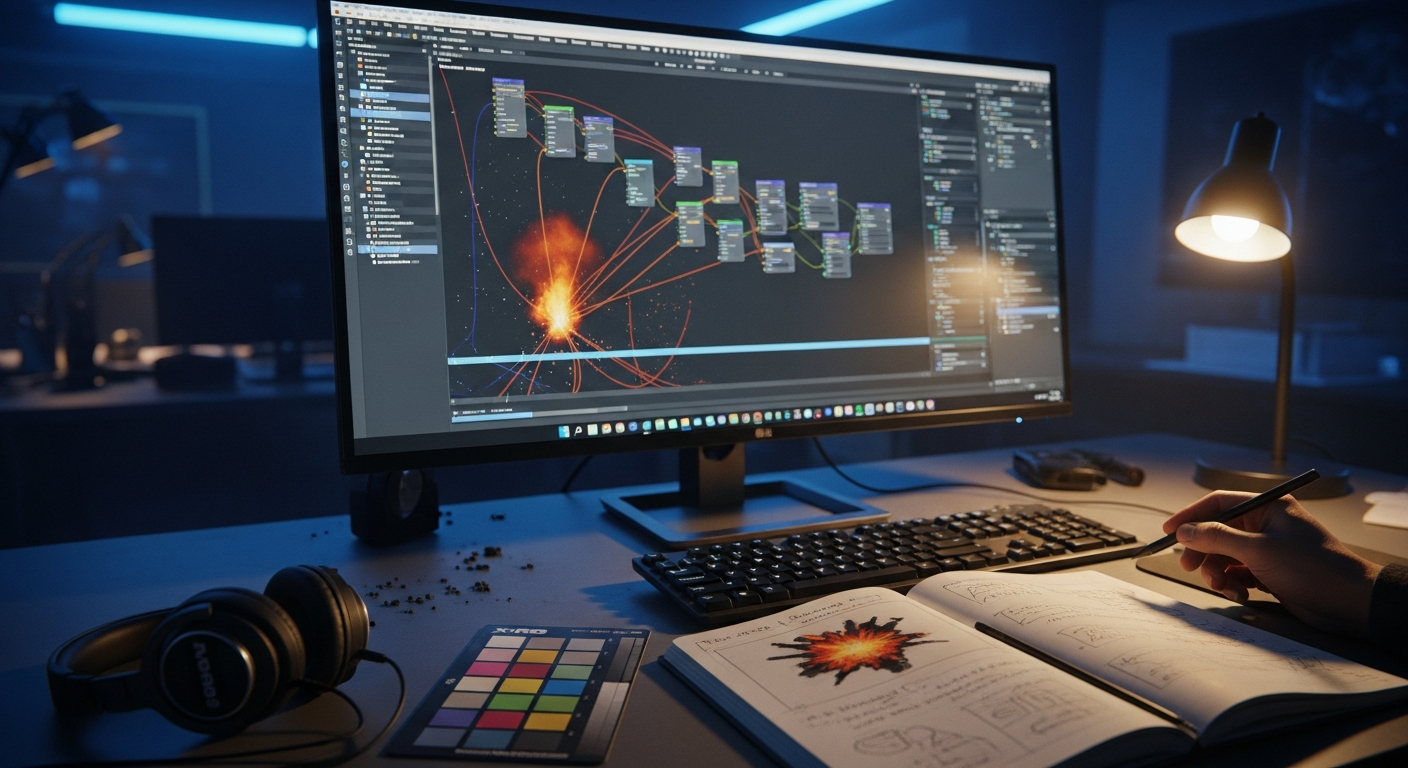
A particle graph or shader can generate motion from authored rules without a machine-learning model. Unity’s Visual Effect Graph is a node-based tool for authoring GPU-simulated effects. Calling an effect procedural does not establish that it uses AI.
Reference: Unity Visual Effect Graph 17.0 documentation
If an AI-assisted tool is proposed, evaluate a specific task and include correction, licensing and integration in the comparison. Faster generation does not establish a faster accepted asset or better runtime performance.
Illustrative review: an impact effect in combat
Use the same camera, scene and target device to compare two versions of an impact effect. Keep the gameplay event and number of simultaneous impacts consistent. This is a test template, not a benchmark result from a Mimic project.
Readability: can players distinguish a hit, a miss and a dangerous area?
Timing: does the effect begin on the correct animation event and stop cleanly?
Visual overlap: check repeated impacts and transparent layers against a busy background.
Performance: measure CPU and GPU cost in the actual build, then adjust the measured bottleneck.
Scalability: check the lower-quality version still communicates the essential gameplay cue.
Epic’s Niagara guidance explains the tradeoffs around system and emitter counts, culling and scalability. A smaller particle count alone does not establish that an effect is inexpensive; measure the complete scene.
Reference: Epic Games — Niagara scalability and best practices
Challenges in VFX Production
Balancing beauty with performance
Ensuring readability during fast gameplay
Avoiding “visual noise”
Matching art direction
Engine or hardware limitations
Multi-platform optimization
VFX must be visually stunning and technically lean.
Specify the production requirements
Record the gameplay event, camera view, style references, engine version and target devices. Identify animation dependencies and how the effect will be triggered, tested and handed over. Keep performance and accessibility requirements in the brief alongside the desired visual result.
For an illustrative spell impact, write the effect brief as a sequence: the cast begins, the projectile travels, contact occurs, and the remaining particles fade. For each stage, identify the gameplay trigger, attachment point, intended duration and what should happen if the action is cancelled. This helps the animator and developer agree which event controls the effect.
Separate the approval reference from the delivery package. A preview video shows appearance; the receiving team may also need editable effect assets, materials, textures, dependencies, parameter notes and a scene that reproduces the trigger. Agree the required files and integration owner before estimating the work.
Review the effect at the actual gameplay camera with representative simultaneous effects, rather than only in an isolated preview. Record the target device, build and quality setting alongside the result. Keep the essential gameplay cue readable when detail is reduced.
Prepare an editable production brief
Explore game development support
Epic Games: measuring performance in Niagara
Discuss the art, animation and integration requirements for your scene
Conclusion
Visual effects are one of the most powerful storytelling and gameplay tools in video games. They shape atmosphere, enhance combat, guide players, and make virtual worlds feel alive. Every spark, glow, explosion, and dust cloud contributes to emotional impact and immersive game feel.
For a Mimic Gaming enquiry, explain the scene and the support your team needs across art, animation or development. The team can discuss an appropriate production scope; this guide does not imply that every technique or tool described is a standalone Mimic service.
FAQs
1. What are visual effects in video games?
They are animated elements like particles, sparks, fire, smoke, or magic that enhance atmosphere and gameplay.
Why are VFX important?
They improve readability, emotional tone, gameplay feedback, and overall immersion.
3. How are VFX made?
Using particle systems, shaders, animated textures, simulations, and real-time engine tools.
4. Do VFX affect performance?
Yes — which is why optimization is essential to maintain smooth framerates.
5. What tools do VFX artists use?
Unreal Engine’s Niagara, Unity’s VFX Graph, Houdini, Blender, and shader editors.
6. How do VFX support gameplay?
They help players understand hits, damage zones, cues, timing, and interactions.
7. Do AI tools help VFX artists?
Some AI-assisted tools may help a specific task, but particle graphs, procedural generation and simulation are not automatically AI. Check the actual tool, output quality and full production effort before adopting it.
8. What makes good VFX?
Clarity, style consistency, emotional impact, and performance efficiency.
 July 2, 2026
 December 7, 2025
 June 25, 2026