
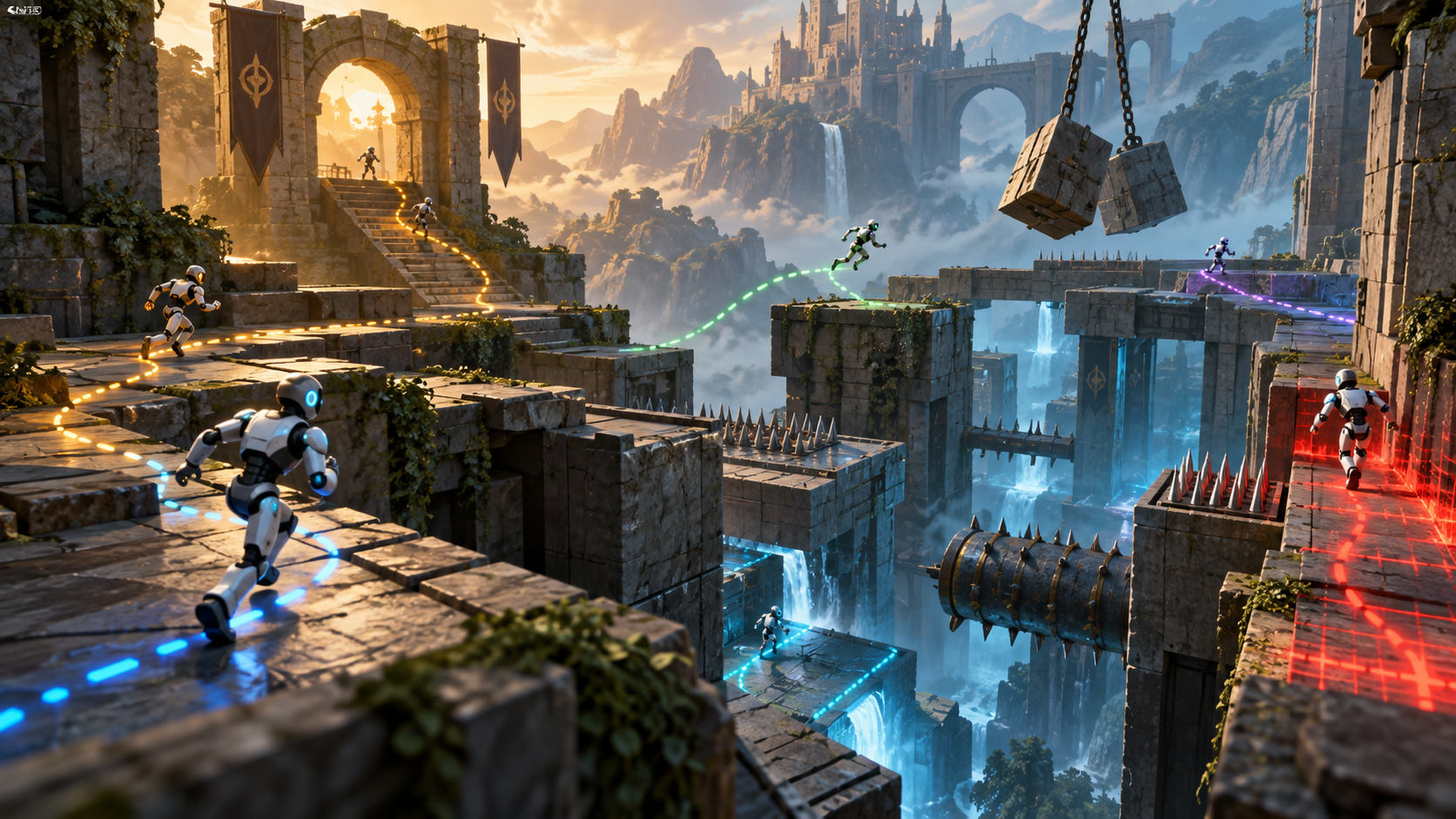
Game teams are under pressure to ship larger worlds, more complex systems, and more frequent updates without letting quality collapse. Manual QA is still essential, but it cannot cover every route, timing edge case, multiplayer interaction, economy loop, device profile, and player behavior pattern on its own. AI game testing gives studios a way to expand coverage by using simulation, telemetry, automated agents, and structured human review together. The goal is not to remove testers. The goal is to help testers find important issues earlier, reproduce them faster, and spend more time judging quality instead of repeating the same low-value steps.
For Mimic Gaming, this topic fits a broader production cluster around game technology, simulation, AI systems, and digital experience workflows. A strong article should show real studio scenarios: playtest automation, bug reproduction, balancing, telemetry review, regression testing, and build-readiness decisions. It should also acknowledge the limits. AI can explore, flag, cluster, and repeat, but humans still define what feels fun, fair, readable, emotionally satisfying, and aligned with the creative direction.
What AI Game Testing Means
AI game testing is a structured QA approach where automated agents, scripted simulations, telemetry analysis, and machine-assisted triage expand what the QA team can inspect. In practice, a studio might create agents that navigate a level, attempt repeated combat encounters, stress-test menus, trigger inventory actions, run through tutorial steps, or attempt thousands of movement variations that a human tester would never have time to repeat. The system records where agents fail, stall, exploit mechanics, break progression, or produce unusual performance data. Human testers then review the issues that matter and decide whether they are bugs, design problems, balance concerns, or acceptable edge cases.
This workflow is especially useful because modern games are dynamic. A small change to enemy behavior can affect level flow. A new item can break the economy. A multiplayer timing fix can create a different exploit. A build that works on a high-end machine may struggle on a lower device profile. AI testing gives teams a way to repeat important checks every time the build changes, while still preserving human judgment for quality, pacing, emotion, and player experience.
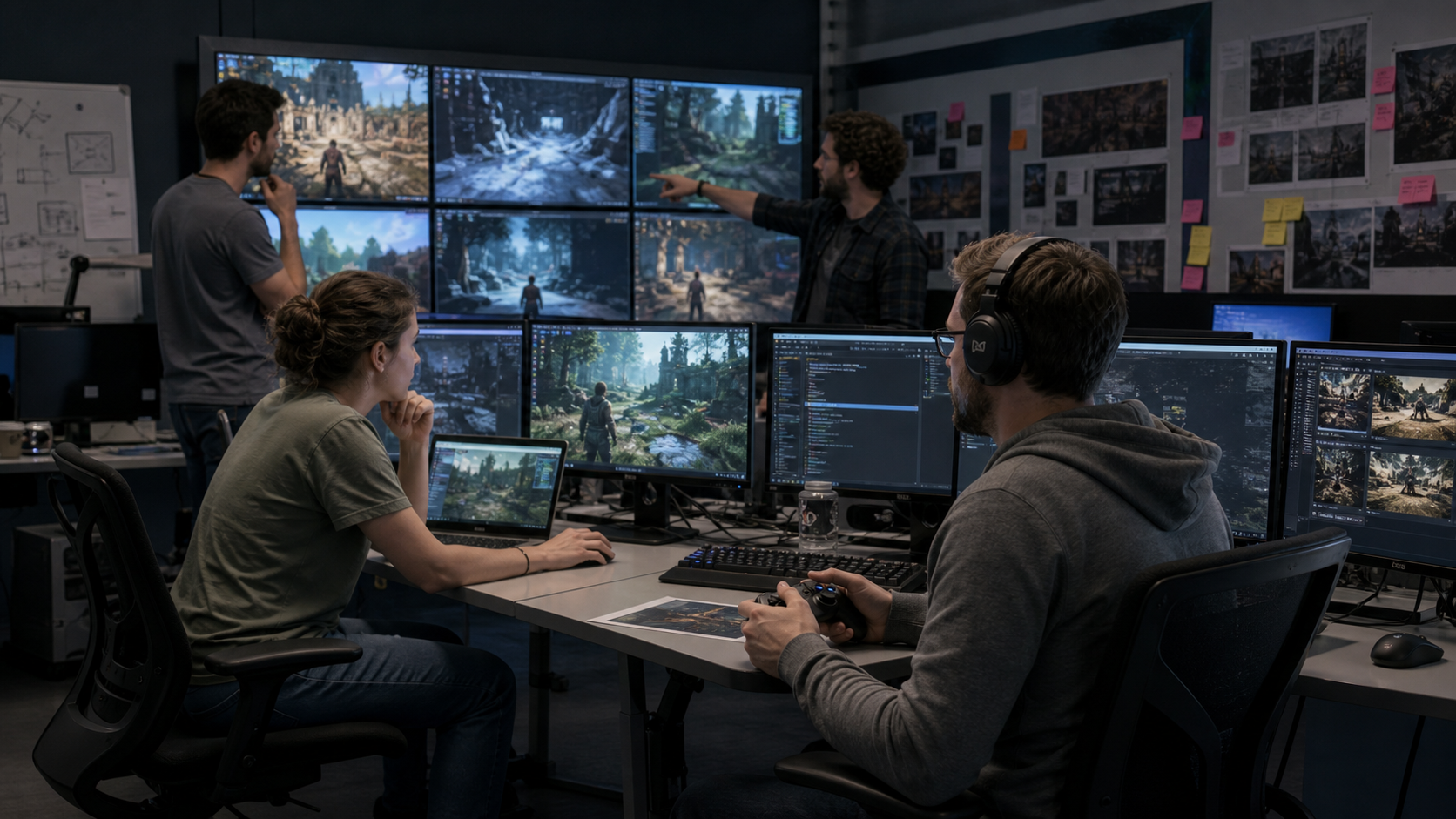
The best programs connect automated testing with the existing production rhythm. Designers should know which behaviors are being simulated. Producers should know which build gates depend on automated signals. Engineers should know how to reproduce flagged issues. QA leads should decide which alerts deserve human review. Readers exploring broader game workflows can also review Mimic Gaming services for related production context.
Where Simulation Improves QA Coverage
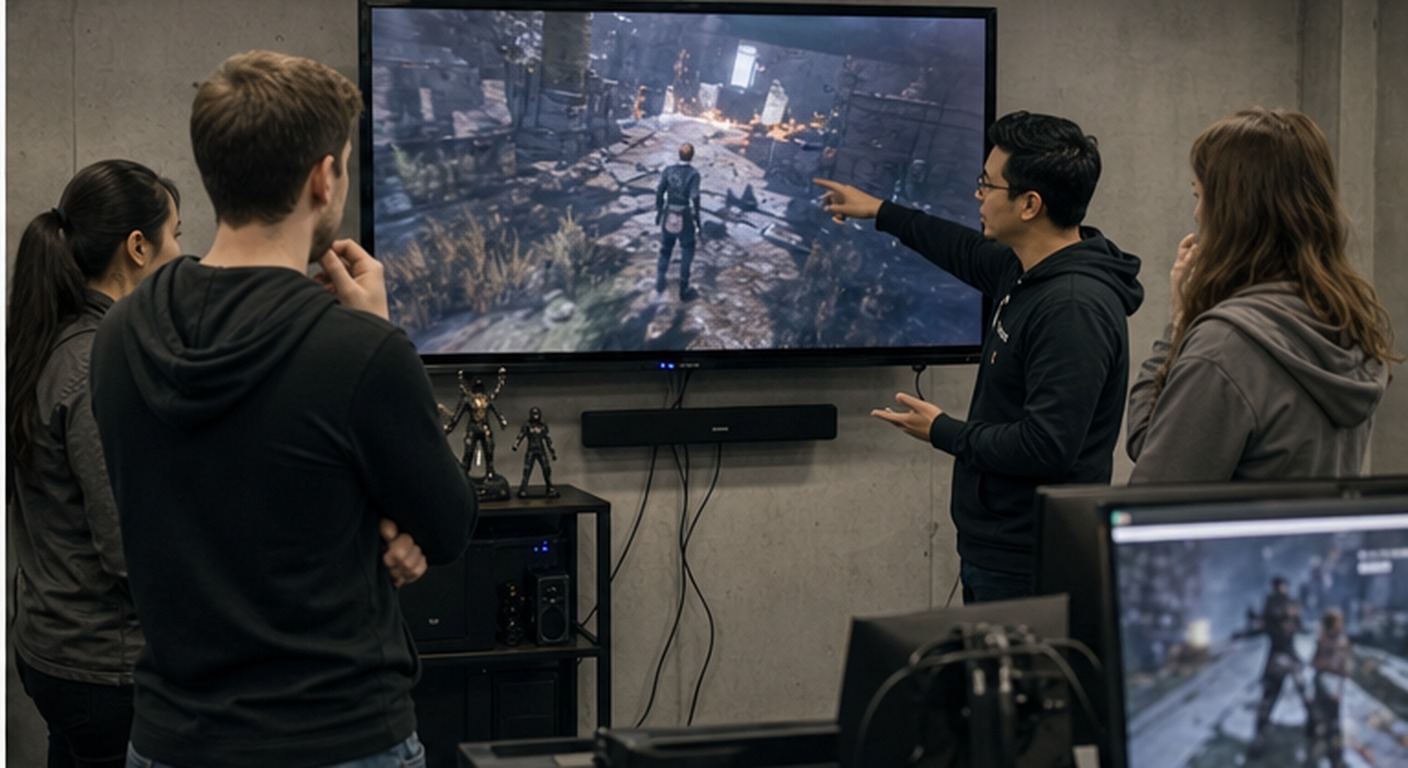
Simulation improves coverage in areas where repetition and variation matter. Movement systems are a clear example. Automated agents can test jumps, crouches, ledges, slopes, doors, collision boundaries, and navigation paths across many level states. In combat games, agents can run repeated encounters with different loadouts and aggression patterns. In economy-driven games, simulation can expose runaway currencies, reward imbalance, or unintended loops. In live-service games, automated checks can look for regressions after patches and content drops.
The value is not just volume. Simulation also creates better evidence. When an automated system finds a stuck path, it can attach coordinates, build version, agent goal, prior actions, hardware profile, frame data, and a short reproduction sequence. That context helps engineers diagnose issues faster. It also helps producers prioritize fixes because the issue is no longer described only as a vague experience; it is connected to frequency, severity, affected systems, and player impact.
Navigation testing can expose blocked paths, broken collision, unreachable objectives, and confusing level routes.
Combat simulation can reveal overpowering abilities, poor enemy response, timing exploits, and difficulty spikes.
Economy testing can identify reward imbalance, farming loops, progression gaps, and unintended scarcity.
Regression testing can rerun key scenarios after every build so old problems do not return unnoticed.
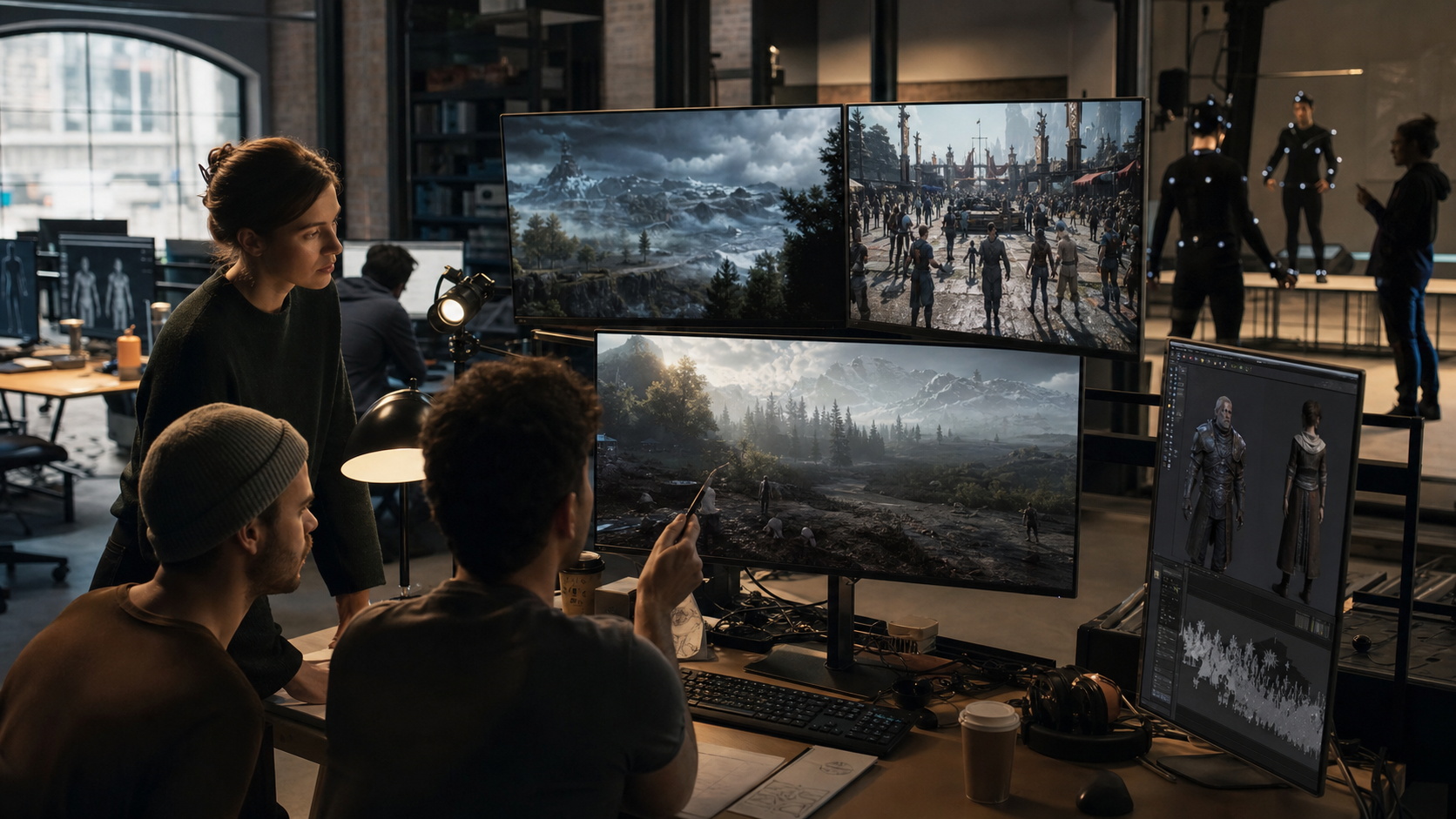
Studios should choose simulation targets based on risk. A small narrative game may focus on progression and save states. A competitive game may focus on fairness, latency, balance, and exploit discovery. A mobile game may focus on device performance, monetization flow, onboarding, and session recovery. A VR or XR game may focus on comfort, motion, interaction accuracy, and user safety. The testing model should match the product, not a generic checklist.
How Studios Build the Workflow
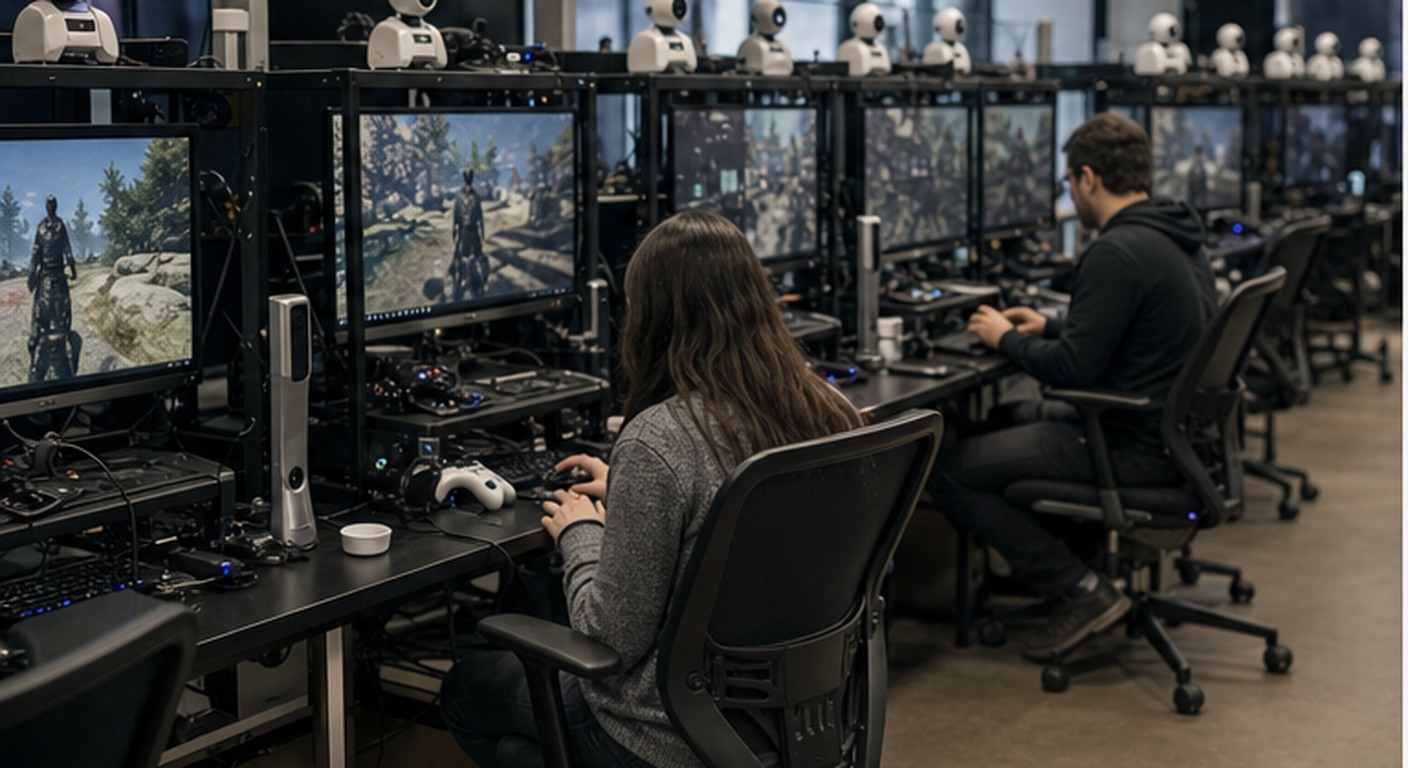
A practical AI testing workflow starts with a small group of high-value scenarios. The team defines the player goal, expected behavior, failure conditions, data to capture, and how the result will be reviewed. Then the scenario is automated and run against a known stable build. If the system produces too many false positives, the logic is refined before it becomes a build gate. This calibration stage is important because a noisy test system can create more work than it saves.
Once the first scenarios are stable, teams can connect the workflow to daily builds, milestone reviews, or live operations checks. QA leads should see a dashboard that separates crash-level issues, progression blockers, performance warnings, balance anomalies, and design-review notes. Engineers should receive reproducible tickets, not vague alerts. Designers should receive behavior summaries that help them judge whether the experience still feels right. Producers should receive trend lines that show whether quality is improving or slipping as the release date approaches.
The workflow should also include human play sessions. Automated agents can cover routes and patterns, but they do not replace taste. A bug-free sequence can still feel boring. A technically correct difficulty curve can still feel unfair. A balanced economy can still feel unrewarding. Human testers, designers, and target players remain essential because they evaluate emotion, clarity, delight, frustration, and accessibility. AI testing works best when it gives those people better evidence and more time.
Metrics That Matter
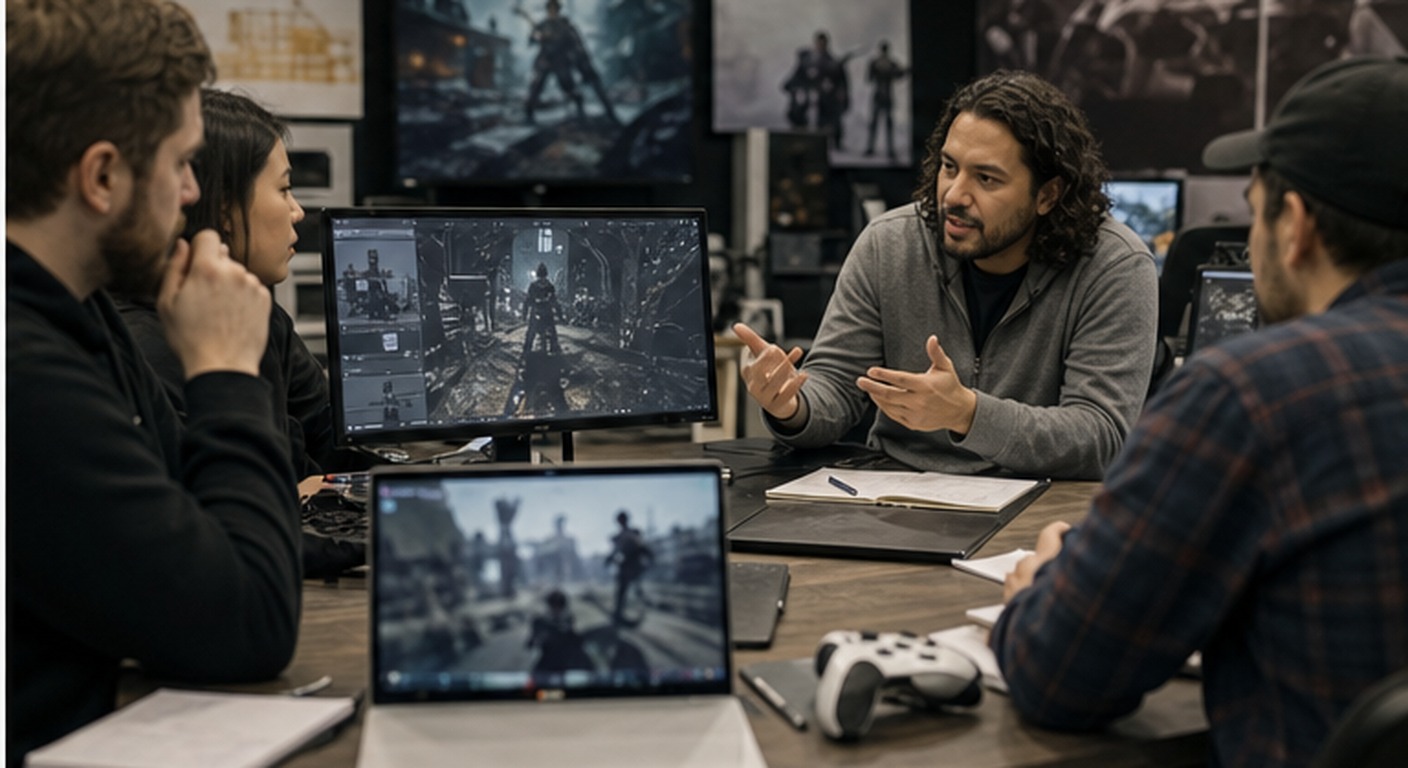
The right metrics turn AI testing from a novelty into a production system. Teams should track bug discovery rate, reproduction success, time to triage, false-positive rate, scenario coverage, build stability, crash frequency, progression blockers, performance anomalies, and regression recurrence. For live games, teams may also track player support themes, churn signals, matchmaking issues, economy imbalance, and content update stability. Metrics should be reviewed in context because a higher bug count may mean the product got worse, or it may mean the test system finally covers more important scenarios.
Quality leaders should also measure workflow health. Are automated reports clear? Are engineers able to reproduce flagged issues? Are designers receiving useful behavior summaries? Are false positives declining? Are scenarios being updated when game systems change? A testing system becomes stale if nobody maintains it. The most mature studios treat test scenarios like production assets, with ownership, versioning, review, and retirement rules.
Common Mistakes to Avoid
The first mistake is trying to automate every test at once. Teams should begin with repeatable, high-risk scenarios where automation clearly reduces friction. The second mistake is trusting AI signals without human review. Automated systems can misread design intent, overemphasize edge cases, or generate reports that look precise but do not matter to players. The third mistake is ignoring data quality. If build tags, event names, hardware profiles, and reproduction logs are inconsistent, the team will spend too much time interpreting evidence instead of fixing problems.
Studios should also avoid hiding the workflow from creative teams. Designers need to understand what agents are doing and why a scenario is being flagged. QA testers need permission to challenge automated conclusions. Producers need to see whether the system is reducing risk or simply producing more tickets. When the workflow is transparent, AI testing becomes a shared production tool instead of a separate technical experiment.
FAQ
Does AI game testing replace manual QA?
No. It expands coverage and speeds up reproduction, but human testers still judge playability, design intent, accessibility, fairness, and emotional quality.
What should studios automate first?
Start with repeatable high-risk scenarios such as progression routes, combat loops, device performance checks, menu flows, save states, and regression tests.
How does simulation help developers?
It provides clearer reproduction data, including build version, steps, coordinates, telemetry, affected systems, and frequency, so engineers can diagnose problems faster.
Which metrics prove value?
Useful metrics include coverage, triage time, reproduction success, false-positive rate, build stability, regression recurrence, crash frequency, and player-impact severity.
Conclusion
AI game testing works when it becomes part of the studio operating rhythm. It should expand QA coverage, improve evidence, help engineers reproduce issues, and give creative teams better signals before release. The strongest studios will not treat automated testing as a replacement for human judgment. They will use it to protect human judgment from repetitive noise. For related planning and production support, explore Mimic Gaming contact options and use this guide as a framework for the next QA workflow review.
 June 22, 2026
 July 6, 2026
 July 9, 2026