
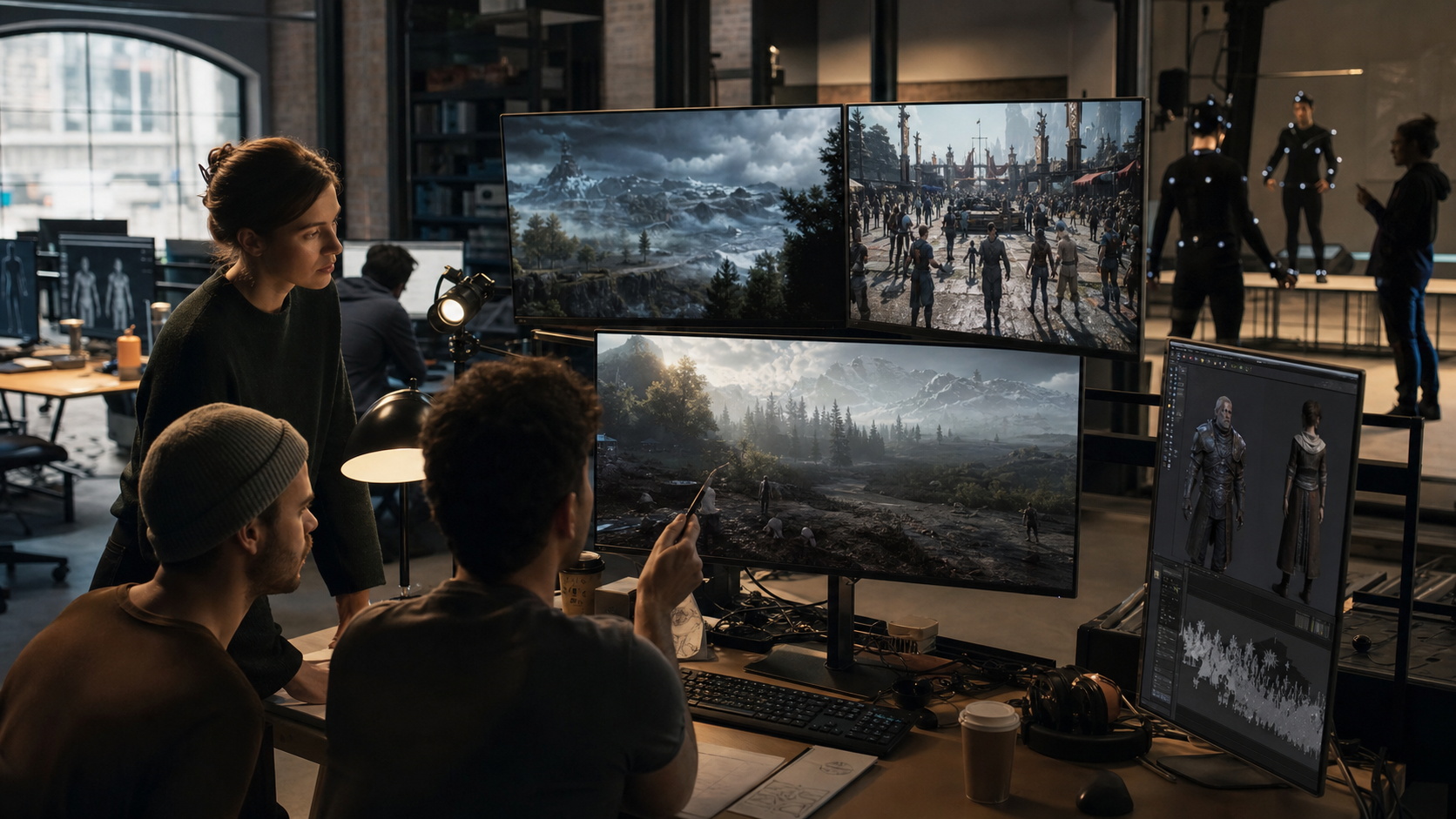
How do studios make complex game worlds feel alive before players ever touch the build?
Game simulation is the production layer that lets teams test behavior, motion, physics, environments, crowds, weather, NPC decisions, and AI playthroughs before those systems become launch-day risk. For modern studios, simulation is not only a genre label. It is a way to make game worlds measurable, repeatable, and believable while art, design, animation, engineering, and QA are still changing the project every week.
At Mimic Gaming, this sits close to the studio’s work in game development support, real-time engine integration, motion capture, AI-powered characters, XR systems, and technical art. The goal is simple: help studios see how characters and worlds behave under pressure, then refine the work before players notice the seams.
What Game Simulation Means in Modern Pipelines
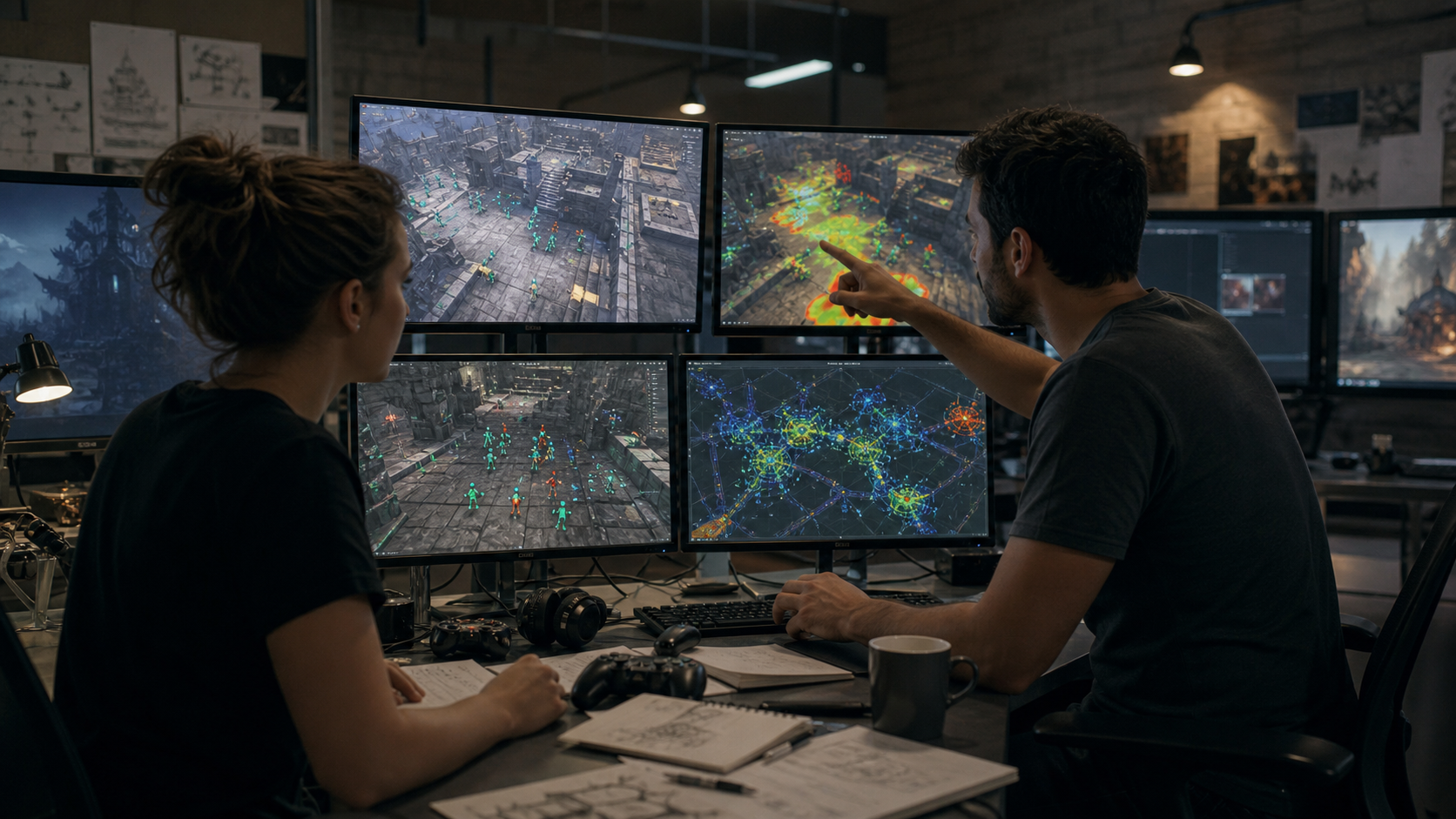
In a production pipeline, game simulation means building repeatable conditions that show how a world behaves. A designer may simulate enemy patrols across a combat space. A technical artist may test weather, lighting, crowds, water, cloth, destruction, and performance budgets. An animation team may review how motion capture, procedural layers, and state machines respond when a character is interrupted, hit, tired, or guided by AI.
That makes simulation a shared language between creative and technical teams. Instead of asking whether a scene feels right only in a hand-picked moment, the team can ask better questions: What happens after ten minutes of play? What if a crowd blocks the objective? What if weather reduces visibility? What if the player ignores the intended route? What if an NPC remembers, reacts, or chooses differently?
This is why game simulation connects naturally to Mimic Gaming’s applications across character performance, real-time gameplay animation, AI-driven NPCs, creature movement, and XR experiences. Simulation gives those assets context. A beautiful character only becomes production-ready when the studio understands how that character moves, reacts, blends, performs, and holds up inside the actual game environment.
Design simulation tests whether mechanics, routes, difficulty, and player choices create the intended experience.
Animation simulation tests whether movement states, mocap data, procedural layers, and reactions blend naturally.
Environment simulation tests lighting, crowds, weather, physics, scale, traversal, and performance under real use.
AI simulation tests NPC decisions, automated playthroughs, edge cases, memory, and repeated behavior over time.
Where Simulation Fits from Prototype to Polish
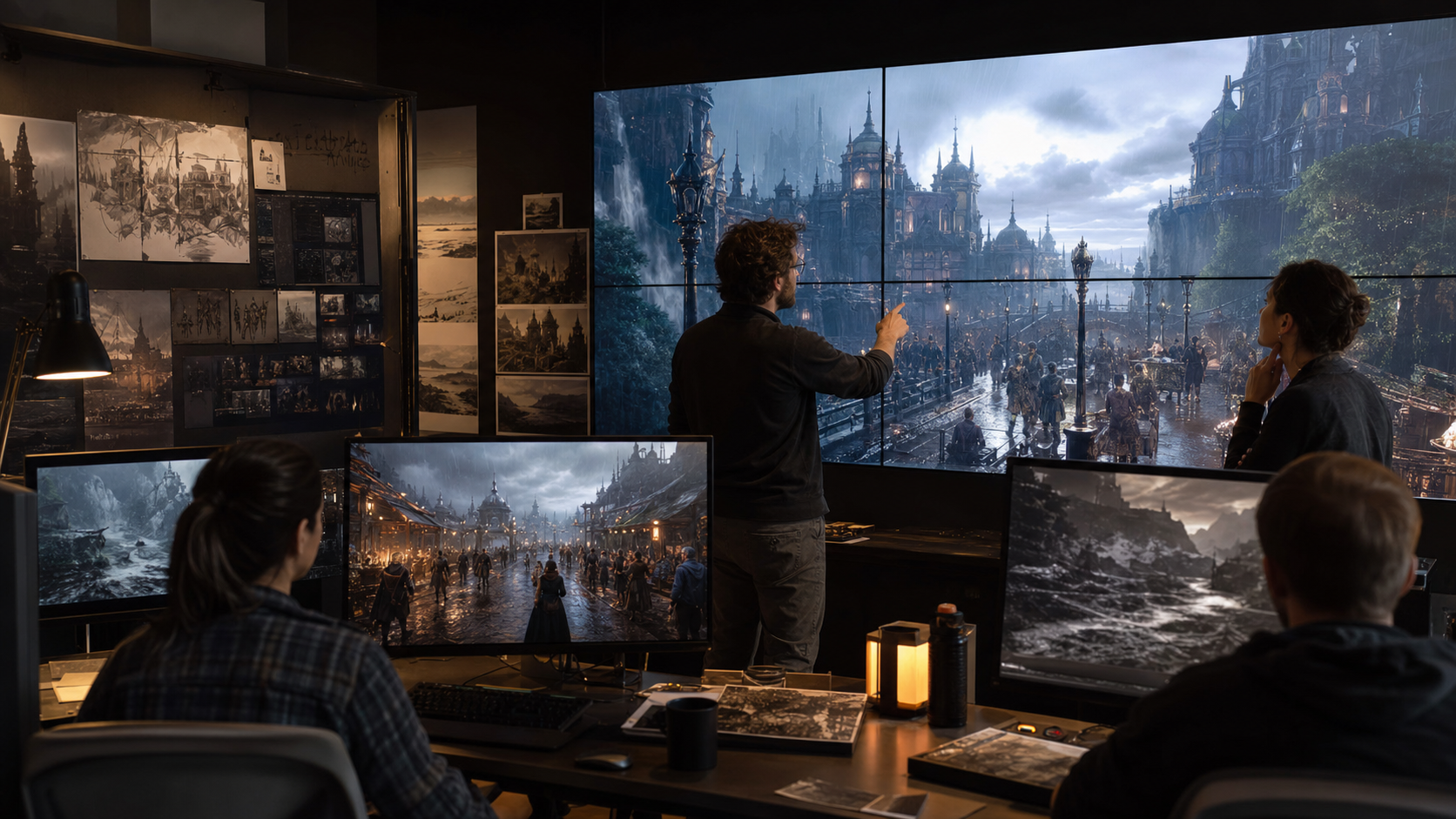
Simulation should start earlier than many teams expect. In pre-production, lightweight tests can reveal whether a concept has the right feel. A prototype can answer whether a stealth route is readable, whether AI companions interfere with traversal, whether an open space supports combat flow, or whether an XR interaction feels comfortable from the player’s point of view.
During production, simulation becomes a quality control layer. Teams can test whether character assets from stylized and photoreal character creation still read clearly in motion, whether real-time gameplay animation supports player input, and whether scanned props, environments, VFX, and lighting remain stable in the target engine.
Late in production, simulation helps catch the painful issues that only appear at scale: NPCs clustering in strange places, weather effects hiding navigation, performance spikes in crowded scenes, combat animations failing near geometry, or automated agents finding exploits. These are the issues that can survive manual spot checks because no single tester can replay every condition with perfect consistency.
Prototype stage: prove core feel, movement, scale, camera, and interaction clarity before expensive polish begins.
Production stage: test assets, animation states, behavior systems, environments, and technical performance in context.
Polish stage: stress-test edge cases, repeated play, AI routes, crowds, weather, collisions, and platform constraints.
Launch support: reuse simulation captures for trailers, explainers, publisher updates, and live-ops improvements.
Key Systems Studios Should Simulate
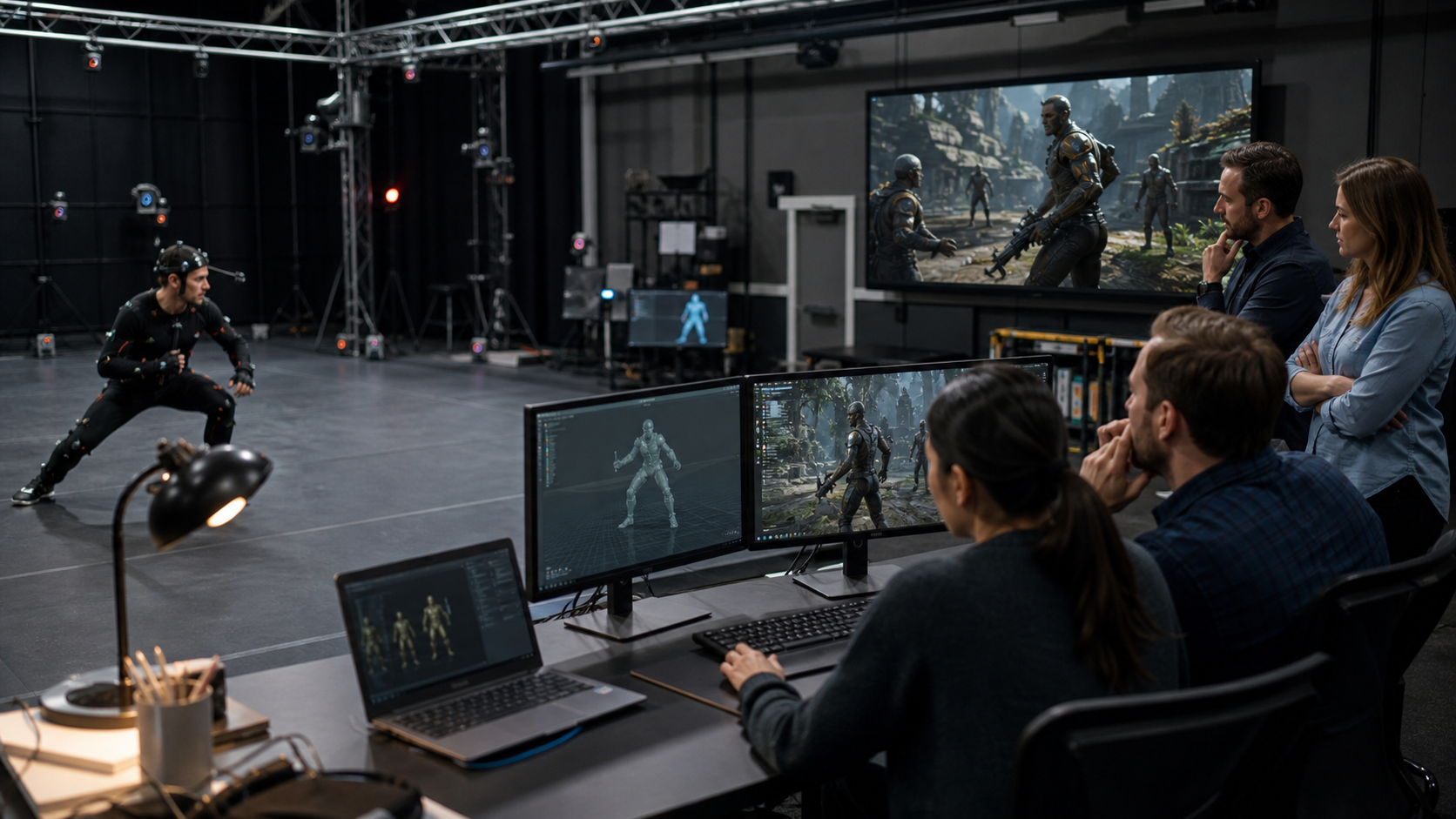
Not every system needs the same simulation depth. The best candidates are systems that produce emergent outcomes, depend on repeated interaction, or combine multiple disciplines. Movement, AI, crowds, combat, procedural animation, physics, weather, and XR interaction all fall into this category because they can look correct in isolation and fail when combined.
NPCs are a clear example. A single idle animation may look polished, but the character also needs navigation, gaze, conversation timing, memory, interruption handling, combat response, and proximity behavior. Mimic Gaming’s work in AI-driven NPCs and digital companions becomes stronger when those characters can be tested in repeated situations rather than judged from one perfect demo.
XR and spatial experiences need similar discipline. In headset-based play, a small mismatch between motion, scale, comfort, and interaction can break presence quickly. Simulation helps teams test reach distance, hand poses, object behavior, player comfort, avatar embodiment, and environment feedback across hardware constraints. That is why XR work should connect simulation to XR, VR, and AR game experiences from the start.
Crowds and traffic: density, pathfinding, avoidance, pacing, visibility, and performance under load.
Weather and dynamic worlds: rain, wind, lighting, water, particles, destructibles, and player readability.
Character movement: mocap cleanup, retargeting, procedural layers, state blending, and hit reactions.
AI companions and NPCs: dialogue timing, memory, reaction logic, emotional tone, and behavior loops.
Trailer and marketing scenes: representative gameplay, stable capture builds, and systems that look honest on camera.
AI Testing, NPC Behavior, and Real-Time Review
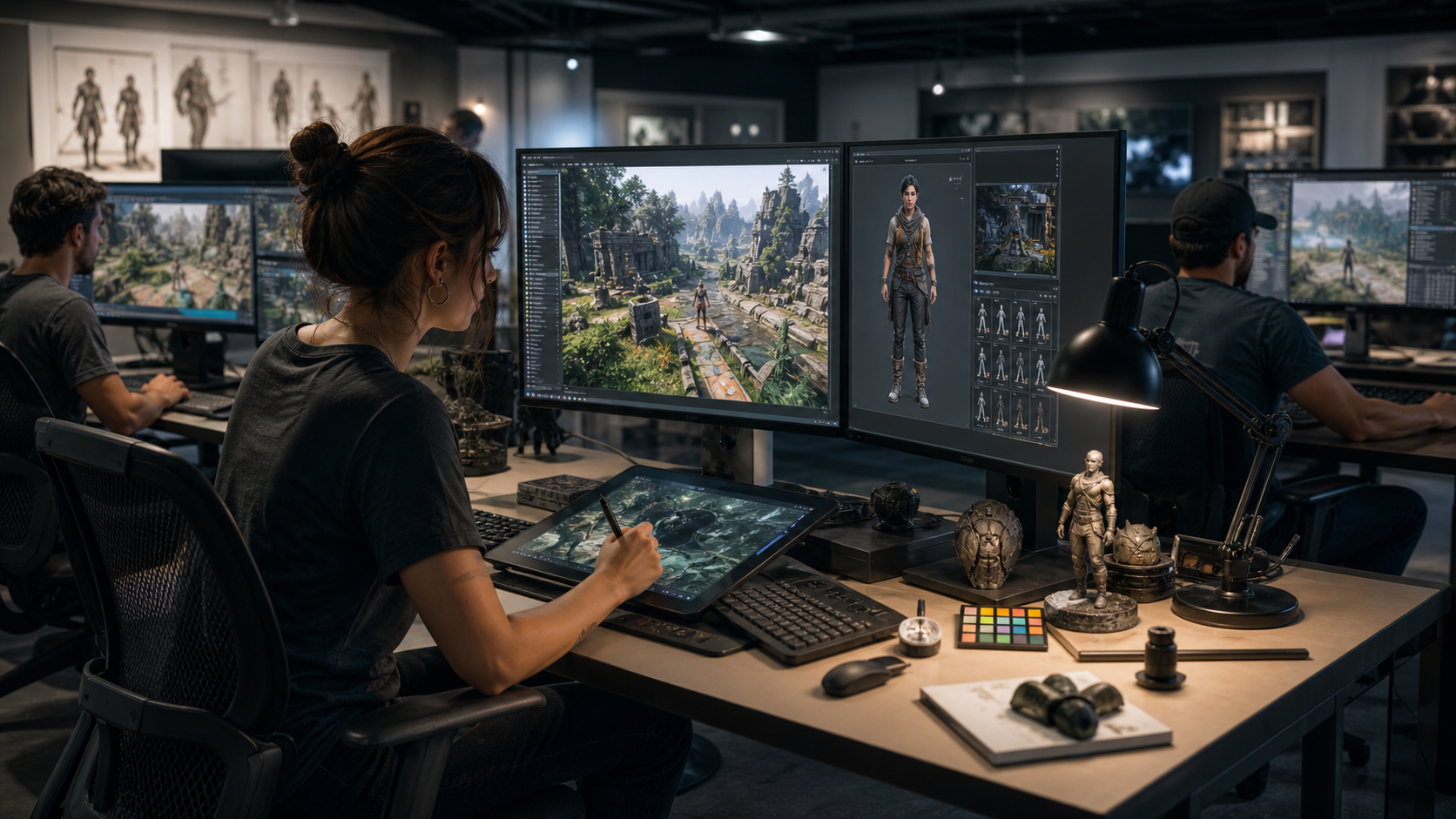
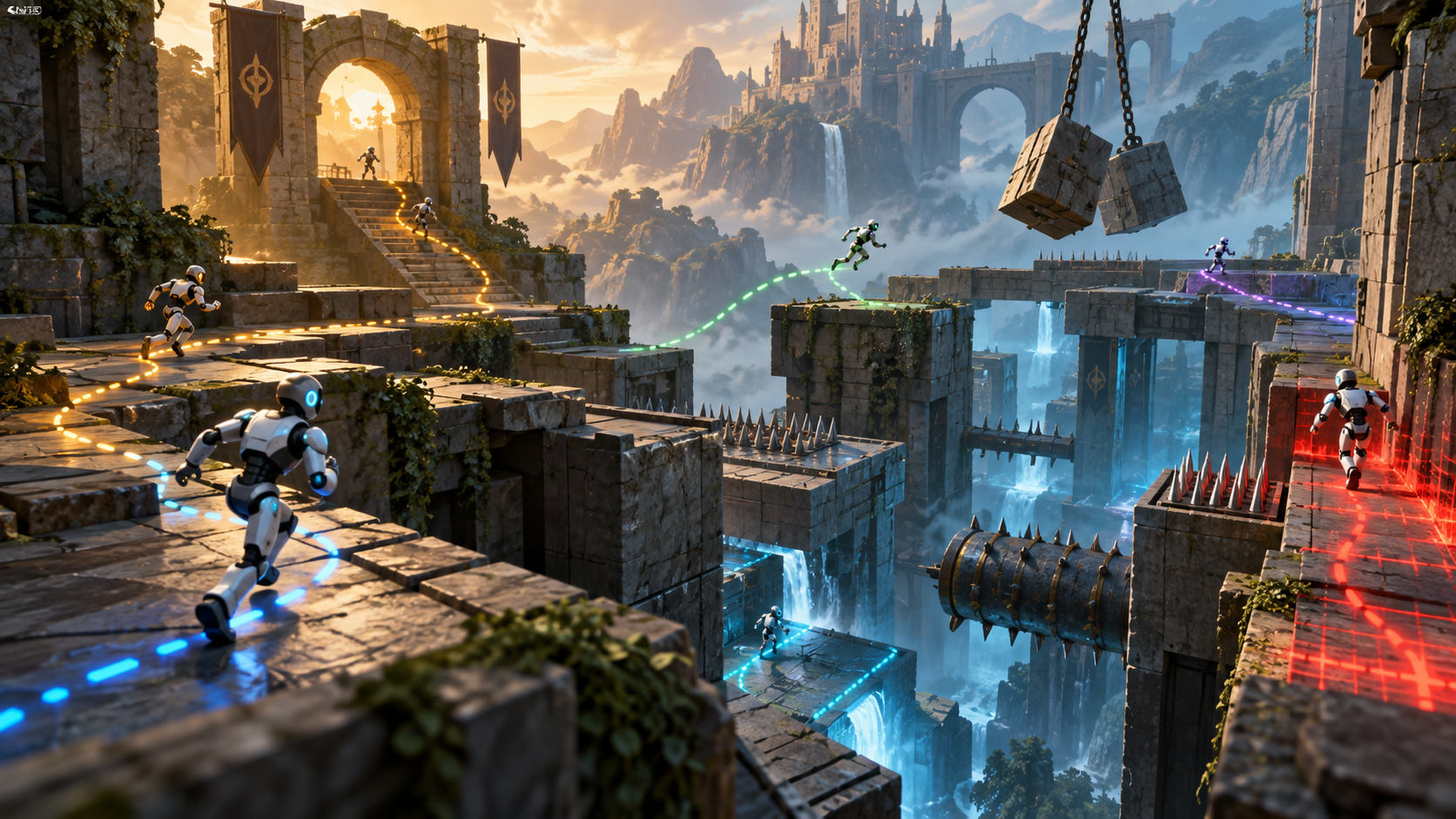
AI testing changes what simulation can do for a studio. Instead of waiting for human testers to rediscover the same bug, automated playthroughs can repeat routes, stress systems, expose rare interactions, and document patterns over time. That does not replace human taste or design judgment. It gives the team more evidence before humans decide what the experience should become.
This connects directly to AI game testing simulation, where automated agents can help find broken progression, impossible objectives, bad collision, weak enemy responses, unreliable triggers, or difficulty spikes. When paired with animation and character review, AI testing can also reveal whether NPCs move naturally, react believably, and maintain the emotional tone intended by the design team.
Real-time review is the final piece. Simulation is most useful when the right people can see it together: designers judging intent, animators judging motion, engineers judging performance, QA judging risk, and producers judging schedule. Mimic Gaming’s motion capture and 3D scanning technology supports this process because captured performance, scanned assets, and engine-ready characters need to be reviewed inside the environments where players will meet them.
A practical review loop can be simple: define the scenario, run the simulation, capture results, review with discipline leads, adjust assets or logic, then rerun the same conditions. Over time, the team builds confidence that a world is not only beautiful in selected moments, but resilient across the many strange paths real players will take.
Use automated runs for repeated stress, route testing, trigger checks, combat loops, and hard-to-reproduce bugs.
Use human review for tone, readability, emotion, genre fit, cinematic quality, and player promise.
Use real-time engine sessions to connect art, animation, AI, technical art, and QA decisions quickly.
Use production partners when the team needs more capacity for capture, cleanup, characters, environments, or technical support.
FAQ
What is game simulation in game development?
Game simulation is the practice of testing how gameplay systems, characters, environments, physics, AI, and player choices behave under repeatable conditions before and during production.
Why does simulation matter for modern studios?
It helps teams find design, animation, AI, performance, and world-building issues earlier, when they are cheaper to fix and easier to discuss across departments.
Which systems should a studio simulate first?
Start with systems that create unpredictable results: NPC behavior, crowds, navigation, combat, traversal, physics, weather, procedural animation, XR interactions, and automated playthroughs.
How does AI game testing use simulation?
AI game testing can run repeated playthroughs, explore routes, stress objectives, reproduce bugs, and reveal behavior patterns that would take human testers much longer to find manually.
Can simulation improve NPC design?
Yes. Simulation helps teams test NPC movement, reactions, memory, dialogue timing, proximity behavior, emotional tone, and decision logic across repeated gameplay scenarios.
How does motion capture connect to game simulation?
Motion capture creates realistic performance data, while simulation shows whether that movement blends, interrupts, reacts, and performs naturally inside actual gameplay conditions.
Is game simulation only useful for simulation games?
No. RPGs, action games, FPS games, XR projects, story games, open worlds, and multiplayer titles all use simulation to test behavior, movement, systems, and player experience.
How can Mimic Gaming support simulation-ready production?
Mimic Gaming supports studios with motion capture, 3D scanning, AI-powered characters, real-time engine integration, XR assets, technical art, animation, and game development support.
Conclusion
Game simulation gives studios a clearer way to judge whether a world is ready for players. It turns behavior into evidence, helps departments review the same scenario, and exposes risks that polished screenshots or isolated demos can miss. For teams building complex characters, AI companions, immersive environments, dynamic worlds, or cinematic gameplay, simulation is one of the most practical ways to protect quality before launch.
If your studio needs help turning characters, worlds, motion, AI behavior, XR assets, or technical art into production-ready game systems, talk to Mimic Gaming about simulation-aware game development support built for real pipelines, real engines, and real production schedules.
 June 22, 2026
 June 15, 2026
 July 9, 2026