
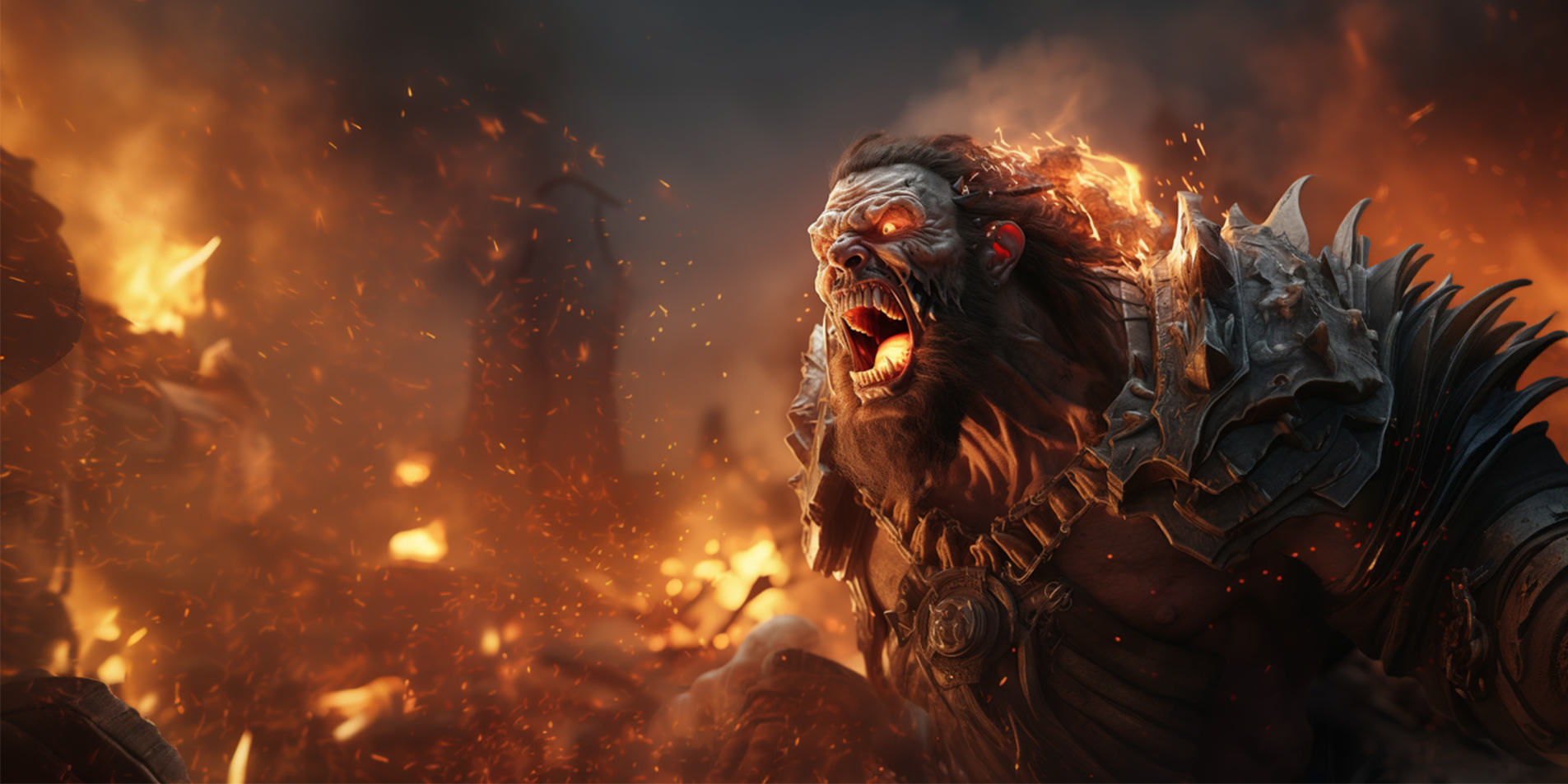

Can 3D scanning services shorten asset production without creating a cleanup bottleneck?
Yes—when capture is planned around the final gameplay use. Scanning can preserve identity, proportion, costume detail, and real-world surface information faster than building every element from scratch, but raw data still needs an intentional art and technical pipeline.
This studio guide explains how game teams move from capture planning to clean geometry, textures, rigging, optimization, and engine validation. It is designed for producers, art directors, character leads, and technical artists evaluating scan-based characters, props, and environments.
What 3D Scanning Services Deliver for Games
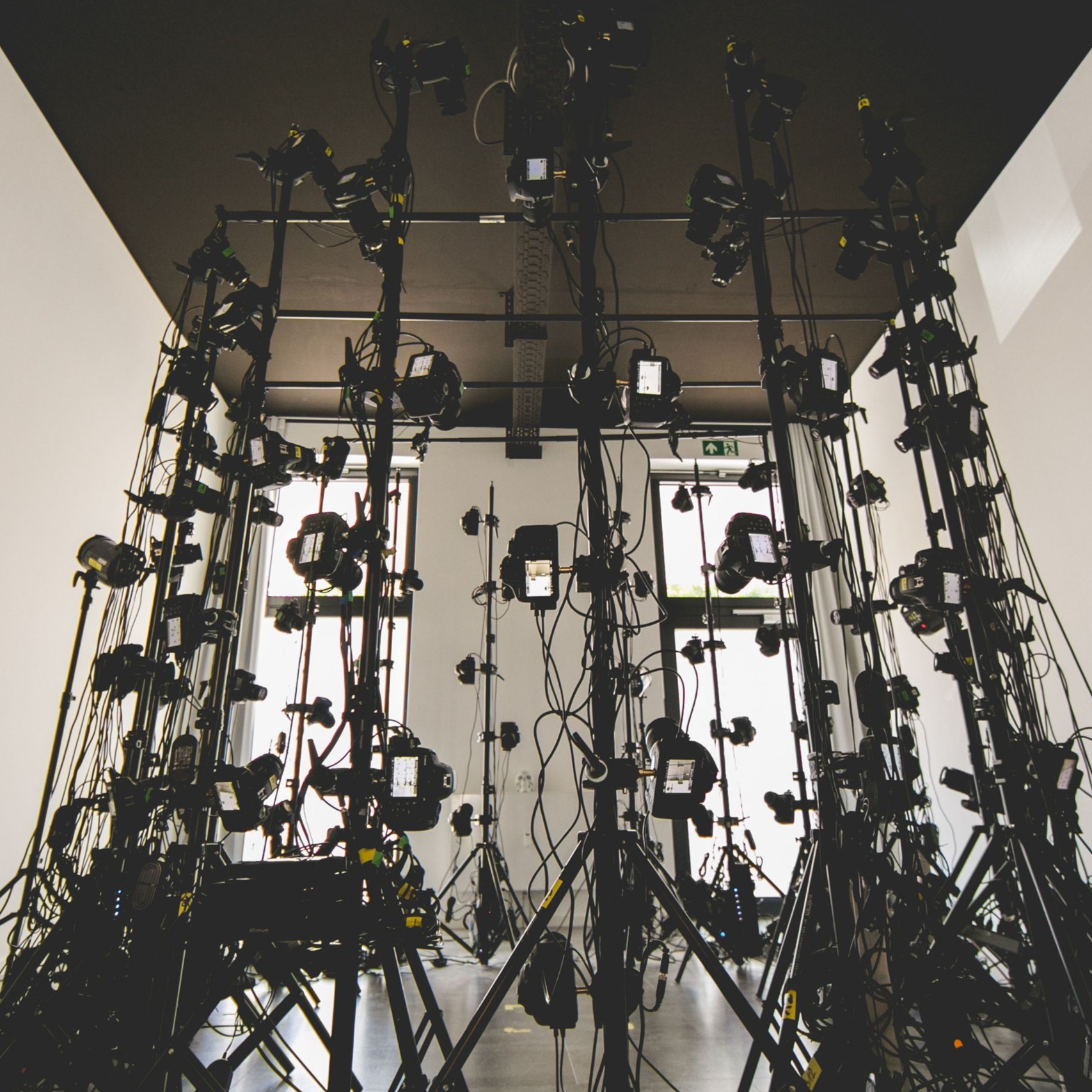
Professional 3D scanning services convert a physical subject into measurable digital geometry and texture references. For game teams, the useful output is not simply a dense point cloud or a beautiful raw mesh. It is a controlled source asset that can move through retopology, UV creation, texture cleanup, rigging, animation, optimization, and engine validation without losing the qualities that made the scan valuable.
Studios use scanning for faces, full bodies, costumes, props, weapons, practical materials, architectural details, and reference libraries. The capture method changes with the subject: a synchronized photogrammetry array may freeze facial expression or a full-body pose, structured-light scanning can record precise surfaces, and targeted photography can extend coverage into difficult materials or spaces.
The production question is therefore not “can it be scanned?” but “what must the scan become?” A cinematic digital double, a customizable player avatar, a background crowd character, and a reusable prop library have different topology, texture, rig, LOD, and approval requirements. Mimic Gaming’s 3D scanning and motion-capture capabilities connect capture decisions to the final engine use instead of treating scanning as an isolated technical event.
High-density geometry and calibrated photographic reference
Cleaned source data with holes, noise, and alignment issues resolved
Retopologized, UV-ready meshes suited to deformation or static use
Texture sets prepared for the target material and lighting pipeline
Documented scale, naming, color, and delivery conventions
Plan the Scan Backward from Gameplay
A reliable scan begins with a production brief. Define where the asset appears, how close the camera gets, what it must do, which platforms it must support, and who owns downstream work. A hero face used in dialogue needs different capture density and facial preparation from a helmet seen at mid-distance. A costume intended to deform needs clear separation of layers and material behavior, while a rigid prop may prioritize dimensional accuracy.
Prepare the subject as carefully as the equipment. Reflective, transparent, translucent, very dark, and moving surfaces can create missing or inconsistent data. Hair, loose fabric, eyelashes, and glossy makeup need special handling. The team should decide which features will be captured directly, which will be reconstructed manually, and which require separate reference photography. That decision avoids discovering after the session that the scan cannot support the desired final asset.
Build the capture plan into the wider game development outsourcing brief. Record target engine, skeleton, texture workflow, naming, source-file policy, review gates, and acceptance tests. When an external partner is involved, clarify whether delivery stops at raw scan data or includes a fully integrated character, prop, or environment asset.
A short technical rehearsal is valuable for complex subjects. Test the lighting, calibration, marker strategy, pose, costume, and expected file sizes. Confirm that the performer can hold the pose without strain and that key regions are visible. A rehearsal is cheaper than reconstructing occluded hands, costume folds, or facial areas after the capture day.
From Capture to Clean Geometry
Capture produces evidence, not a finished game asset. Even a strong session can contain floating fragments, background geometry, alignment seams, holes, doubled surfaces, or inconsistent detail. Cleanup removes technical noise while preserving identity, proportion, construction, and surface character. The artist must distinguish a capture defect from a real asymmetry or material feature.
The raw mesh is usually too dense and irregular for animation or efficient rendering. Retopology rebuilds the surface with purposeful edge flow and a controlled polygon budget. For characters, loops must support the mouth, eyes, shoulders, hands, and other deformation zones. For props and environments, topology should support silhouette, baking, modularity, collision, and LOD creation rather than deformation.
This is where scanning joins video game character design rather than replacing it. Artists still make choices about silhouette, readability, exaggeration, costume construction, hair, and material response. A scan can supply realism and specificity, but art direction determines what survives, changes, or becomes more legible in gameplay.
Bake high-resolution detail into normal, displacement, cavity, or other maps only after the low-resolution asset and UV strategy are stable. Check projection errors around thin layers, fingers, ears, straps, seams, and intersections. Preserve a clean version of the high-resolution source so later changes do not force a new capture.
Build Believable Textures and Digital Doubles
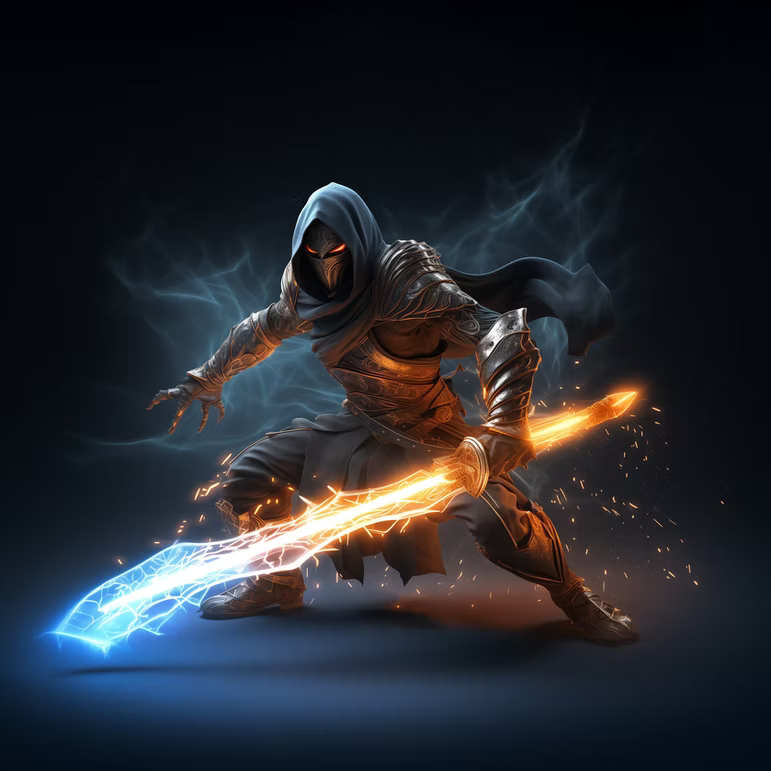
Geometry alone does not create a believable digital double. Calibrated color reference, cross-polarized photography, material samples, and lighting-neutral texture capture help separate surface color from highlights and shadows. The goal is a texture set that behaves correctly under new lighting, not a photographic look baked into the albedo.
Skin needs special care because pores, fine wrinkles, blood flow, oil, translucency, and micro-normal detail operate at different scales. Costume materials need equally deliberate treatment: leather, woven fabric, painted metal, rubber, and weathered surfaces should not collapse into one generic roughness response. When the source contains logos or protected designs, confirm the rights and intended use before production.
For photoreal or stylized characters, scan data should serve the chosen art direction. Mimic Gaming’s custom character creation services can combine accurate capture with sculpting, grooming, texturing, and rig-ready preparation. The same source may support a cinematic asset, gameplay model, marketing render, and lower-spec variant, but each needs its own validation.
Texture review should happen in representative engine lighting. A neutral look-development scene reveals calibration problems; gameplay scenes reveal whether the asset reads under real exposure, color grading, fog, shadows, and post-processing. Review multiple skin tones and material ranges without assuming one lighting setup represents the whole game.
Prepare Scanned Assets for Rigging and Animation
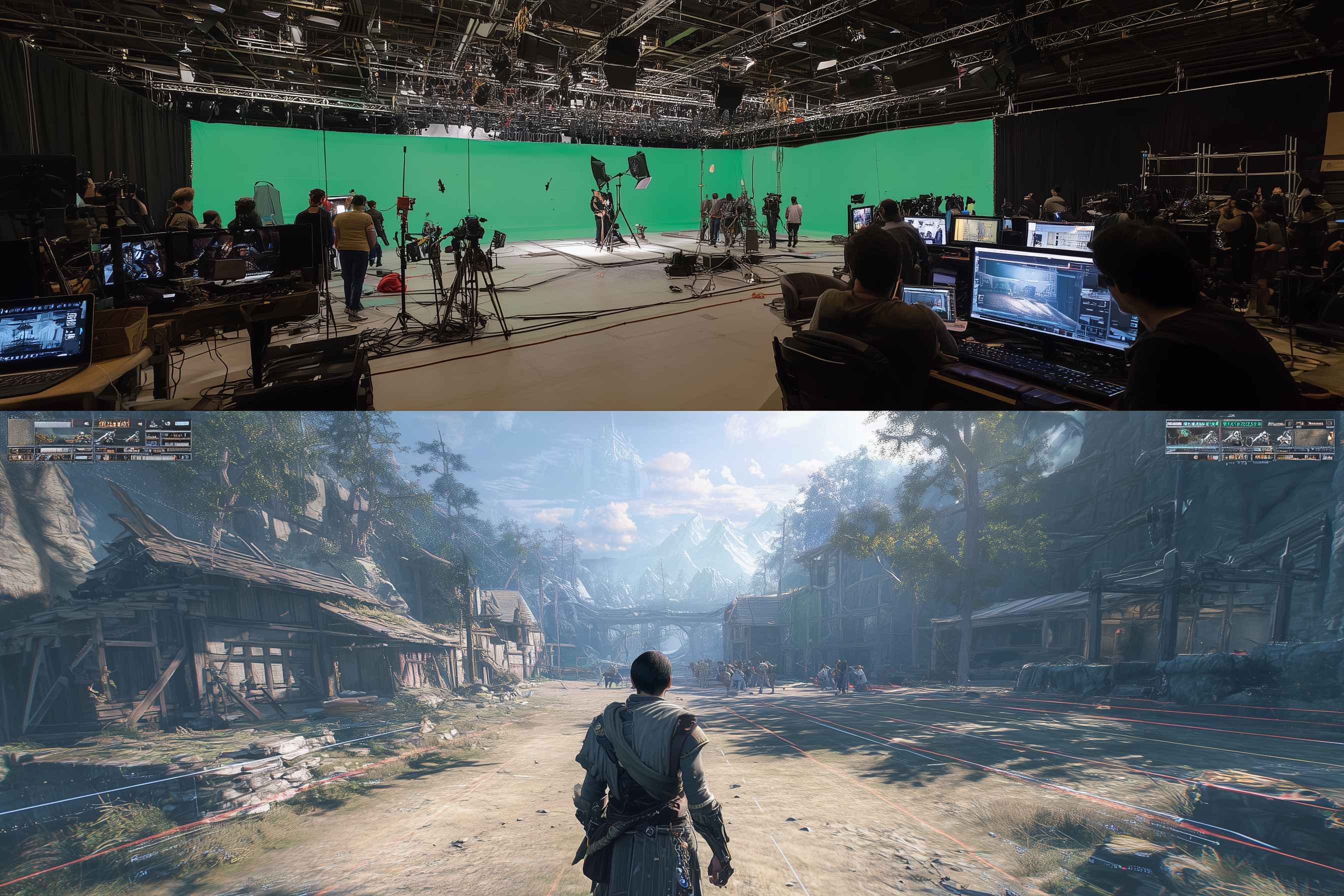
A visually accurate scan can still fail as a character if it cannot deform. Before rigging, verify a neutral pose, clean intersections, consistent scale, adequate mouth and eyelid thickness, separated eyes and teeth, and topology that supports the intended facial and body system. Decide early whether the character uses a shared production skeleton, a custom rig, blendshapes, joints, machine-learning deformation, or a hybrid.
Body proportions captured from a performer may not align perfectly with an existing skeleton. Retargeting choices affect shoulder placement, limb length, foot contact, reach, and animation silhouette. Solve those differences explicitly rather than forcing the mesh onto a rig and hiding problems with skin weights. Facial scans also need an expression strategy: neutral capture, expression poses, FACS coverage, or performance-specific shapes.
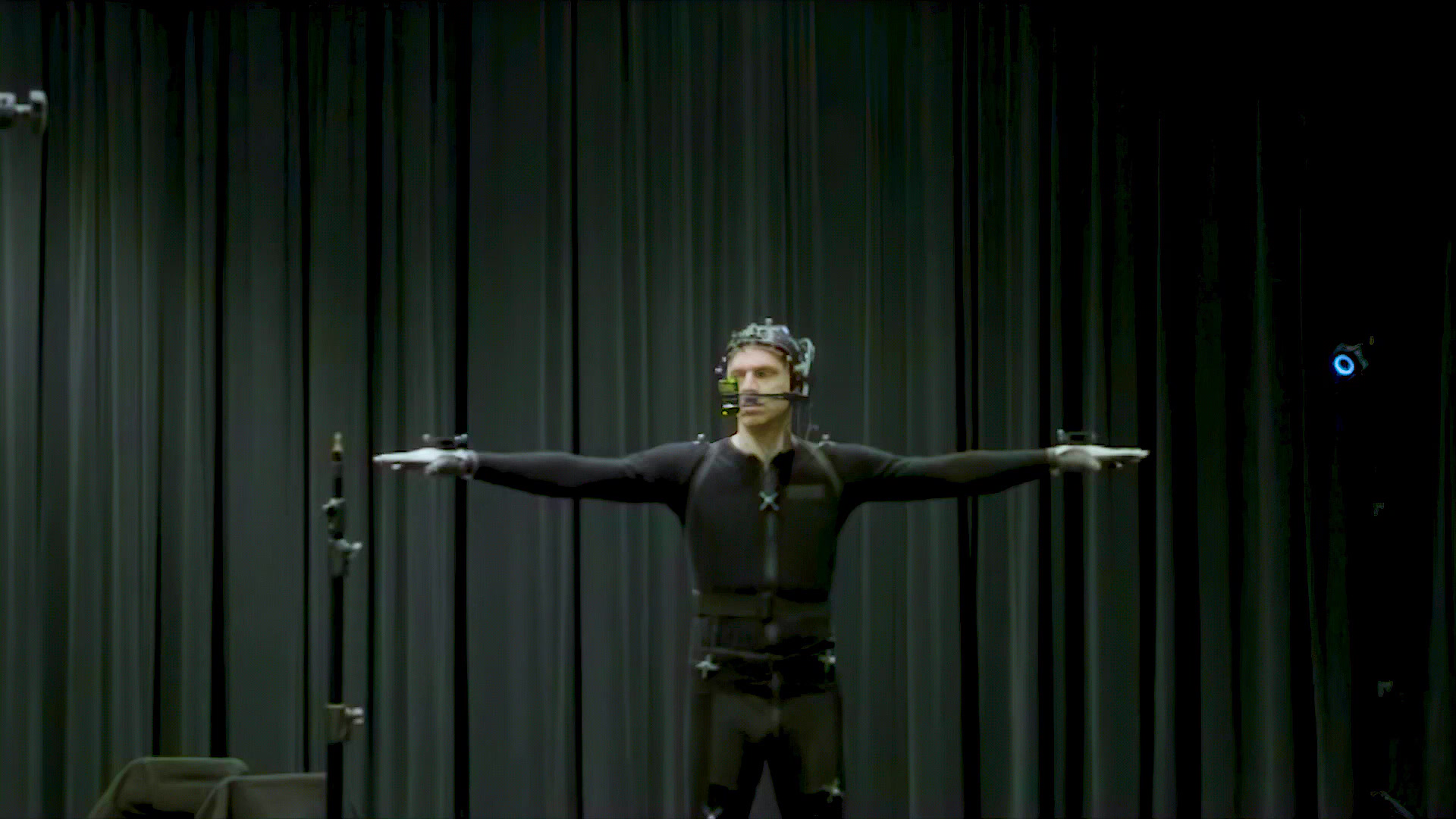
Scanning and real-time gameplay animation meet at deformation and engine testing. Put representative locomotion, combat, dialogue, and extreme poses onto the asset early. Check volume preservation, cloth intersections, eye closure, lip contact, neck motion, and transitions. If motion capture is part of the project, use the same skeleton and coordinate conventions across capture, cleanup, retargeting, and implementation.
For broader animation planning, the video game animation pipeline guide explains why gameplay responsiveness and cinematic performance require different review criteria even when they share characters and source data.
Optimize and Validate in Unreal, Unity, or Proprietary Engines
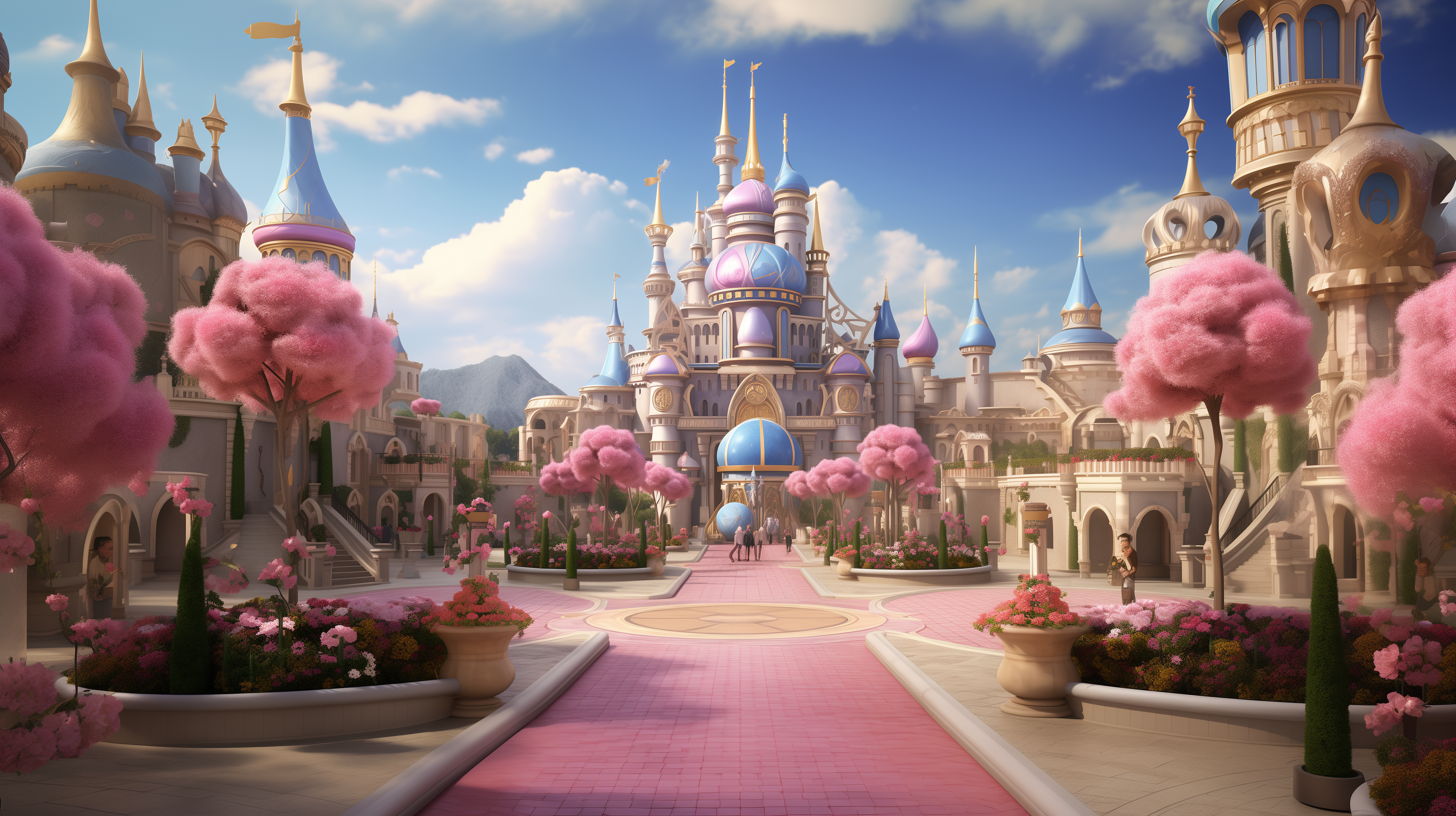
Raw scan density is incompatible with most real-time budgets. Optimization should be planned by use case, camera distance, platform, and asset count. A single hero head, a crowd of scanned characters, a library of props, and a photogrammetric environment impose different CPU, GPU, memory, streaming, and storage costs.
Create LODs with silhouette and deformation in mind. Reduce internal and unseen geometry, consolidate materials where appropriate, choose texture resolutions by screen coverage, and design streaming groups around how assets appear in play. Collision meshes, lightmap UVs, instancing, virtualized geometry, and texture compression should be validated in the target engine rather than assumed from an offline render.
Mimic Gaming’s game asset optimization guide for Unreal and Unity provides a practical framework for balancing fidelity and runtime performance. The technical art pipeline overview also shows how validation tools, naming rules, exporters, and automated checks prevent scan-derived assets from becoming one-off exceptions.
Measure performance in representative scenes and on target hardware. Inspect frame time, draw calls, shader complexity, memory residency, texture streaming, animation cost, and load behavior. A scan asset is finished only when it looks right, deforms correctly, follows pipeline rules, and stays inside the production budget.
How to Choose a 3D Scanning Partner for Games

A capable partner should discuss the final game asset before recommending a scanner. Ask for examples that show raw capture, cleanup, retopology, textures, rigging, LODs, and in-engine results. Beautiful turntables prove presentation quality, but production teams also need clean source files, predictable naming, technical documentation, and transparent ownership of each pipeline stage.
Evaluate the capture environment, calibration process, backup strategy, data security, and ability to handle sensitive performers or unreleased IP. Confirm whether the partner can work with your engine, skeleton, DCC tools, version-control rules, and review platform. If travel is involved, define who manages performers, releases, wardrobe, props, and reshoots.
The same due diligence used to choose a motion capture partner applies here: judge the path from session to shippable result. Ask how the team identifies capture risk, communicates limitations, estimates cleanup, handles change requests, and validates delivery inside gameplay.
Request a representative test asset with agreed acceptance criteria
Confirm every included and excluded pipeline stage in writing
Review data retention, security, performer consent, and IP terms
Name the technical owner on both client and vendor teams
Agree on revision gates before high-cost downstream work begins
Cost, Timeline, and Deliverables
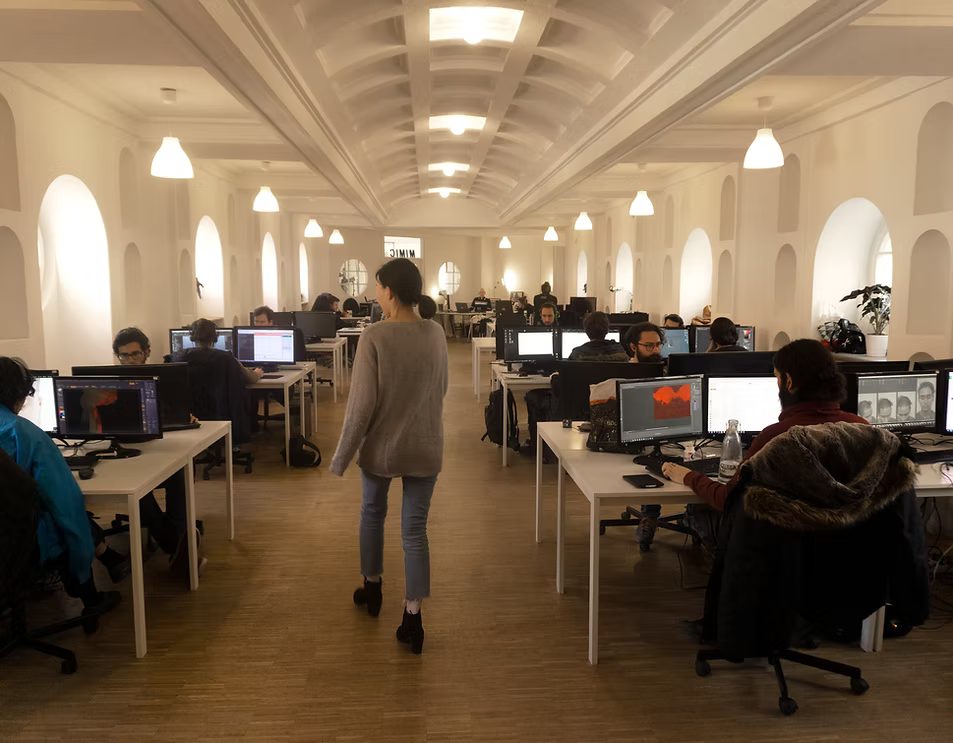
The cost of 3D scanning services depends less on one scanner rate than on the complete path to approval. Subject count, capture method, setup complexity, travel, performer time, costume and prop handling, resolution, cleanup difficulty, topology, textures, hair, rigging, expressions, LODs, engine integration, and revision cycles all affect the estimate.
Separate fixed session costs from per-asset production costs. A multi-camera stage may have a meaningful setup cost but capture many subjects efficiently once calibrated. Cleanup and asset creation then scale by complexity. Transparent estimates state assumptions: pose count, texture size, target polygon budget, skeleton, expression coverage, deliverable formats, review rounds, and expected client inputs.
When comparing a specialized scan engagement with broader game development outsourcing, compare equivalent deliverables. One quote may end with raw data while another includes a textured, rigged, optimized, engine-tested asset. The lower headline number can become more expensive if the client must coordinate every downstream handoff.
Use milestones that expose risk early: brief approval, technical test, capture review, cleaned high-resolution asset, retopology and UV approval, texture review, rig or deformation test, LOD review, engine integration, and final archive. Each gate should have a named reviewer and measurable definition of done.
3D Scanning Services FAQ
What are 3D scanning services for games?
They capture physical people, props, costumes, or spaces as digital geometry and image data, then prepare that source for game-asset workflows such as cleanup, retopology, texturing, rigging, LOD creation, and engine integration.
Is photogrammetry the same as 3D scanning?
Photogrammetry reconstructs 3D form from overlapping photographs and is one type of scan-based capture. Structured light, laser scanning, LiDAR, and hybrid camera systems use different measurement methods. The best choice depends on scale, material, motion, precision, and final use.
Can a raw scan go directly into Unreal Engine or Unity?
Usually not as a production asset. Raw scans commonly require cleanup, retopology, UVs, texture processing, material setup, scale validation, collision or rigging, LODs, and performance testing before they are ready for gameplay.
What can a game studio scan?
Common subjects include faces, full bodies, costumes, props, weapons, practical materials, architectural elements, terrain references, and entire spaces. Reflective, transparent, moving, or hair-like surfaces often need specialized capture and manual reconstruction.
How long does a game-ready scan asset take?
Capture may take minutes or hours, but the full asset can take days or weeks depending on complexity, cleanup, topology, textures, hair, rigging, expression coverage, platform variants, approvals, and integration requirements.
How much do professional 3D scanning services cost?
Pricing depends on setup, subject count, capture technology, travel, resolution, cleanup, asset scope, rigging, LODs, engine integration, and revision rounds. Compare quotes using the same definition of done rather than only the capture-session rate.
Do scanned characters still need artists?
Yes. Artists make the scan usable and intentional by cleaning defects, shaping topology, preserving or adjusting likeness, building hair and materials, solving deformation, optimizing performance, and matching the project’s art direction.
How should studios evaluate a 3D scanning vendor?
Review raw-to-engine examples, capture and calibration methods, cleanup quality, topology, texture calibration, data security, engine experience, deliverables, revision policy, and a representative test asset with measurable acceptance criteria.
Conclusion
The strongest 3D scanning pipelines begin with gameplay requirements and preserve that intent through capture, cleanup, art direction, deformation, optimization, and technical validation. Treat the scan as high-value source material within a controlled production system—not as a shortcut around character art or technical art.
Planning a scan-based character, prop, or environment pipeline? Explore Mimic Gaming’s game art, animation, and engine-integration services or talk to the Berlin team about an engine-ready delivery plan.
 September 28, 2026
 September 24, 2026
 September 22, 2026