
Should your game use motion capture, keyframe animation, or both?
Motion capture vs keyframe animation is a production choice shaped by performance style, clip volume, player control, rigs, budget, and the final engine. The fastest way to decide is to test the complete path from first movement to playable result.
This guide compares both methods, shows where a hybrid pipeline helps, and gives game teams a practical checklist for choosing and briefing animation work.
What motion capture and keyframe animation actually produce
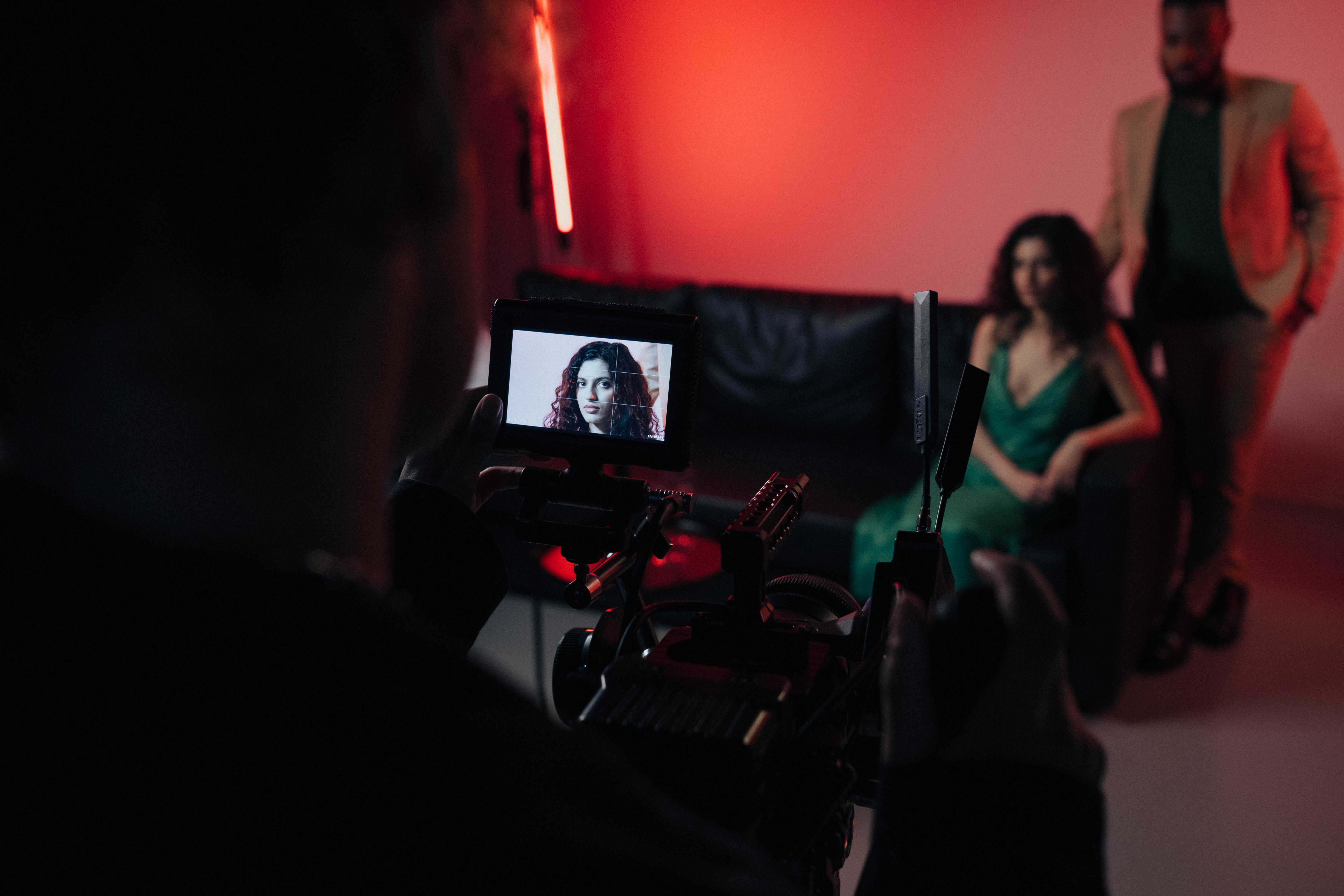
Motion capture records a performer’s movement and converts it into animation data. Keyframe animation is built by an animator posing a character at chosen points in time, with the motion between poses refined by hand. Both methods still need artistic direction, a suitable rig, technical review, and testing in the game. The real choice is how the team creates its starting performance and where it spends its polish time.
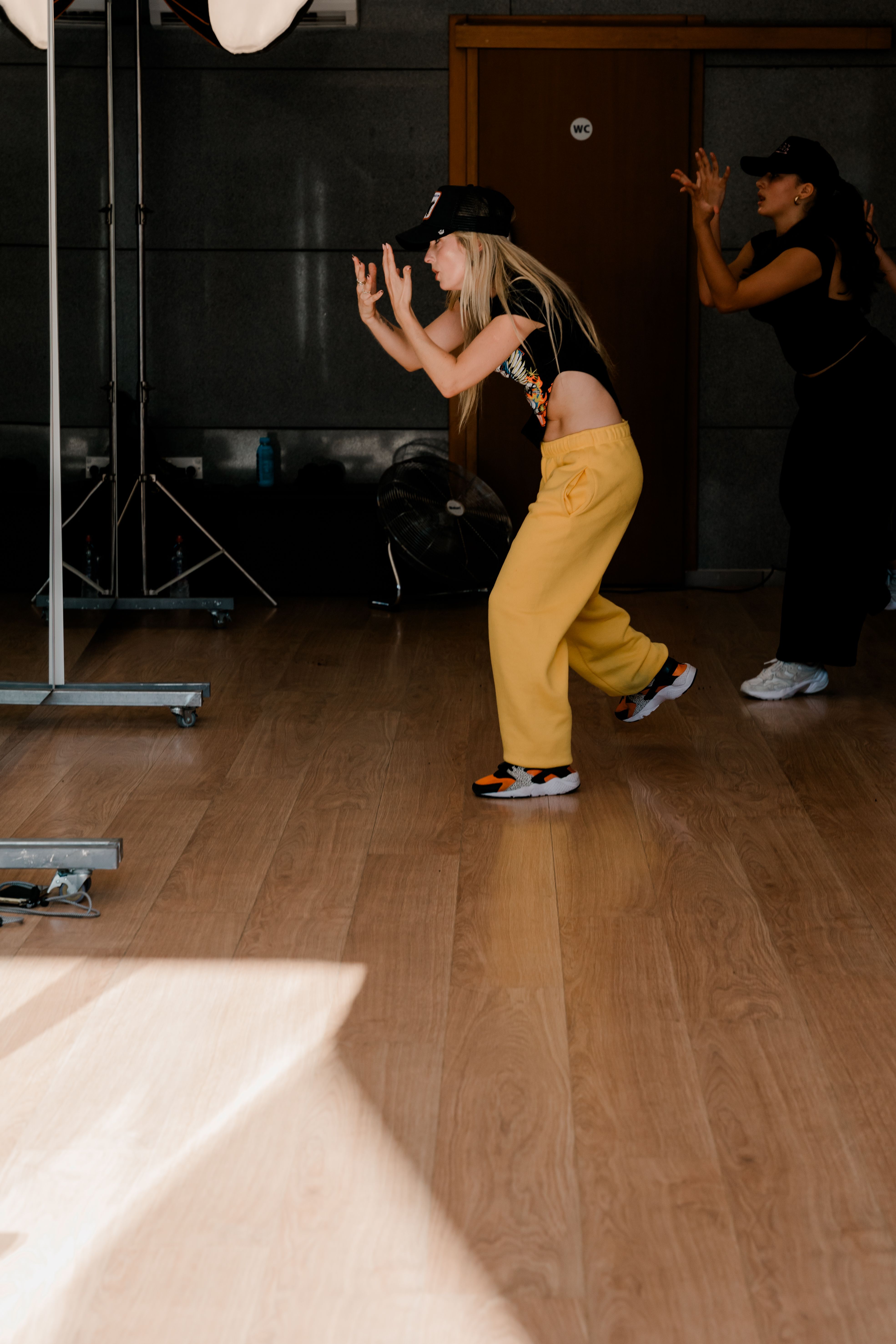
A capture session can preserve the timing, weight shifts, and small asymmetries of a real person. This makes it useful when a game asks players to believe that a human character is standing, turning, reacting, or interacting naturally. Keyframes offer direct control over silhouette, exaggeration, and timing. They let an animator create actions that an actor cannot safely or physically perform.
Neither output is automatically engine ready. Captured data may need solving, cleanup, foot locking, segmentation, and retargeting. Hand-authored motion may need transition passes, root-motion checks, and adjustments after gameplay testing. Mimic Gaming’s video game animation pipeline explains how these tasks differ between gameplay and cinematics.
A useful comparison therefore starts with the deliverable: a playable locomotion set, a short cinematic, a creature attack, or a library of reusable interactions. Compare the time to reach that finished result, rather than the time to record a take or block a first pose.
When motion capture earns its place
Motion capture is strongest when the target is recognizably human movement at meaningful scale. Natural walking variations, athletic movement, dialogue performance, paired interactions, and subtle reactions can be difficult to reproduce consistently across hundreds of clips. A well-planned shoot lets performers explore those actions while directors judge pacing and emotional intent in context.
The gains depend on preparation. A production team should bring a prioritized shot or action list, a tested skeleton, representative props, calibrated capture volume, reference cameras, and clear naming rules. For combat or complex interaction, rehearsals and safety planning matter as much as sensors. The output should be defined up front: raw data, solved skeletons, cleaned clips, retargeted animation, or tested in-engine assets.
Capture also helps when physical specificity is part of the product. A character’s gait, a sport’s recognizable mechanics, or an actor’s performance can become a memorable part of the game. Facial performance introduces another layer of planning: synchronized body, face, audio, and rig controls. See Mimic Gaming’s facial mocap workflow for Unreal Engine for the production steps behind that handoff.
Treat capture as a source of strong performance material, not a substitute for animators. Even good takes often need contact repair, timing changes, pose edits, and technical integration. A focused pilot through Mimic Gaming’s motion capture and real-time technology services can reveal those needs before a larger shoot.
When keyframe animation is the better tool
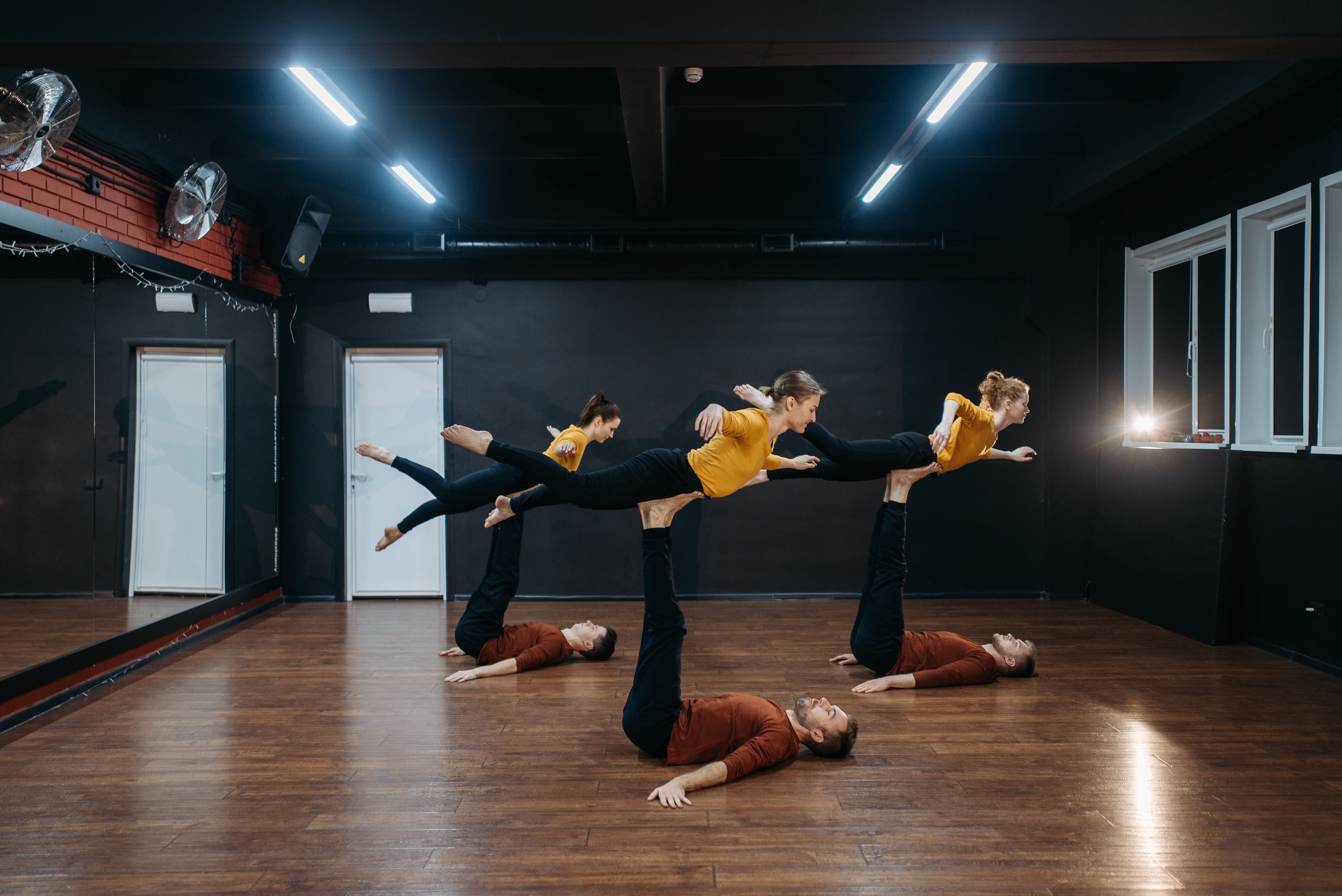
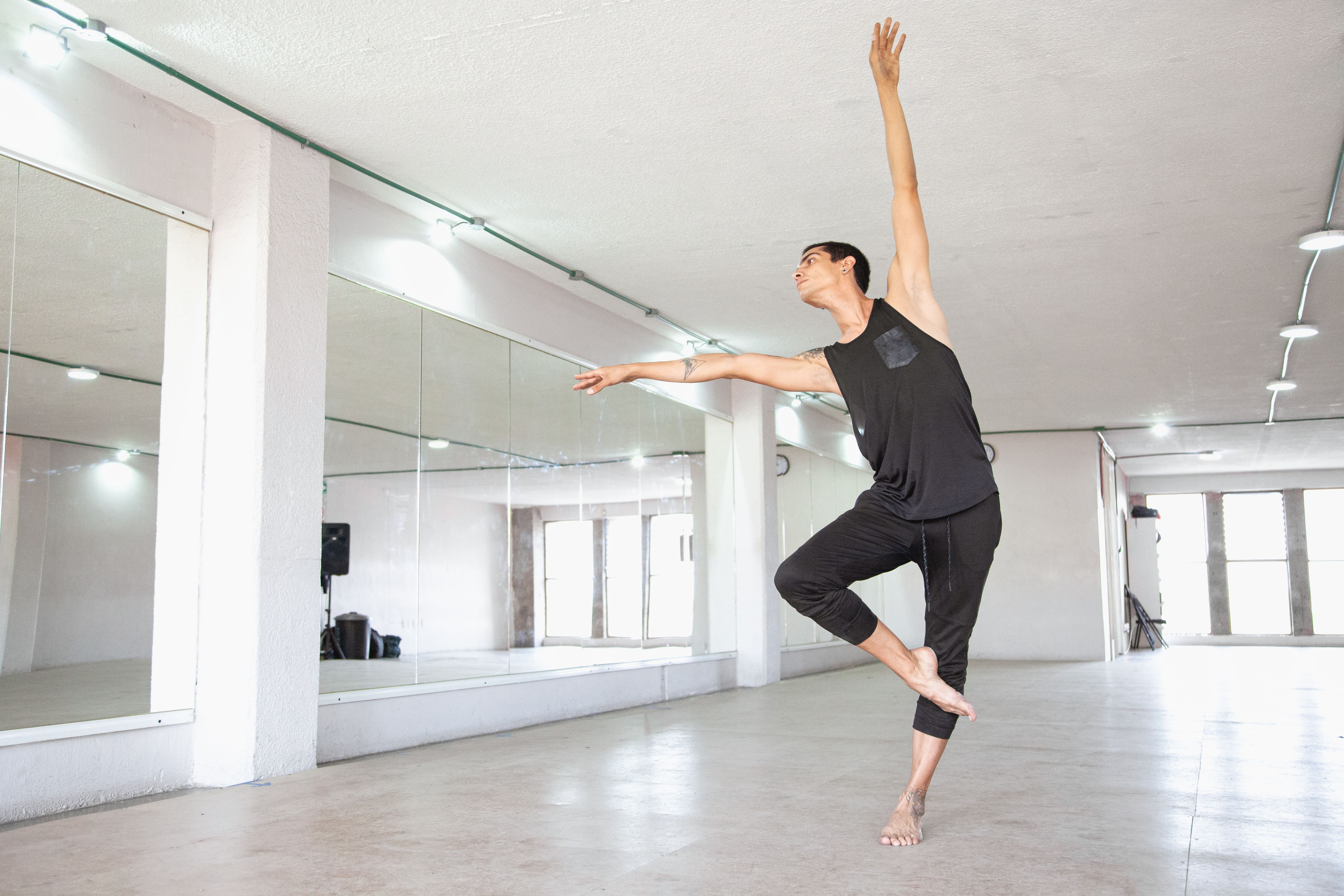
Keyframe animation gives a team exact control over a character’s poses and screen readability. It is often the best choice for stylized heroes, creatures, extreme proportions, squash-and-stretch, impossible actions, and tightly tuned gameplay timing. A wind-up, impact, and recovery can be shaped around player input and camera distance rather than an actor’s natural cadence.
For a small number of short actions, hand animation can also be the more direct production path. Booking a stage, casting performers, cleaning data, and retargeting may be unnecessary if an animator can create a few high-value moves on an established rig. The answer changes as the volume of realistic motion grows, so estimates should be based on the complete set rather than one clip.
Non-human bodies are an especially clear case. A quadruped, multi-limbed boss, or fantastical creature may require anatomical invention and carefully staged silhouettes. Physical reference can still help, but the final motion often needs deliberate invention. Mimic Gaming’s creature animation pipeline discusses how to design movement around anatomy, behavior, and gameplay.
Keyframe work still faces downstream constraints. Animators must check the rig’s range, foot and hand contacts, root motion, compression, state-machine transitions, and how a pose reads under the game camera. The character design production guide is useful when the animation decision is still connected to character proportions and rig choices.
How a hybrid animation pipeline works
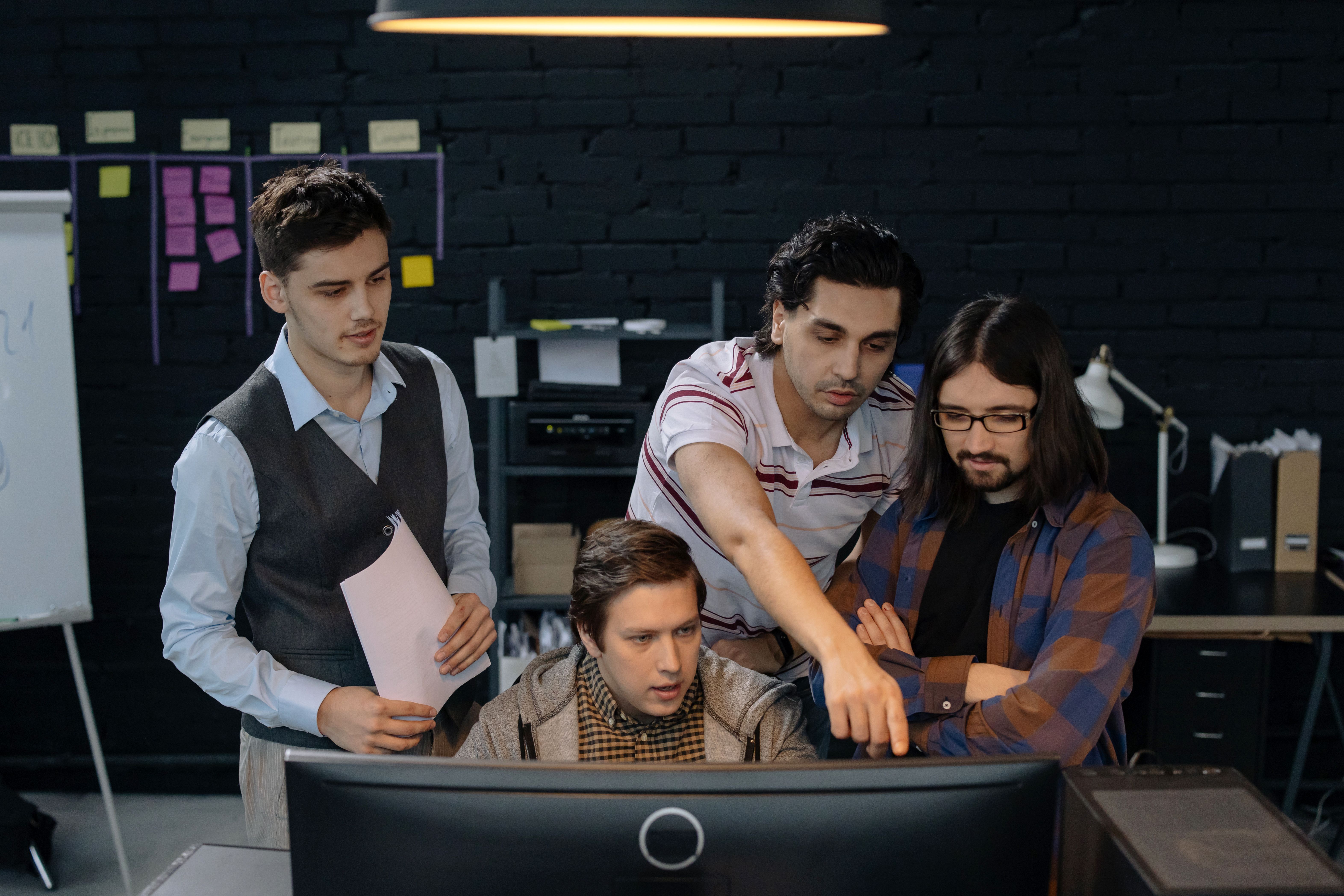
Many productions get their best result by combining methods. Capture can establish a convincing base performance, while animators reshape timing, strengthen silhouettes, fix contacts, and add actions that could not be captured. A hybrid workflow is a planned division of work, not an emergency cleanup stage after the shoot.
Start by identifying which parts of the motion should remain physically grounded. A cinematic conversation may preserve the actor’s posture and gestures, then use keyframes for eyelines, hand contact, and editorial timing. Gameplay locomotion may begin with captured movement, then be shortened, redirected, blended, or supplemented with hand-authored starts, stops, and combat beats.
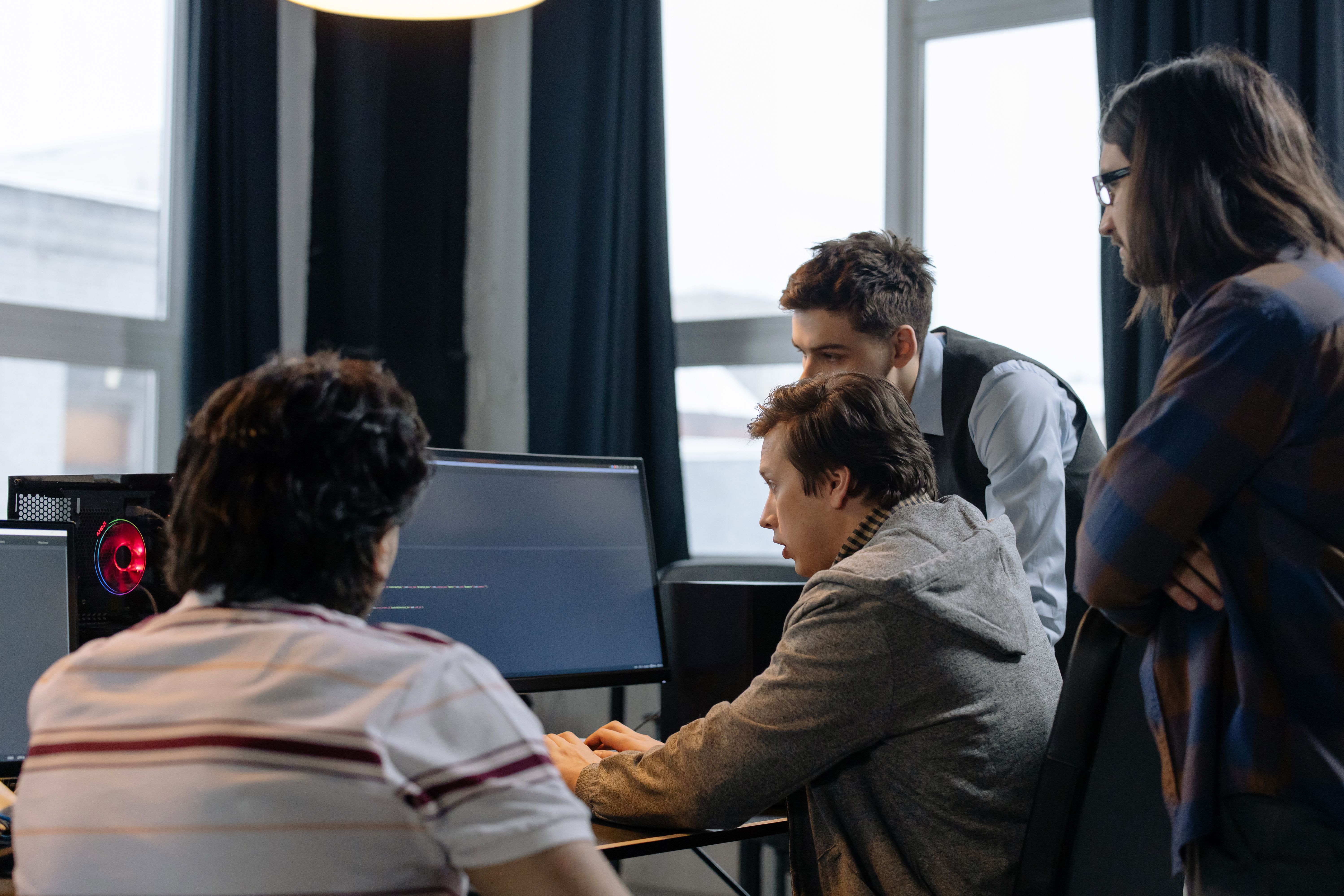
The handoff must be designed early. Agree on skeleton conventions, coordinate systems, frame rates, root-motion behavior, naming, clip boundaries, prop tracks, and review versions. Test one representative asset in the target engine before processing the entire library. Otherwise, small rig mismatches become expensive across hundreds of files.
A strong hybrid pipeline also separates performance approval from technical approval. Directors judge whether a movement tells the right story; animators judge pose clarity and continuity; technical artists test import, blending, contacts, and performance. Mimic Gaming’s technical art pipeline guide connects these handoffs to engine-ready delivery.
Compare finished cost and schedule, not capture time
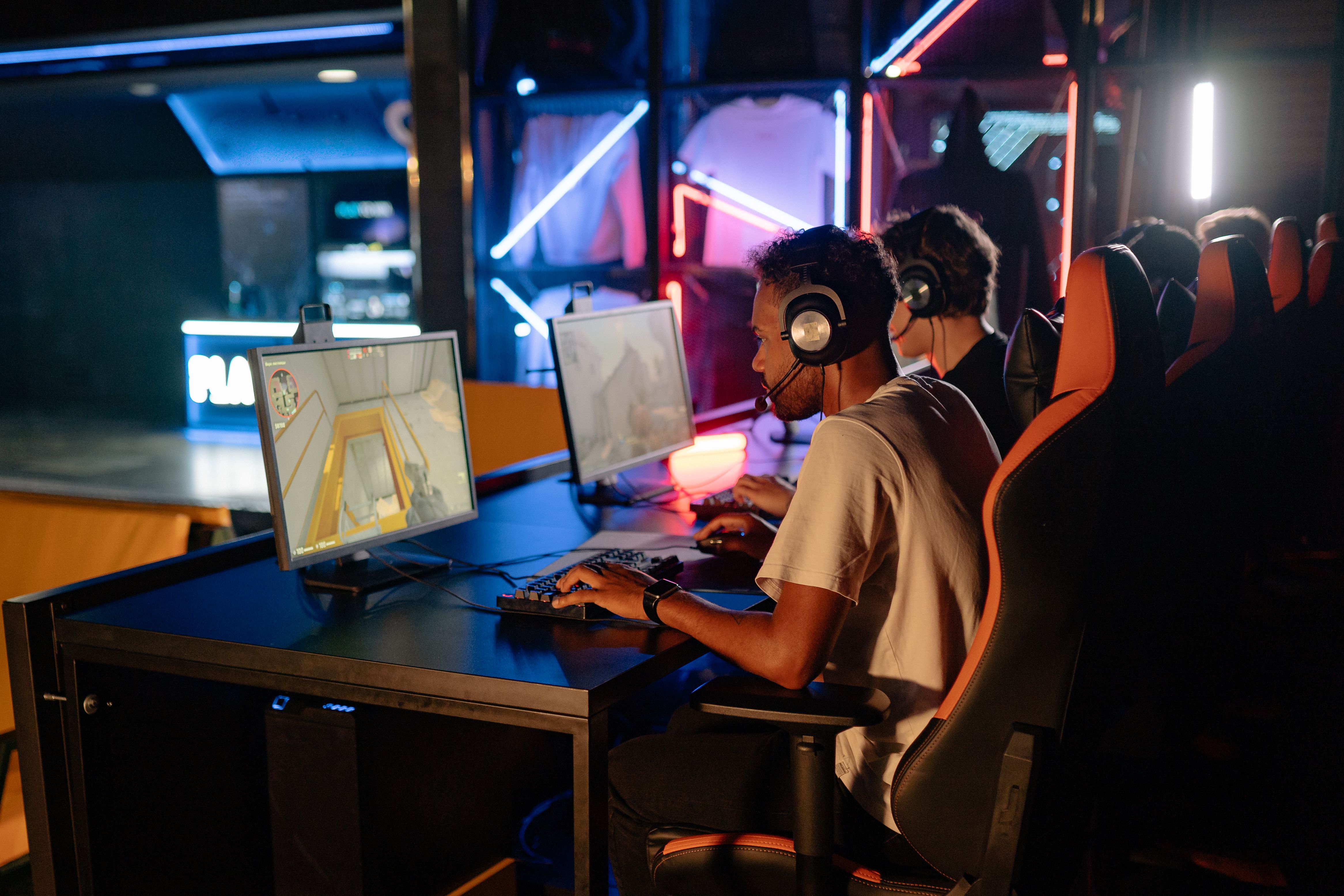
Motion capture can record a large amount of realistic movement quickly, but stage hours are only one cost line. Preproduction, casting, rehearsals, safety, capture crew, data processing, cleanup, retargeting, animation polish, engine integration, pickups, and review all affect the final price. The same action list can therefore produce very different quotes depending on the promised finish level.
Keyframe animation carries a different cost pattern. There may be less setup and no capture stage, but each unique action requires hands-on authoring and revision. If a project needs many believable human variants, that work can accumulate. If it needs only a few stylized attacks or highly controlled cinematics, keyframing may avoid an oversized capture setup.
Compare bids using a shared acceptance checklist. Ask for playable clips on the correct skeleton, in the correct engine version, with agreed naming, root motion, contact quality, transitions, and revision rounds. Count reusable animations separately from unique performances. For a detailed budgeting framework, read Mimic Gaming’s motion capture cost guide.
Schedule risk matters too. A delayed shoot can affect performers and stage bookings; a late rig change can create a retargeting backlog; an under-resourced hand animation team can delay polish. Reserve time for a small test, in-engine review, and fixes before scaling either approach.
A practical decision checklist for game teams
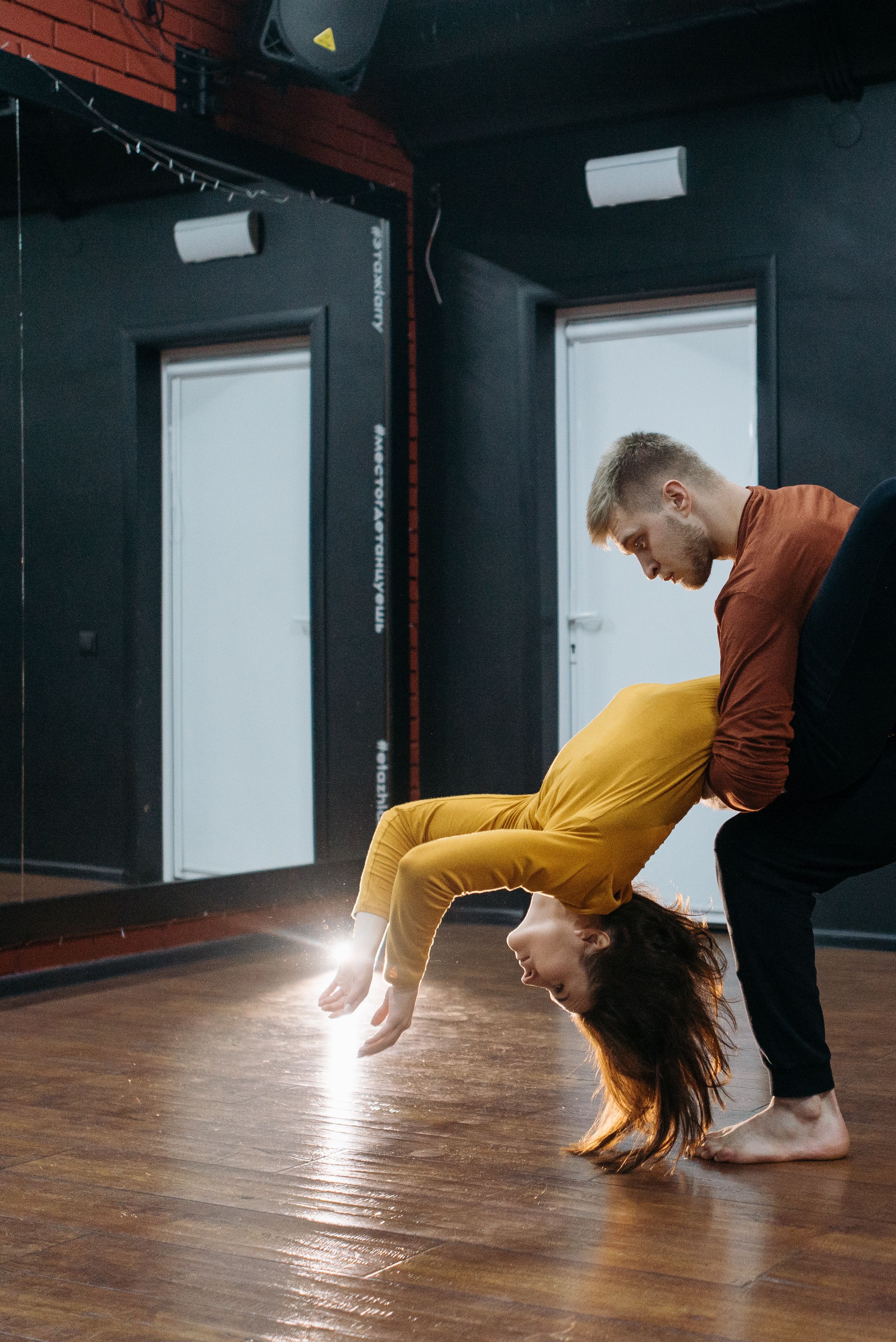
Begin with the player-facing requirement. Is the motion meant to feel lifelike, stylized, responsive, cinematic, or physically impossible? How close is the camera? How many distinct clips, variants, and interactions are needed? Are there special rigs, props, creatures, or platform limits? These questions narrow the method more reliably than a blanket rule about quality.
Next, test the most difficult representative action. For capture, run a short pilot from performance through cleanup, retargeting, and in-engine playback. For keyframes, block and polish one move through the same engine review. Measure elapsed time, rework, contact quality, visual clarity, and how the animation responds to gameplay. The pilot will expose where a hybrid method helps.
Finally, assign ownership for direction, rig changes, technical integration, and approval. Write down deliverables and revision limits before production begins. A partner should understand the project’s camera, gameplay loop, character proportions, engine, and pipeline rather than selling only an isolated stage day or an animation clip count.
Mimic Gaming provides cinematic animation and game development support as an extension of production teams. Its game asset optimization guide is also useful when animation must share budgets with characters, environments, and other real-time assets.
Frequently Asked Questions
Is motion capture faster than keyframe animation?
It can generate a realistic performance base quickly, especially for many human actions. The full schedule also includes setup, cleanup, retargeting, polish, and engine review.
Is motion capture cheaper than hand animation?
There is no universal winner. Compare finished clips at the required quality and volume, including stage, crew, cleanup, animator time, and integration.
Can motion capture replace animators?
No. Animators direct, edit, repair, exaggerate, and integrate captured performances so they work for characters, cameras, and gameplay.
Is keyframe animation better for stylized games?
Often, because it offers precise control over exaggerated poses and timing. Stylized projects can still use captured reference or a hybrid base.
Can you use mocap for creatures?
Sometimes, but unusual anatomy usually requires substantial retargeting and hand animation. Physical reference can help even when direct capture is unsuitable.
What should a mocap pilot include?
Use a representative action, target skeleton, real props where relevant, cleanup, retargeting, export, and playback in the actual engine.
How do gameplay and cinematic animation differ?
Gameplay motion must respond to input, blend, and read clearly from the game camera. Cinematic motion can prioritize a directed performance within a controlled shot.
What should be defined in an animation brief?
Specify style, rigs, engine, platforms, action list, variants, root motion, file formats, naming, contacts, reviews, and acceptance criteria.
Conclusion
Use motion capture when human performance and a substantial volume of realistic actions justify a capture pipeline. Use keyframes when stylization, unusual anatomy, or precise gameplay timing demand direct control. A hybrid often delivers the best result when captured nuance needs animator-led shaping. Validate the decision with one representative asset in the target engine before committing to scale.
Planning a new animation set? Talk to Mimic Gaming about your characters, actions, engine, and delivery needs.
 September 28, 2026
 September 24, 2026
 September 22, 2026