
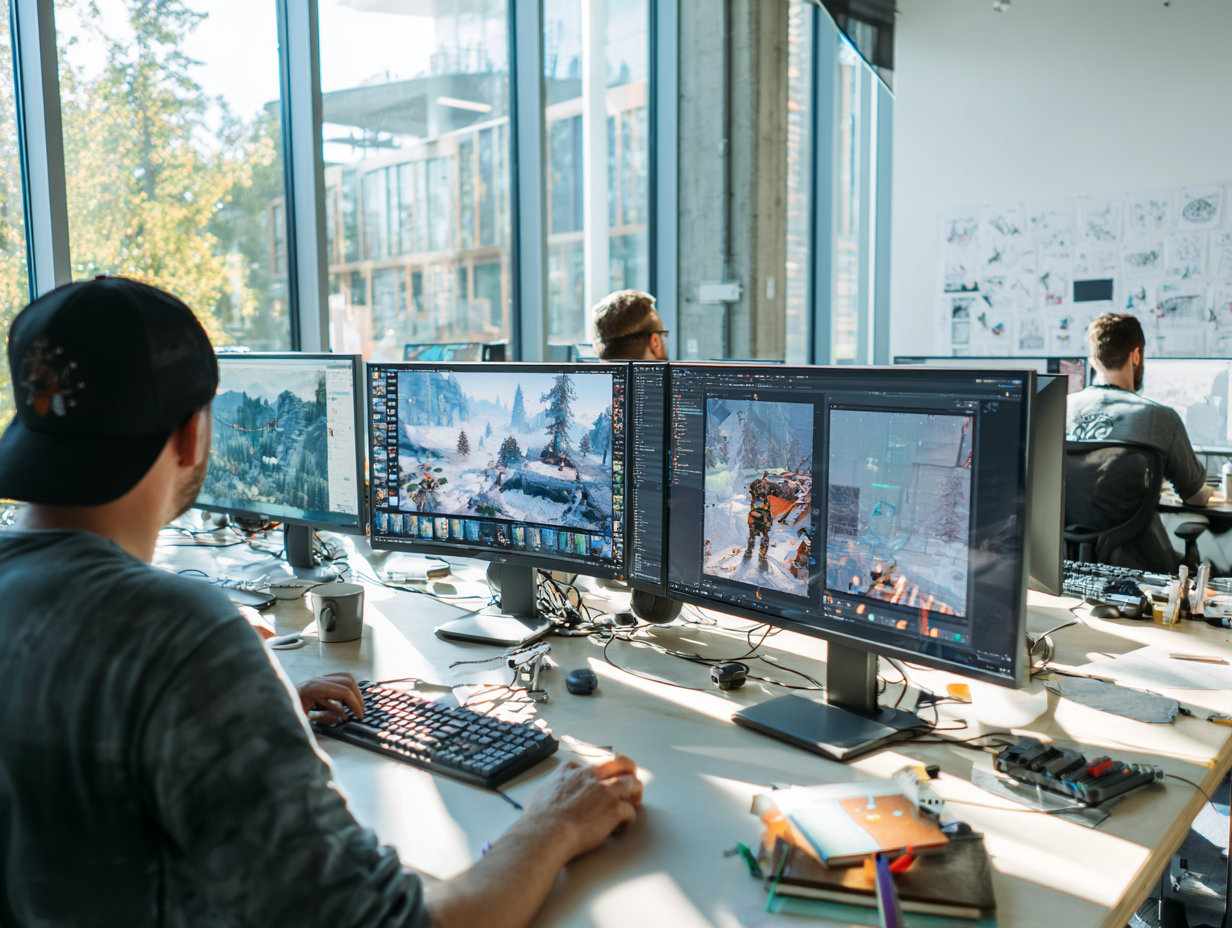
How do studios turn a character brief into responsive, believable movement that survives real gameplay?
Video game animation is not a collection of attractive clips. It is a production system connecting creative direction, character anatomy, controls, cameras, physics, combat timing, audio, and the target engine. Every movement must communicate intent while responding instantly to player input.
This guide explains how studios plan that system, where gameplay and cinematic requirements diverge, and how to organize production from first movement tests to engine-ready delivery. It is designed for producers, animation directors, technical artists, and developers evaluating internal capacity or an external game development support partner.
What Video Game Animation Must Achieve
Animation in a game must do several jobs at once. It sells weight and personality, confirms that an input registered, reveals threats, preserves collision logic, and guides the player through a readable space. A beautiful pose that delays a dodge or hides an attack cue can damage the experience, even when it looks perfect in a reel.
The production target is therefore not maximum realism. It is controlled believability. A stylized fighter may snap between poses, while a realistic adventure hero needs grounded acceleration and subtle balance corrections. Both can succeed when motion supports the design language and remains consistent across locomotion, combat, traversal, dialogue, and cinematics.
Studios should define acceptance criteria early: responsiveness windows, camera distance, animation count, target frame rate, skeleton rules, platform budgets, and integration responsibilities. Mimic Gaming’s custom character creation and animation services connect the visual target to the technical constraints instead of treating animation as a late polish pass.
Readability: silhouettes and timing explain actions before impact.
Responsiveness: starts, stops, cancels, and blends respect input design.
Consistency: body mechanics and personality persist across every state.
Performance: rigs, curves, and runtime systems stay within engine budgets.
Gameplay Animation vs Cinematic Animation
Gameplay animation is systemic. It must work from changing camera angles, combine with other clips, react to uneven terrain, and survive repeated player actions. Cinematic animation is authored for a controlled shot, where framing, edit timing, lighting, and dialogue can shape what the audience sees.
The two disciplines share acting principles and production assets, but their approval logic differs. Gameplay teams review input feel, state transitions, foot contact, hit readability, and edge cases. Cinematic teams review performance continuity, eyelines, shot composition, facial nuance, and editorial rhythm.
A strong pipeline still lets the two streams exchange value. Performance capture can feed both cutscenes and selected gameplay moves; a shared facial rig can support dialogue systems and hero shots; animation libraries can provide continuity between interactive and non-interactive moments. The key is to decide which data can be reused and which must be rebuilt for its final context.
Preproduction: Define the Movement Language
Preproduction converts broad adjectives such as agile, brutal, anxious, or regal into observable movement rules. Teams study references, establish posture and center of gravity, define rhythm, and test how the character accelerates, turns, reacts, and recovers. These tests become a movement bible that prevents individual clips from drifting apart.
The movement set should be prioritized around the actual game loop. A traversal game needs early tests for starts, stops, jumps, mantles, slopes, and camera changes. A combat game needs anticipation, active frames, recovery, hit reactions, cancels, and weapon-specific spacing. A dialogue-heavy RPG may place greater weight on facial systems, gestures, and contextual idles.
Character shape matters before animation begins. Proportions, costume layers, equipment, and deformation zones affect the skeleton and motion range. Reviewing video game character design alongside animation planning reduces late rig changes and protects the intended silhouette.
Producers should finish this phase with an animation list, state map, naming convention, retargeting plan, reference package, technical constraints, ownership matrix, and review cadence. A small playable prototype is more valuable than dozens of unintegrated polished clips because it exposes the rules that will govern the whole library.
Rigging, Retargeting, and Reusable Animation Systems
A production rig is both an artistic instrument and a runtime dependency. Animators need intuitive controls, stable deformation, and space-switching options. Engine teams need a predictable export skeleton, clean hierarchy, known scale, reliable root motion, and consistent naming. Separating the animator-facing control rig from the export skeleton often keeps both groups productive.
Retargeting can multiply production value when characters share compatible proportions and motion needs. It can also create sliding feet, collapsed shoulders, hand offsets, or weapon drift when teams assume that one skeleton solves every body type. Retarget profiles, pose corrections, contact rules, and character-specific polish should be planned rather than improvised.
Technical artists connect these decisions to import presets, validation scripts, LOD behavior, physics assets, and runtime graphs. A documented technical art pipeline makes animation delivery repeatable and gives producers clearer estimates for revisions.
Lock coordinate system, scale, root orientation, and naming early.
Define which joints deform, drive sockets, or exist only for controls.
Test representative extremes before producing the full animation list.
Automate export and validation wherever repeated manual steps create risk.
Motion Capture and Keyframe Workflows

Keyframe animation offers precise control over silhouette, exaggeration, timing, and impossible motion. Motion capture offers a fast route to complex body mechanics and performance nuance. Most professional productions use a hybrid: capture for believable foundations, keyframes for design-driven actions, and animator polish for clarity and style.
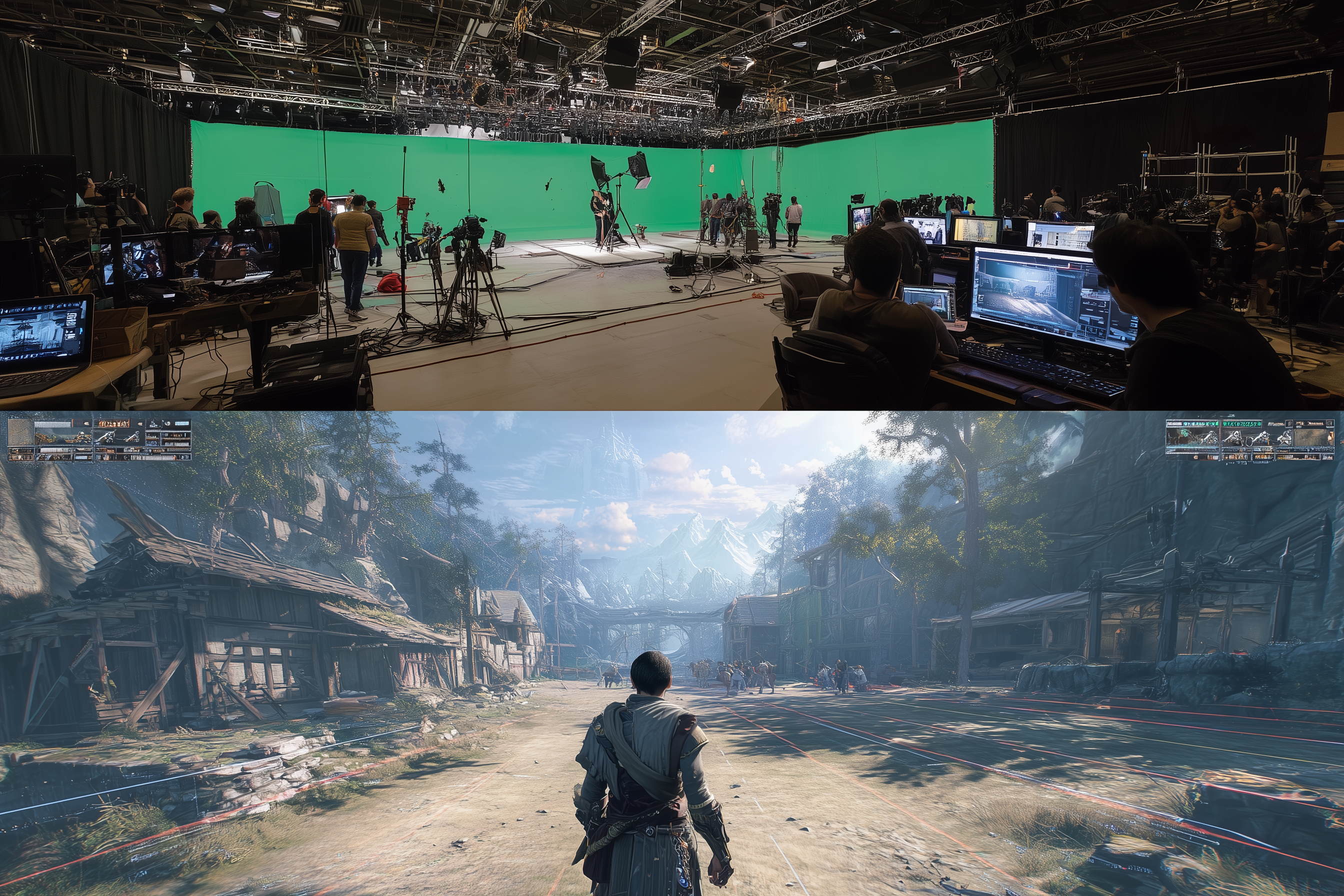
Capture quality starts before anyone enters the volume. Teams need calibrated space, suitable performers, prop stand-ins, clear shot lists, range-of-motion takes, naming conventions, and a plan for fingers, face, and audio. After capture, data still needs solving, cleanup, retargeting, contact correction, loop design, and editorial selection.
The right choice depends on the animation set. Subtle acting, athletic traversal, crowds, and long performances often benefit from capture. Stylized attacks, creatures, mechanical characters, and tightly timed gameplay may need more keyframe authorship. See the guide to selecting a motion capture partner for games for production and delivery questions beyond the stage itself.
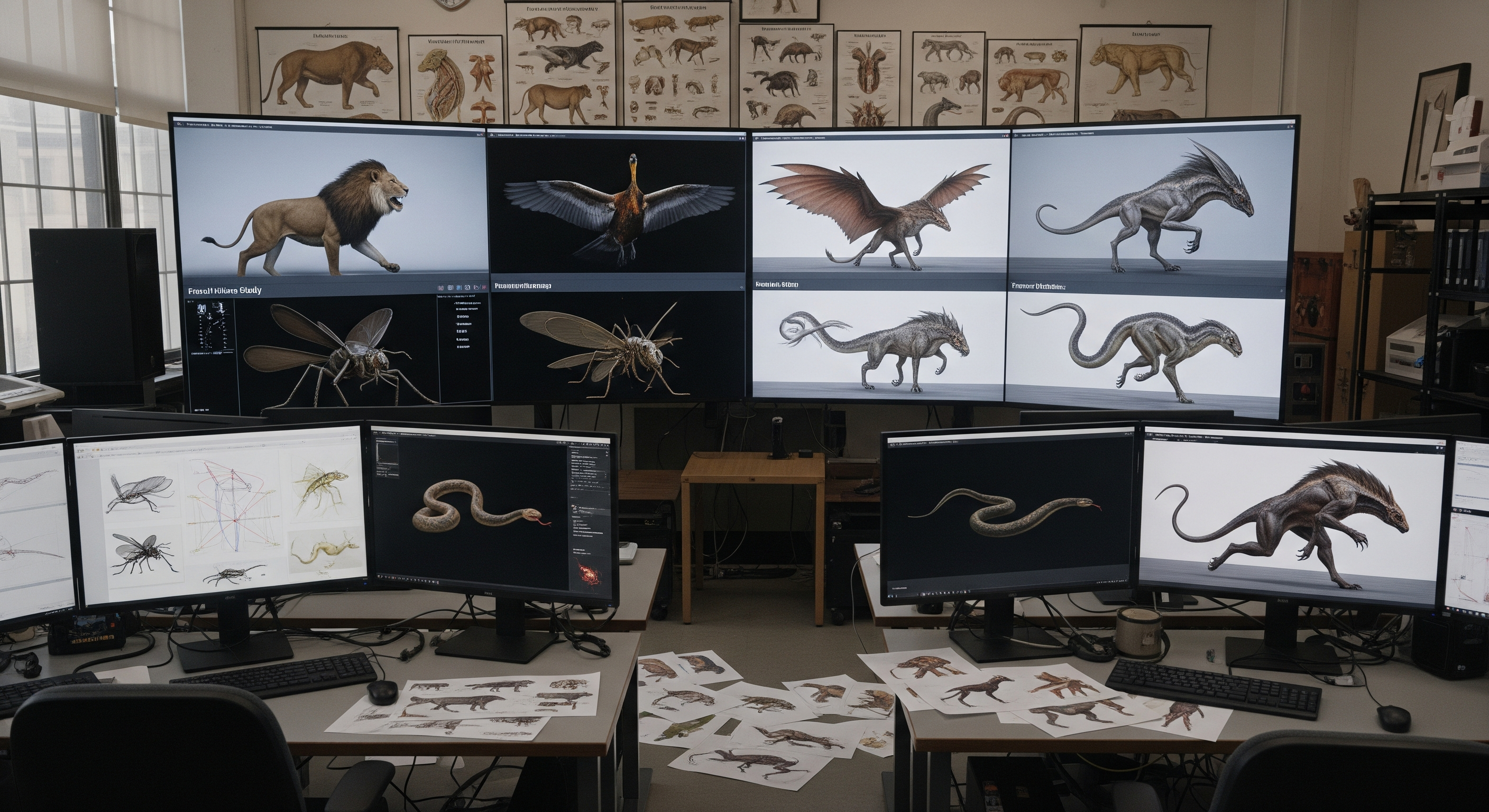
Non-human characters need extra interpretation because human data rarely maps cleanly to different limb counts or anatomy. The creature animation pipeline guide explains how biomechanics, reference, and engine readability shape that work.
Engine Integration and Animation QA
An animation is not finished when it leaves Maya, MotionBuilder, or Blender. It is finished when it behaves correctly in the playable build. Engine integration covers clips, compression, root motion, state machines, blend spaces, montages, animation layers, IK, motion warping, notifies, facial playback, physics, and gameplay code.
Teams should integrate representative animations continuously. Waiting for a complete library hides scale errors, skeleton mismatches, transition gaps, and runtime performance issues until they are expensive to repair. A vertical slice should exercise locomotion, one complex action, one interruption, one cinematic handoff, and at least one platform budget.
Optimization is part of quality, not an opposing goal. Curve reduction, bone limits, LOD strategies, texture and groom budgets, and selective procedural systems preserve the most important motion while controlling runtime cost. The game asset optimization guide provides a broader Unreal and Unity handoff framework.
Visual QA: silhouette, contacts, deformation, pops, and camera readability.
Technical QA: import settings, root motion, events, retargeting, compression, and memory.
Gameplay QA: responsiveness, cancels, hit timing, slopes, ledges, and network behavior.
Content QA: naming, metadata, versioning, ownership, and source-file completeness.
Choosing a Video Game Animation Production Partner
An external animation partner should be evaluated on pipeline fit, not only reel quality. Ask how the team scopes animation lists, receives rigs, handles engine tests, manages retargeting, reviews captures, documents changes, and packages final source files. Strong partners can explain where responsibility changes hands and how they prevent ambiguity.
Begin with a representative paid test: one locomotion set or a compact action sequence that includes integration. Review communication speed, interpretation of notes, technical cleanliness, naming discipline, and how the animation behaves in the target engine. This exposes production reality more reliably than a generic sample.
Mimic Gaming works as a flexible extension of studio teams across motion capture, cinematic animation, real-time integration, and technical support. The studio adapts to Unreal, Unity, and proprietary pipelines, with a focus on engine-ready characters and animation rather than isolated assets.
Related internal resources include game simulation pipelines, AI-driven NPC production, and game trailer production. Together they show how animation connects to behavior, testing, cinematics, and launch materials.
Confirm target engine, platform, skeleton, tools, and delivery format.
Define review stages and who can approve creative versus technical changes.
Request source files, export files, documentation, and version history.
Measure success in the playable build, not only in rendered previews.
Frequently Asked Questions
What is video game animation?
Video game animation is the creation and runtime orchestration of character, creature, object, camera, and environmental movement for interactive experiences. It includes authored clips plus engine systems that blend, interrupt, and adapt motion during play.
How is gameplay animation different from film animation?
Gameplay animation must respond to input, work from variable cameras, blend between states, and support repeated actions. Film animation is usually evaluated within a controlled shot, edit, and camera composition.
When should a studio use motion capture?
Motion capture is useful for complex body mechanics, athletic movement, crowds, and long performances. It still requires planning, cleanup, retargeting, and animator polish before it becomes engine-ready.
Is keyframe animation still important for games?
Yes. Keyframes are essential for stylized timing, creatures, mechanical characters, exaggerated attacks, pose clarity, and any action where design matters more than literal human motion.
What makes an animation engine-ready?
Engine-ready animation follows the approved skeleton, scale, root-motion, naming, export, compression, and event rules. It has also been tested in the runtime graph and gameplay context rather than only in a DCC tool.
How early should animation be integrated into Unreal or Unity?
Representative animation should enter the engine during preproduction and vertical-slice work. Continuous integration exposes technical and gameplay problems before the full library is produced.
Can gameplay and cinematic animation share assets?
They can share skeletons, facial rigs, capture data, poses, and selected clips when requirements align. Each asset still needs validation for its final camera, runtime behavior, and performance budget.
What should be included in an animation outsourcing brief?
Include the game context, movement language, animation list, references, target engine, skeleton and rig details, naming and export rules, review stages, delivery formats, platform budgets, and ownership expectations.
How long does video game animation production take?
Timing depends on character count, clip complexity, capture requirements, rig readiness, revision rounds, and integration scope. A representative test and prioritized animation list provide a more reliable estimate than a clip count alone.
Conclusion
Successful video game animation aligns character performance with control, systems, and engine constraints. The best pipelines define movement rules early, validate assets continuously, and judge every clip by what it contributes to the playable experience.
Planning a new animation library, mocap shoot, cinematic sequence, or engine integration? Talk to the Mimic Gaming team about a production plan built around your characters, tools, platforms, and delivery milestones.
 July 13, 2026
 July 2, 2026
 June 29, 2026