
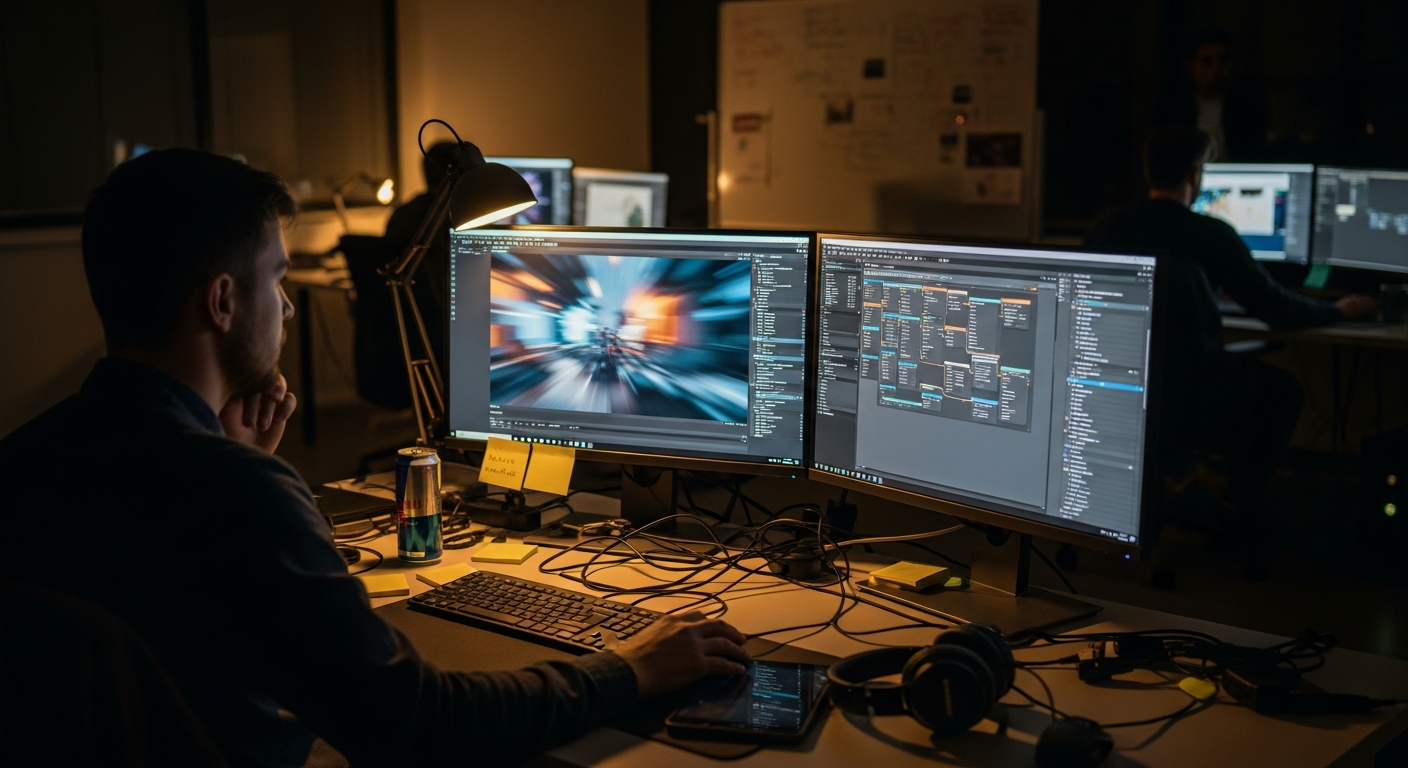

A strong technical art pipeline in game development is the difference between beautiful assets that stay trapped in review and game-ready content that performs inside the engine. Characters, environments, props, rigs, shaders, motion capture data, VFX, and UI elements all need creative quality, but they also need clean topology, naming rules, LODs, collision, material budgets, animation states, export settings, and predictable integration.
For studios building ambitious games, technical art is not just a support role. It is the bridge between art direction, animation, engineering, production, and QA. It helps teams protect visual quality while keeping frame rate, memory, iteration speed, and build stability under control.
Mimic Gaming works in this exact production zone, supporting studios with game art, motion capture, and development services that need to move smoothly from concept to real-time gameplay.
What a Technical Art Pipeline Includes
A technical art pipeline covers the rules, tools, checks, and handoffs that make content usable in a live game project. It starts with art direction and asset specifications, then moves through modeling, rigging, materials, animation, optimization, export, engine integration, validation, and iteration. The pipeline also defines who owns each decision and what evidence proves that a character, prop, environment, or cinematic element is ready for production.
In practice, this means naming conventions, folder structures, version control habits, shader rules, skeleton standards, material budgets, texture limits, LOD thresholds, physics setup, collision rules, animation state naming, and export presets. It also includes build checks that catch avoidable problems before they reach engineering or QA.
This is closely connected to game asset creation, but it goes further. It asks whether the asset works inside the game, not only whether it looks good in a viewport.
Why Technical Art Improves Production
The biggest benefit of technical art is fewer surprises late in production. When standards are clear, artists know what to build, animators know how motion should be delivered, engineers know what the engine will receive, and producers can forecast work with less guesswork. That reduces rework, prevents performance debt, and keeps creative teams focused on quality instead of emergency cleanup.
Better iteration: teams can test assets in engine earlier, then improve them before the cost of change rises.
Cleaner performance: budgets for polygons, textures, shaders, bones, draw calls, and memory are visible before final optimization.
Stronger collaboration: art, animation, engineering, and QA share the same acceptance criteria.
Scalable outsourcing: external partners can deliver to the studio's real pipeline instead of sending attractive but unusable files.
This is why production partners matter. A studio that understands game art outsourcing should also understand how those assets will be reviewed, optimized, integrated, and maintained.
Traditional Art Handoff vs Technical Art Workflow
In a traditional handoff, an asset may be approved visually, exported, and then passed downstream for someone else to solve integration problems. In a technical art workflow, integration criteria are part of the brief from the start. The asset is judged by look, behavior, cost, and stability.
Briefing: traditional handoffs focus on visual direction; technical workflows also define engine constraints, naming, file formats, skeletons, and budgets.
Review: traditional handoffs rely on art approval; technical workflows review art quality, performance, animation behavior, and build warnings.
Iteration: traditional handoffs create late fixes; technical workflows catch issues in small loops before they become blockers.
Delivery: traditional handoffs deliver files; technical workflows deliver usable, documented, engine-ready content.
For AAA and ambitious indie projects, the second model is usually safer. Games are interactive systems, so even a gorgeous asset can fail if it breaks animation, performance, lighting, camera behavior, navigation, or patch size.
How Assets Become Engine-Ready
Engine readiness starts with target context. A hero character for a cinematic close-up has different requirements from a background NPC, a multiplayer avatar, a mobile prop, or an open-world landmark. The pipeline should define the target camera distance, platform, engine, interaction type, memory budget, animation needs, shader complexity, and expected lifecycle.
The content then moves through controlled steps: blockout, first art pass, technical review, rig or material setup, engine import, gameplay test, optimization, final art polish, QA validation, and release branch approval. For animation-heavy content, teams should also test blending, retargeting, interrupt states, root motion, facial poses, camera framing, and responsiveness. Mimic Gaming's work around real-time gameplay animation shows why motion quality and engine behavior need to be reviewed together.
Data checklist: source files, exported files, rig version, texture set, material slots, LODs, collision, sockets, metadata, dependencies, and test scene.
Performance checklist: triangle count, texture memory, shader cost, draw calls, animation compression, streaming behavior, and platform profile.
QA checklist: visual parity, broken materials, animation pops, scale issues, collision gaps, missing dependencies, and build warnings.
Use Cases Across Game Teams
Technical art touches almost every production group. Character teams need rigs, deformation checks, facial systems, cloth, hair, and animation hooks. Environment teams need modular kits, streaming rules, collision, lighting budgets, and world partition logic. Animation teams need retargeting, blend trees, compression, motion matching, and consistent skeletons. VFX teams need simulation budgets, particle limits, material control, and event triggers.
Design and engineering benefit too. Designers get content that behaves predictably in gameplay. Engineers receive cleaner data and fewer emergency fixes. QA gets reproducible acceptance criteria. Producers get clearer status signals. This is especially important when studios compare Unity and Unreal workflows, because each engine rewards different content habits.
A good customer journey for a studio client should look like this: discovery call, pipeline audit, sample asset test, art and technical acceptance criteria, production batch, engine validation, feedback cycle, optimization pass, delivery, and support. That rhythm helps both sides understand quality before hundreds of assets are in motion.
Implementation Steps and KPIs
Studios should improve technical art pipelines in small, measurable steps. Start by auditing the current production pain: repeated import errors, broken rigs, inconsistent materials, unclear naming, late optimization, missing source files, or platform performance problems. Then choose one content type, such as hero characters or environment props, and define a clean pilot workflow.
Step 1: define asset classes, platform targets, engine version, file structure, and visual acceptance criteria.
Step 2: create export presets, validation scripts, review scenes, and engine test maps.
Step 3: run a pilot batch, log every failure, and update the brief before scaling production.
Step 4: track KPIs such as import success rate, rework hours, build warnings, memory use, frame cost, QA defects, and approval cycle time.
Common mistakes include waiting until beta to optimize, treating outsourcing briefs as only visual references, accepting source files without integration tests, ignoring platform differences, and allowing every team to create its own naming logic. Responsible production also matters. Teams should document AI-assisted tools, licensed assets, scan data, performer data, and privacy expectations so content can be reused safely.
The future of technical art will be more automated, but not less human. Validation scripts, procedural tools, AI-assisted cleanup, real-time performance dashboards, and digital asset management will keep improving. Still, the goal remains the same: let artists and developers build better worlds with fewer production surprises. For broader context on full production systems, see AAA gaming pipelines and the site's technical art and tools capabilities.
FAQ
What is a technical art pipeline in game development?
It is the workflow that turns game art, rigs, animation, materials, VFX, and related content into optimized, documented, engine-ready assets that work in gameplay.
Why is technical art important for AAA game production?
AAA games involve large teams, many asset types, multiple platforms, and strict performance goals. Technical art helps keep visual quality high while reducing rework and late-stage integration problems.
How does technical art help game asset outsourcing?
It gives external partners clear standards for file structure, engine settings, budgets, export rules, and review criteria, so assets arrive closer to production-ready.
What assets should be checked before engine integration?
Teams should check source files, exports, textures, materials, rigs, skeletons, LODs, collision, naming, metadata, dependencies, and platform-specific performance budgets.
Which KPIs measure a better technical art pipeline?
Useful KPIs include import success rate, rework hours, asset approval cycle time, build warnings, memory use, frame cost, QA defects, and late-stage fix volume.
Does technical art replace artists or engineers?
No. It connects them. Technical art helps creative and engineering teams share standards, tools, and evidence so both sides can make better decisions faster.
How early should technical artists join a project?
As early as possible. Technical artists can help define budgets, engine tests, asset standards, rig rules, and validation steps before production scales.
What is the future of technical art in games?
The field will use more automation, AI-assisted cleanup, procedural tools, real-time validation, and performance dashboards, while still relying on human judgment for style and player experience.
Conclusion
A technical art pipeline helps studios move from creative ambition to reliable gameplay. It gives artists clearer targets, engineers cleaner content, producers better visibility, and players smoother experiences. The best pipelines are not rigid paperwork. They are shared production systems that protect creativity by removing avoidable friction.
For studios that need characters, environments, mocap, animation, and engine-ready support, talk to Mimic Gaming about building production-ready game content that works inside real pipelines.
 June 25, 2026
 November 19, 2025
 November 18, 2025