
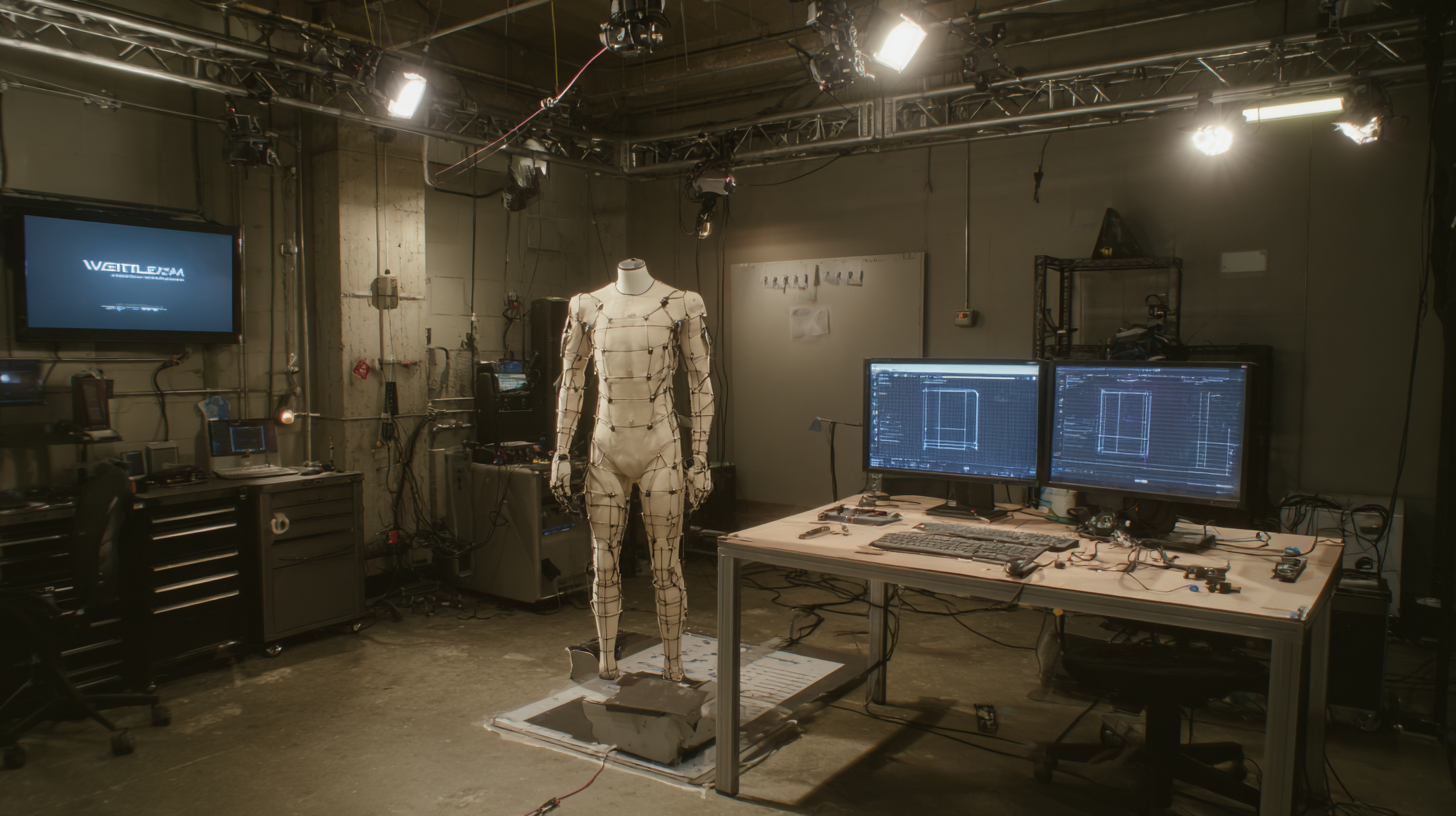
Real-time gameplay animation is where performance, design, and engineering meet. A movement can look beautiful in a reel, but inside a game it has to respond to input, blend with other states, communicate timing, and stay readable through repetition.
For studios building character-driven games, the pipeline matters as much as the capture session. Locomotion, combat, traversal, AI reactions, and cinematic moments all need different treatment before they become engine-ready animation.
This guide explains how a real-time gameplay animation pipeline works from brief to final polish, and how Mimic Gaming connects 3D game development services, real-time technology, and production support for studios that need animation to feel good in play, not only in preview.
What Is a Real-Time Gameplay Animation Pipeline?
A real-time gameplay animation pipeline is the process that turns performance ideas into animation assets that can run reliably inside a game engine. It includes creative direction, reference gathering, motion capture or keyframe animation, cleanup, retargeting, blending, implementation, and final feel review.
The pipeline is different from a purely cinematic workflow because the player can interrupt, repeat, and combine actions. A dodge can become an attack. A run can shift into a climb. An NPC idle can become an alert, a gesture, or a reaction. Every clip has to fit inside a system.
Creative planning defines the character, genre, camera, and player expectation.
Capture and animation production create the raw movement library.
Technical animation makes the clips usable inside state machines, blend spaces, and procedural systems.
For a deeper service-level view, see Mimic Gaming’s real-time gameplay animation application page, which breaks down movement libraries, action loops, combat animations, and interaction systems.
Planning Animation Around Game Feel
Game feel starts before animation begins. The team needs to know how heavy a character should feel, how quickly input should register, how long anticipation should last, and what the player must understand from the silhouette. Without that alignment, animation polish can work against gameplay instead of supporting it.
Planning also prevents scope drift. Locomotion sets, combat libraries, traversal actions, interaction clips, dialogue gestures, and AI reactions all have different delivery needs. Some require exact timing windows. Others need modular variation. Some need root motion; others must stay in-place for code control.
Define the gameplay purpose of each clip before capture or keyframing.
Separate player-controlled actions from NPC, cinematic, and ambient motion.
Agree on timing, naming, file formats, review points, and implementation constraints early.
This planning stage often connects with art direction and concept design, because movement style has to match the character, world, and camera language of the game.
Capturing Performances for Interactive Systems
Motion capture for games is most useful when the session is directed around interactive needs. Performers should understand the character, but they also need to hit repeatable timing, clean starts and stops, clear attack reads, usable contact points, and motion that can be edited into loops or transitions.
A good capture session is not just a recording day. It is a production checkpoint. Directors, animators, designers, and technical artists should review takes with the final gameplay context in mind. A realistic performance may still need adjustment if it hides the action, muddies the timing, or creates awkward blend points.
Studios choosing capture support can also read Mimic Gaming’s guide on how to choose a motion capture partner for games for a practical checklist on planning, stage quality, cleanup, and delivery.
Cleanup, Retargeting, and Style Adaptation
Raw capture data is a beginning, not a finished gameplay asset. Cleanup removes tracking problems, stabilizes contacts, corrects sliding, and protects the physical intention of the performance. Retargeting then adapts that motion to the game character rig, which may have different proportions, controls, or style requirements.
Style adaptation is where animation becomes character-specific. A realistic military character, a stylized hero, a creature, and a companion NPC may all start from human performance, but each one needs different exaggeration, timing, weight, and silhouette choices. The aim is not to preserve every detail of the capture. The aim is to preserve what makes the motion believable in the game.
Foot contacts should hold up under camera and movement-speed changes.
Transitions should blend without sudden pose pops or unreadable body shifts.
Combat and traversal clips should keep anticipation, impact, recovery, and player readability intact.
This is closely connected to Mimic Gaming’s character performance and animation work, where acting, motion, and production-ready delivery have to support each other.
Engine Integration and Technical Review
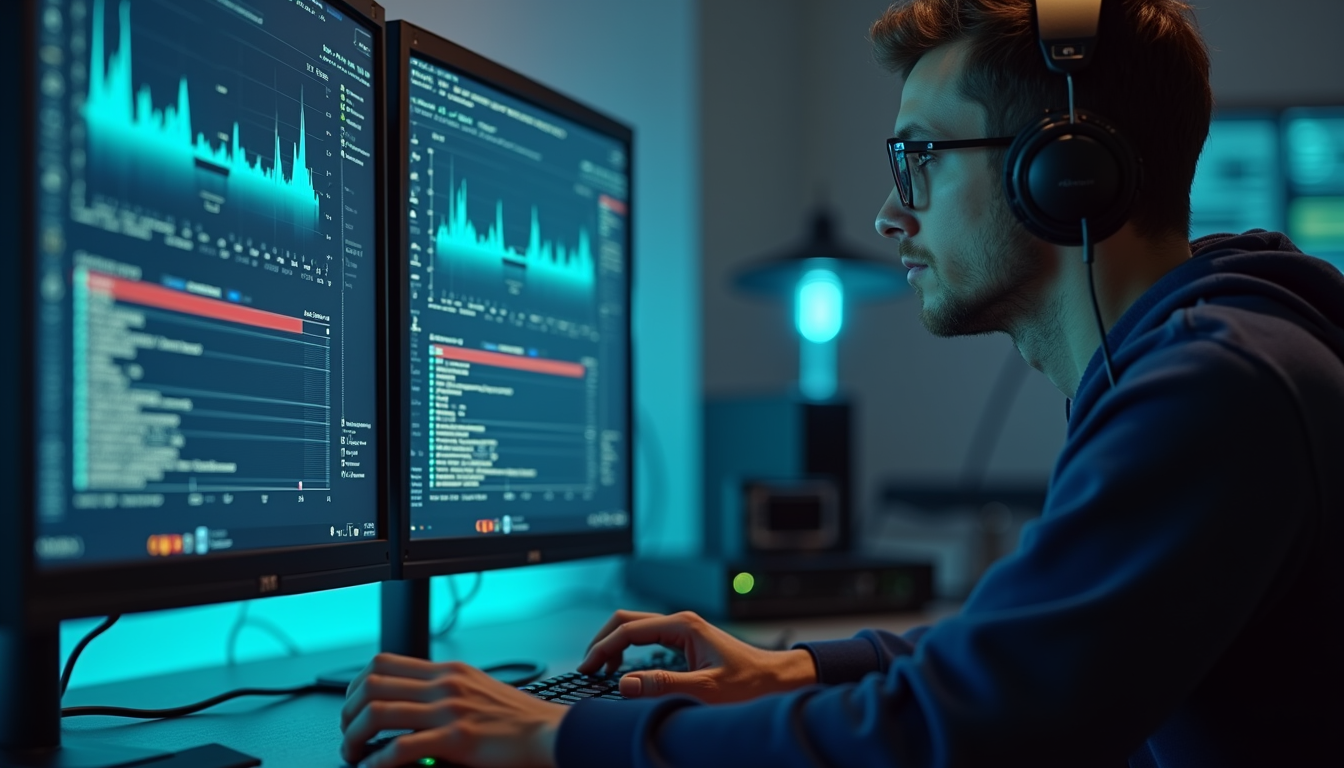
The engine review is where hidden problems show up. A clip that looks polished in a DCC tool can fail once it enters an animation blueprint, behavior tree, blend space, cinematic sequencer, or physics-driven gameplay system. The earlier a studio tests in context, the less rework accumulates at the end.
Technical review should cover skeleton compatibility, frame rate, root motion, additive layers, compression, naming, state transitions, and performance. It should also include gameplay review: does the action feel responsive, can the player read the intent, and does the clip survive repeated use?
This is especially important for AI-driven NPCs and digital companions, where idles, reactions, social gestures, alerts, and interruptions need to be organized for behavior systems rather than one-off playback.
Where This Pipeline Supports Modern Games
A strong gameplay animation pipeline supports much more than basic movement. It helps a studio create characters that respond naturally, enemies with readable tells, companions with personality, crowds that feel alive, and cinematic moments that still connect to the playable world.
In XR, VR, and AR projects, the standards become even stricter because players experience motion from close range and unpredictable angles. Animation needs spatial clarity, comfort, and believable physical behavior. Mimic Gaming’s work in XR, VR, and AR game experiences reflects how motion design changes when the player is inside the space.
Action games need timing, readability, anticipation, impact, and recovery.
RPGs need expressive NPCs, companion behavior, conversation gestures, and world-building motion.
Simulation and open-world games need modular motion that can support crowds, systems, and player freedom.
For broader context, Mimic’s posts on how NPCs make worlds feel real and how artists use 3D modeling for games show how animation connects with character creation, world-building, and player immersion.
FAQ
What is real-time gameplay animation?
Real-time gameplay animation is animation designed to run interactively in a game engine. It must respond to player input, AI logic, physics, camera changes, and repeated gameplay use.
How is gameplay animation different from cinematic animation?
Cinematic animation is usually viewed from planned cameras, while gameplay animation must blend, interrupt, loop, and stay readable while the player or AI changes the situation.
Can motion capture be used for gameplay animation?
Yes. Motion capture is useful for locomotion, combat, traversal, NPC behavior, and performance moments, as long as the session is planned around interactive timing, cleanup, retargeting, and engine delivery.
What makes animation engine-ready?
Engine-ready animation is correctly exported, named, retargeted, timed, and structured for the target system, such as Unreal Engine, Unity, or a proprietary engine pipeline.
Why does retargeting matter in game animation?
Retargeting adapts motion from one performer or skeleton to another character rig. Without careful retargeting, motion can lose weight, contact accuracy, style, and readability.
How early should animation planning start?
Animation planning should begin in pre-production, before capture or asset creation. Early planning aligns character style, gameplay timing, rig needs, camera expectations, and delivery formats.
Does gameplay animation affect NPC design?
Yes. NPCs need idles, reactions, gestures, navigation, alerts, and interaction clips that fit AI systems and support the illusion of a living game world.
Why work with Mimic Gaming on gameplay animation?
Mimic Gaming combines character creation, motion capture, animation, real-time engine workflows, XR experience, and production support so studios can move from creative brief to usable game assets.
Conclusion
Real-time gameplay animation succeeds when the pipeline respects both performance and play. The movement has to feel expressive, but it also has to fit the rig, engine, animation graph, camera, player input, and production schedule.
For studios, that means choosing a partner who can think beyond capture or asset delivery. The best results come from a team that understands how characters move, how games are built, and how animation survives inside real-time systems.
For gameplay animation, motion capture, character performance, AI NPCs, XR experiences, or engine-ready production support, talk to Mimic Gaming about supporting your next game production pipeline.
 July 30, 2026
 July 16, 2026
 June 18, 2026