
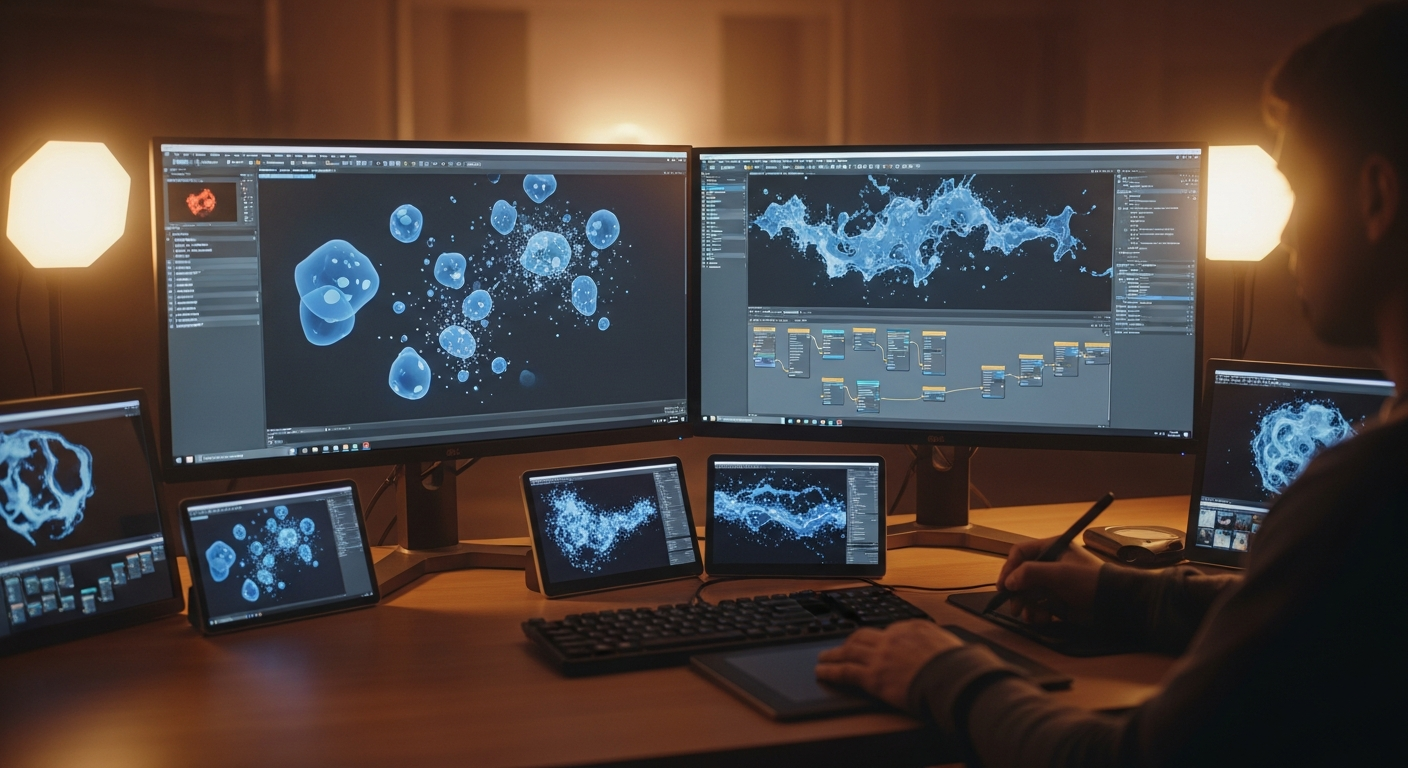
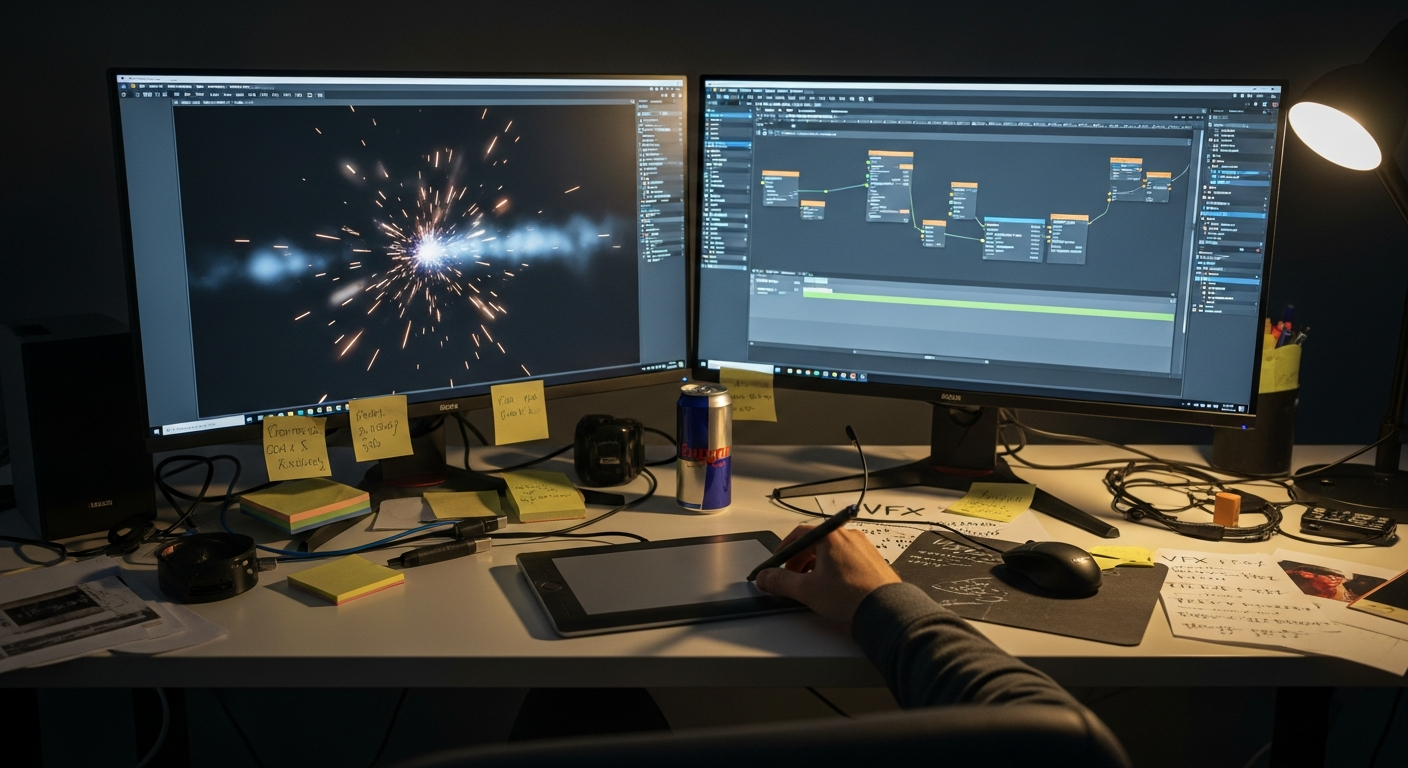
AI has become one of the most important accelerators in modern game VFX production. What once took days of iteration, rendering, and manual tweaking can now be assisted by AI-driven systems that generate particles, simulate materials, and refine visual effects faster than traditional pipelines allow. As players demand richer visual worlds and more dynamic effects, studios rely on AI to reduce workload and boost creative output across VFX teams.
This article explores how AI is reshaping VFX pipelines, improving speed, and enabling more ambitious game visuals.
Table of Contents
What is AI-driven VFX in gaming?
AI-driven VFX uses machine learning tools to assist artists with particle effects, environmental simulation, material generation, animation curves, and procedural visuals. AI helps produce variations, refine existing effects, and automate tasks that previously slowed down effect creation.
Studios adopting advanced pipelines often use workflow structures similar to those found in Mimic Gaming services, where VFX, animation, and engine integration rely on efficient production systems.
Why are studios adopting AI for VFX production?
Modern games require more effects than ever. Explosions, dust, magic spells, weather systems, environmental reactions, foliage movement, destruction, and stylized energy effects are all essential. AI helps because it:
reduces repetitive manual work
speeds up prototyping
improves accuracy in simulations
generates multiple variations quickly
supports artistic direction rather than replacing it
Studios produce more believable effects in less time.
How does AI accelerate asset creation for VFX effects?
AI tools can create visual assets that support effects, including:
autogenerated textures
fluid and smoke patterns
stylized energy waves
debris and particle shapes
impact decals
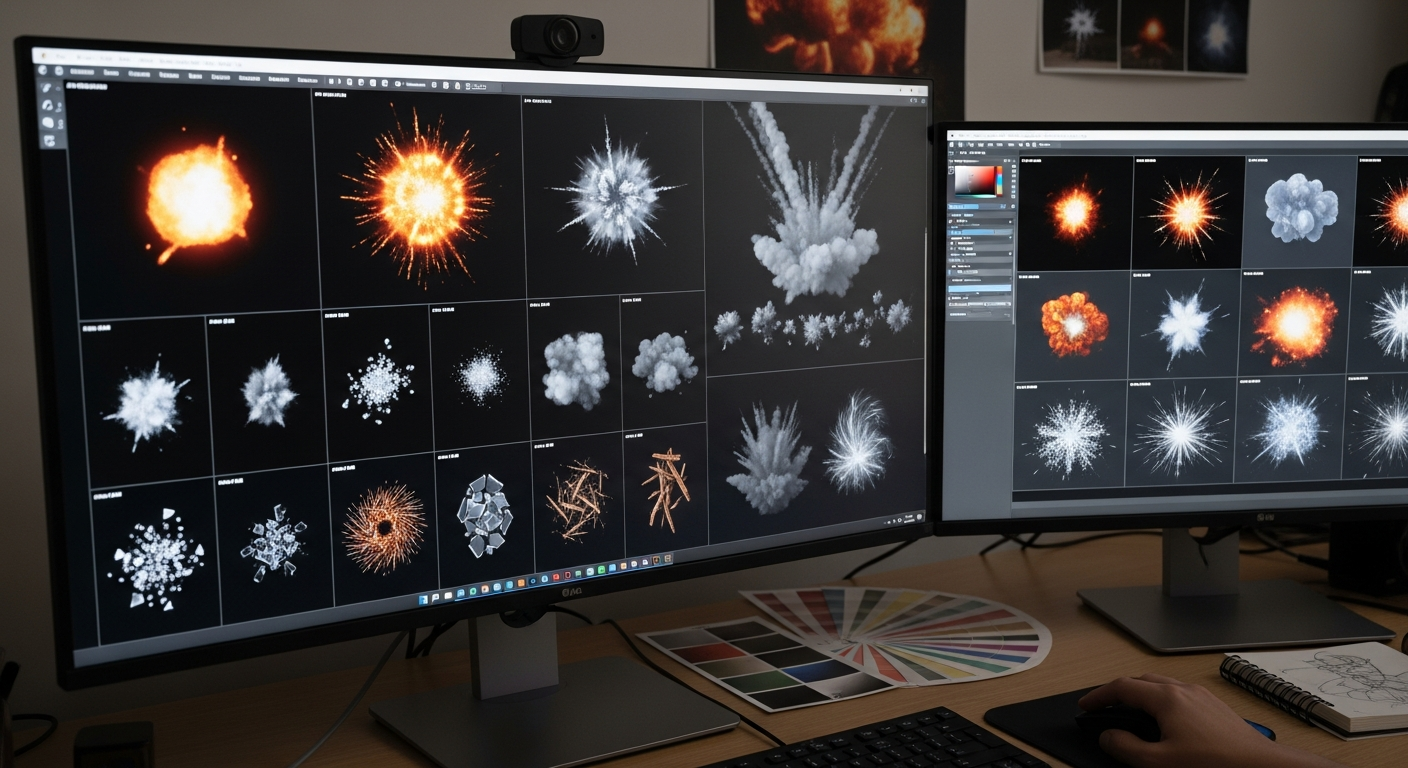
flame and explosion frames
Many artists use AI to create base variations and then refine the result.This workflow is similar to the asset creation advantages described in game asset production methods.
The goal is not replacing the artist but enhancing speed and exploration.
Procedural simulation enhanced by AI
Simulation is a core part of VFX. AI supports simulation tools by predicting particle behavior, optimizing environment interactions, and identifying simulation settings that match artistic goals.
Examples of AI-enhanced simulation include:
improved smoke and fog behavior
destruction patterns that feel more natural
water simulation presets
stylized magical effects
procedural fire propagation
These enhancements match the procedural and dynamic systems often used in game environment design, where effects play an important role in immersion.
Improving iteration time and creative exploration
One of the biggest benefits AI provides to VFX artists is speed.VFX often requires many rounds of visual tuning. AI accelerates this by:
providing instant previews
adjusting noise patterns automatically
generating alternate effect timing curves
optimizing sprite sheets
refining physics simulations
Artists can explore style, timing, and shape faster, without long rendering delays.
VFX for combat, environments, and stylized worlds
AI-generated VFX helps shape the feel of:
melee combat sparks
impact bursts
particle trails for weapons
environmental weather cycles
magical spell effects
sci fi energy systems
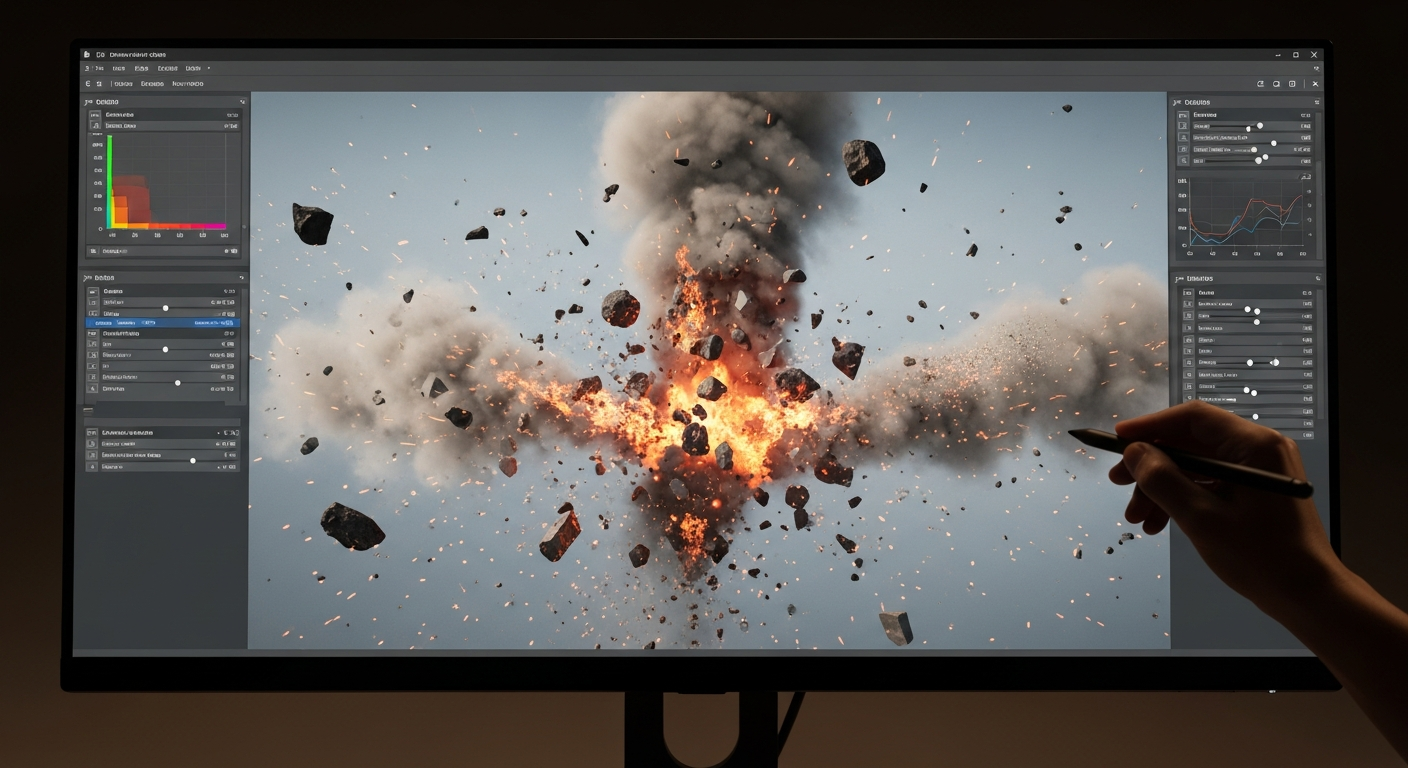
destruction and debris scatter
AI can analyze reference effects and produce new versions with slight stylization differences, helping teams maintain consistency across large game worlds.
These kinds of effects support gameplay clarity, pacing, and emotional tone.
AI support for rendering and optimization
Rendering performance is a major challenge for large-scale VFX. AI assists by:
compressing texture sets
generating efficient particle systems
optimizing shader complexity
predicting GPU load issues
suggesting LOD transitions
AI ensures effects look great without harming frame rate.
Conclusion
AI is reshaping VFX production by giving artists faster tools for asset creation, simulation, and iteration. Rather than replacing human creativity, AI enhances it, allowing teams to build richer visual worlds and more responsive effects. With smart tools for prediction, optimization, and procedural generation, VFX artists can produce high-quality results in less time and focus more on style and performance.
Studios integrating AI into their VFX pipelines often rely on streamlined workflows and technical expertise similar to those supported by the Mimic Gaming services team.
FAQs
1. How does AI help VFX artists in games?
AI speeds up asset generation, simulation, and creative iteration.
2. Can AI generate complete visual effects by itself?
AI assists with variations and previews, but artists refine and finalize the effects.
3. Does AI make VFX more efficient?
Yes. AI reduces rendering time and improves optimization.
4. Can AI support stylized effects as well as realistic ones?
AI can create both by analyzing references and learning style patterns.
5. Will AI replace VFX artists?
No. AI enhances their workflow and frees them from repetitive tasks.
6. What type of effects benefit most from AI?
Particles, smoke, fire, destruction, weather, and energy based effects.
7. Can AI improve VFX performance in game engines?
AI assists with texture compression, particle optimization, and shader analysis.
8. Is AI used in AAA and indie games?
Yes. Both benefit from faster production and better visual iteration.
 July 2, 2026
 November 19, 2025
 October 16, 2025