
What should you send a game cinematics studio to get a useful proposal?
Start with the scene's purpose, approximate length, character count, available assets and intended delivery format. Explain whether you need a finished cutscene or specific production stages, such as facial animation or motion capture cleanup. A useful game cinematics production brief makes these boundaries visible before anyone estimates the work.
This guide is for producers, developers and creative leads commissioning in-game story sequences. It explains how to choose a production approach, prepare a brief, compare quotes and accept the delivery. If your main goal is promoting a release, use our separate game trailer production guide. The planning examples below are illustrative, not client results or fixed-price offers.
Table of Contents
Define the cinematic before choosing the workflow
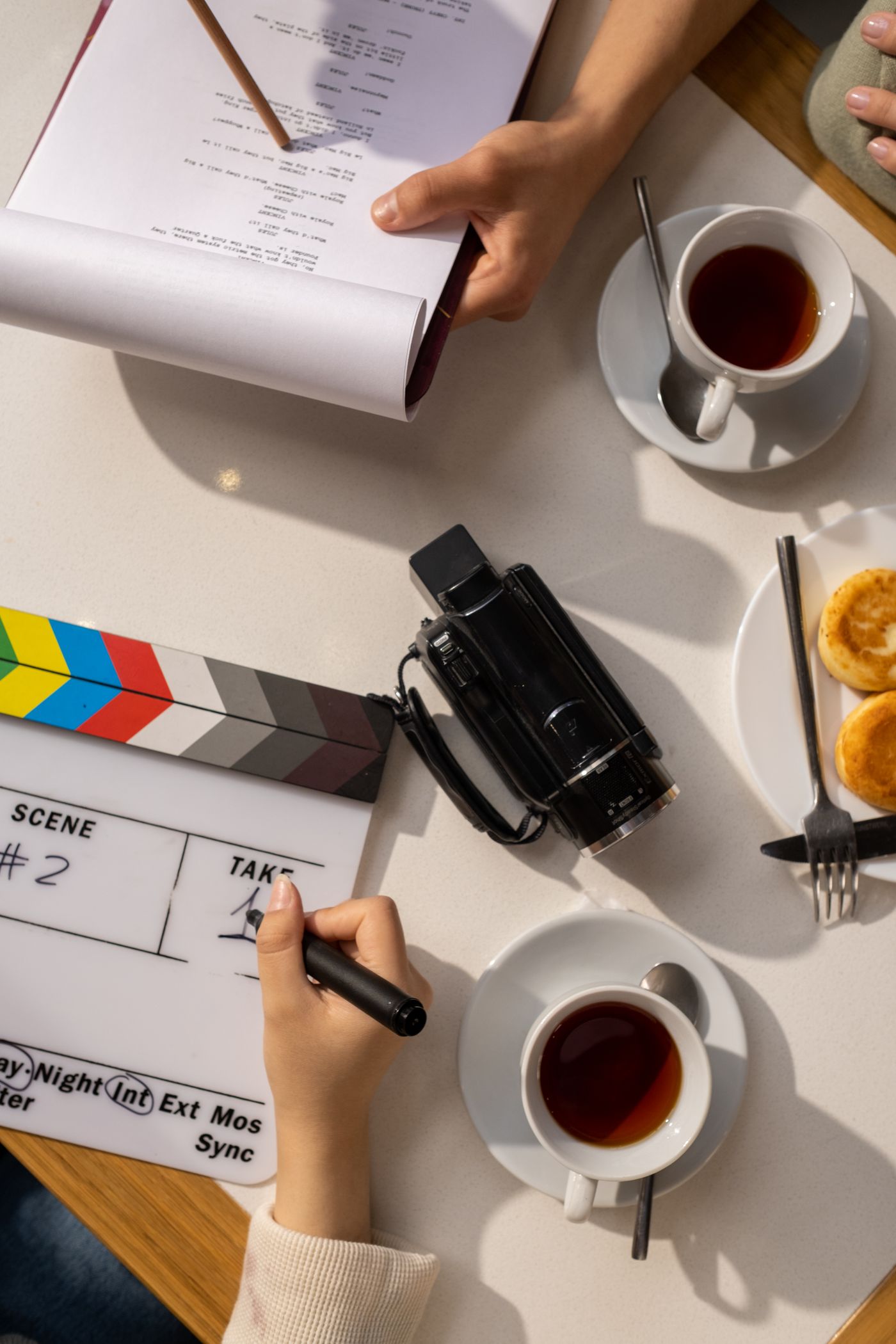
A conversation about the scene should come before a conversation about software. What changes for the player during this sequence? Perhaps a character reveals a motive, a mission begins or an important relationship breaks down. Write that change in one sentence. It gives the director and animation team something concrete to protect when they discuss cameras, acting and scope. The planning photograph in this section is stock imagery, not a Mimic production session.
Then specify where the scene will play. A real-time cinematic is evaluated and rendered in the running game. A pre-rendered cinematic is delivered as rendered footage for playback. These approaches can share assets and animation work, but their acceptance checks differ. A real-time sequence needs to work with the project's engine configuration, character state and performance constraints. Rendered footage needs agreed picture and audio specifications, playback behaviour and version management. Neither approach automatically delivers a better story or a lower total cost.
For real-time work, describe the entry and exit conditions. Can the player skip the sequence? Does the character arrive wearing different equipment? Can gameplay resume from more than one location? What happens if a checkpoint reloads halfway through? Those questions can affect integration even when the animation itself is linear. Identify who implements this behaviour. An animation delivery should not silently become a commitment to build the gameplay logic around it.
For pre-rendered work, discuss resolution, aspect ratio, frame rate, colour treatment, subtitle strategy and whether text must be localised. Ask whether the delivery includes editable source scenes or only the final video. If the same sequence needs a marketing cutdown, list that separately rather than assuming it is included. Our cinematic animation service describes the performance work you can discuss with Mimic Gaming; the proposal should name the actual stages and outputs agreed for your project.
Prepare the performance and asset brief
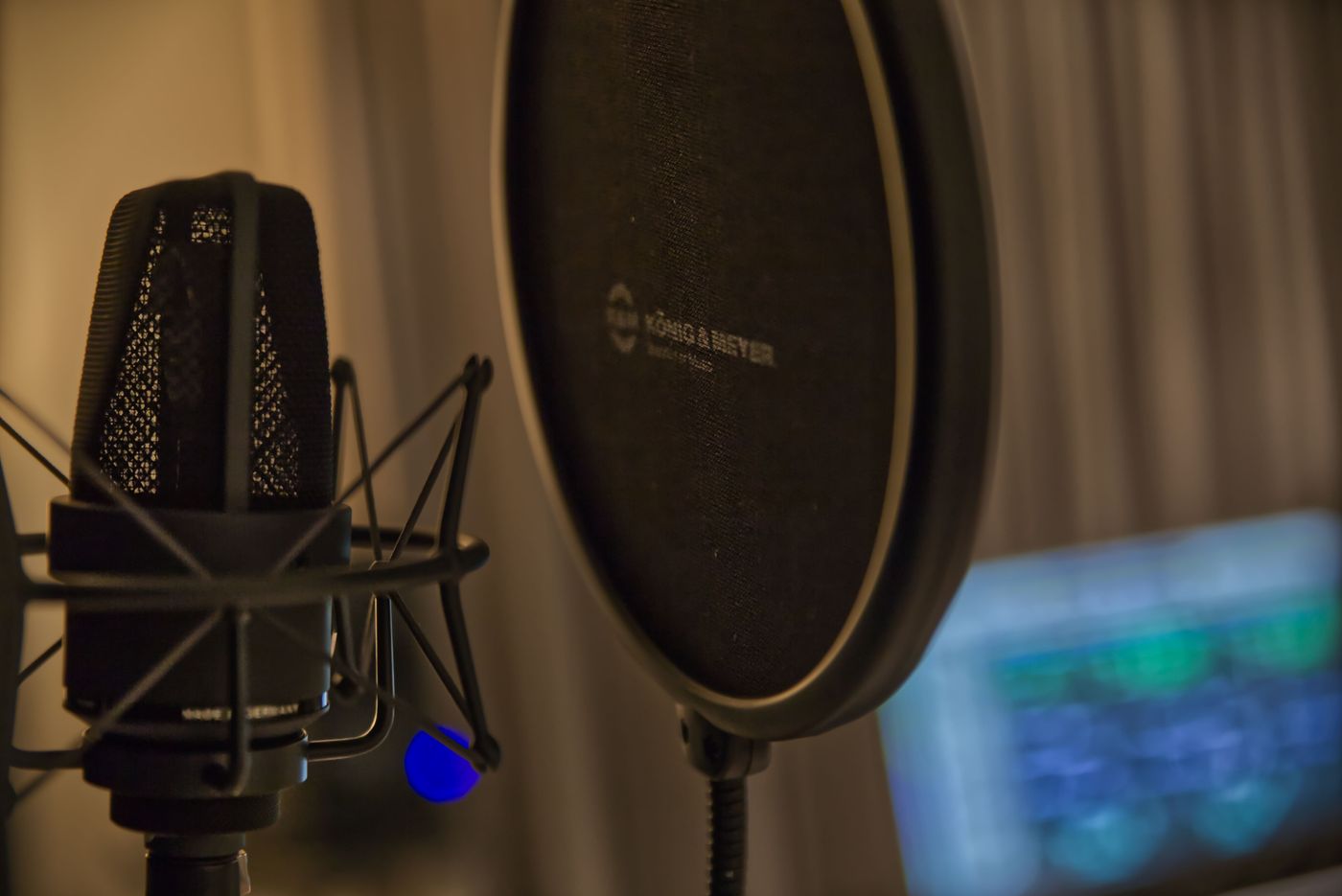
Dialogue and performance are major dependencies. Supply the script version, speaker names, pronunciation notes and intended emotional beats. State whether the audio is final, temporary or still being recorded. The microphone photograph illustrates audio preparation; it does not document a Mimic recording session. A face animated to temporary speech may need substantial adjustment when the wording, pauses or delivery change, even when the new line has a similar duration.
Create a short asset inventory. For every visible character, say whether the model, textures, skeleton and facial rig exist, which versions are approved and whether they have been tested in the target engine. Include clothing, hair, props and the environment needed for the camera views. A character that works in a distant gameplay view may still need adjustments for a dialogue close-up. Mark each asset as supplied, requiring repair or needing creation. This makes missing work easier to spot than sending a folder without context.
Separate the performance tasks. Body capture records movement; facial capture provides a different part of the performance; animation cleanup, retargeting and shot-specific polish are further production steps. Ask which of these are included and who checks the resulting character in the intended camera. Our facial animation service and motion capture cleanup guide explain useful distinctions when you prepare that scope. Capture footage is not the same deliverable as a finished, integrated cinematic.
Use the cinematic brief checklist to collect the essentials: scene objective; approximate runtime and shots; character and prop list; supplied assets; audio status; required animation stages; engine and software versions; delivery formats; review owner; and budget range if available. Mark unknowns as open decisions. Start with a non-confidential summary, then agree a suitable transfer method before sharing unreleased assets. Also identify who will confirm permissions for likenesses, performances, voices, music and third-party material. Do not assume possession of a file establishes permission to reuse it.
Compare quotes by scope, evidence and responsibility
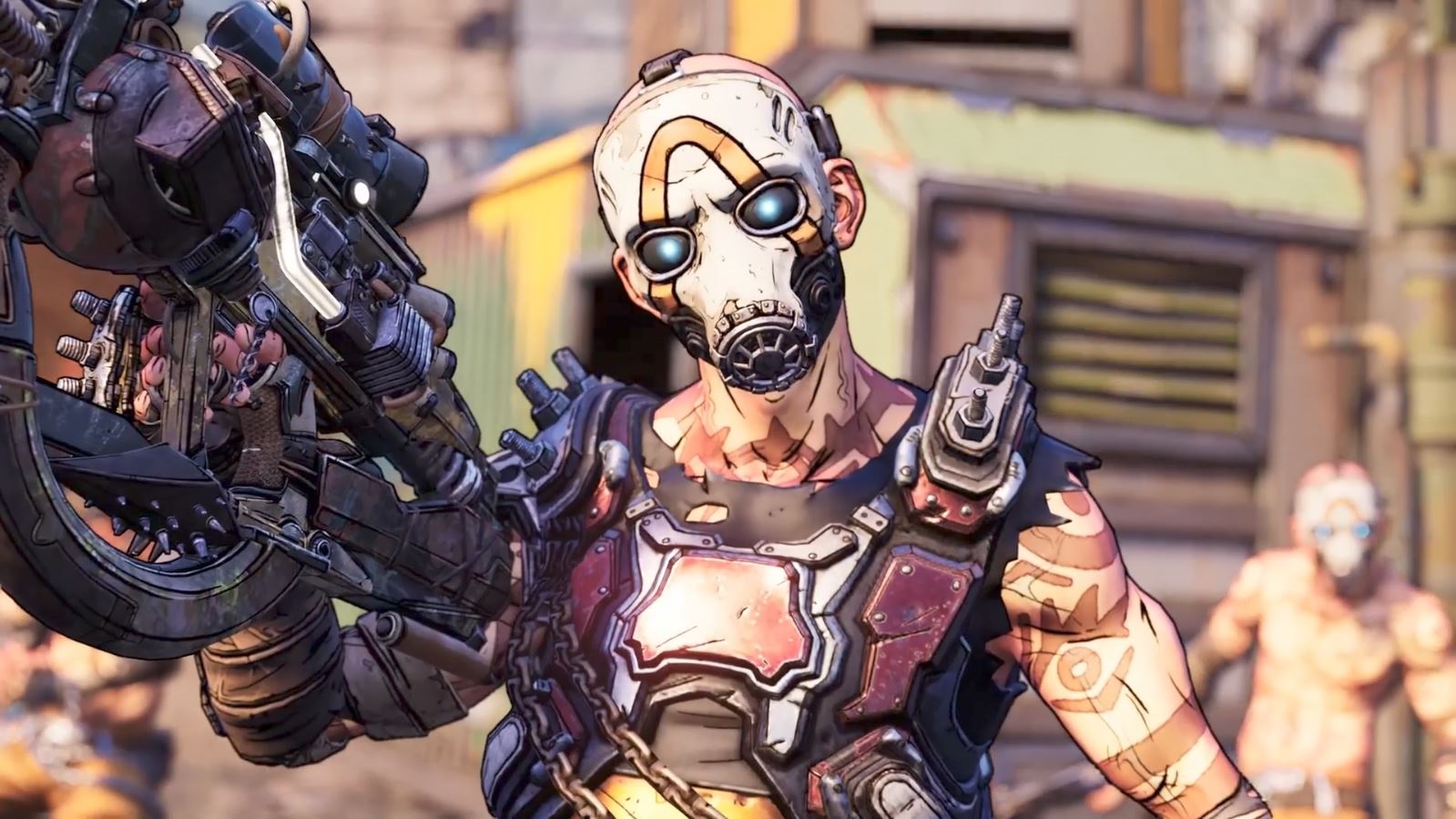
A quote is only comparable when the deliverables are comparable. One proposal may cover animation on approved rigs; another may include rig repairs, capture, facial work and integration. Ask each supplier to separate preparation, performance, animation, technical delivery and optional additions. Also ask what is excluded. Lighting, rendering, sound, editing and gameplay integration can sit with different teams. The lowest total is not necessarily the least expensive route if your own team must supply work that another proposal includes.
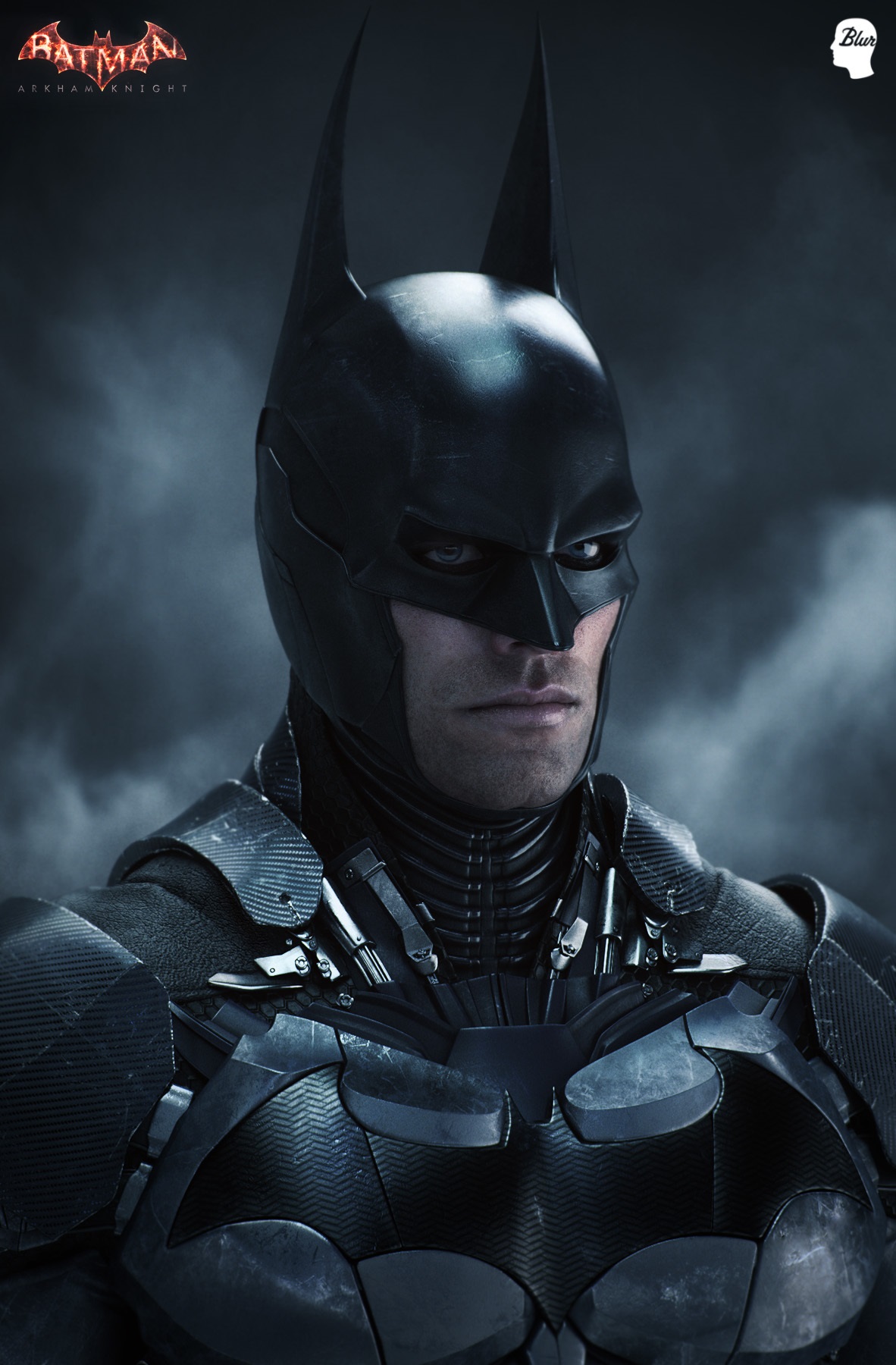
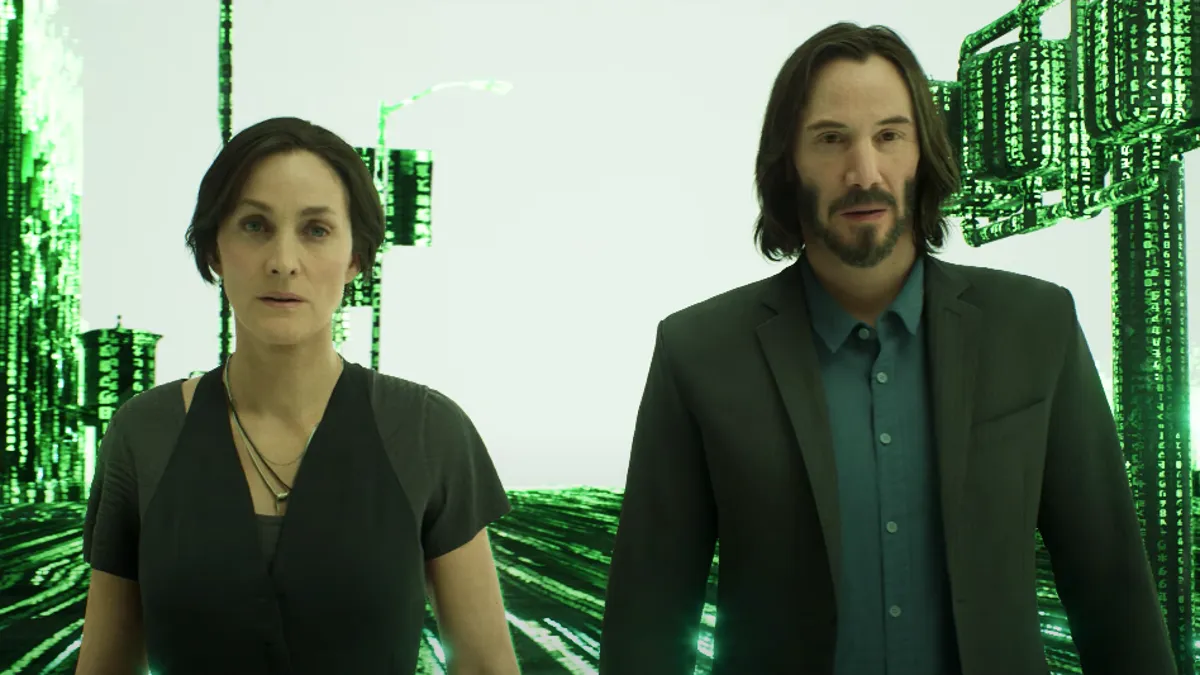
Project evidence should be just as specific. Mimic Productions' published Borderlands contribution, illustrated here, is facial animation for cinematics. Its The Matrix Awakens contribution, shown in the opening image, covers body motion capture, facial capture and scanning for the cinematic introduction. These credits demonstrate particular contributions; they are not claims that Mimic made the complete games or every part of those sequences. When assessing any studio, ask which shots and production stages its team actually delivered.
For an illustrative comparison, imagine a dialogue scene with two characters, an approved room and supplied audio. Supplier A prices animation using the supplied rigs, while Supplier B includes a rig assessment, facial corrections and an in-engine review scene. Before comparing totals, establish whether the supplied rigs already meet the close-up requirements. If they do, the additional work may be unnecessary. If they do not, the first proposal needs a corresponding allowance. Make the assumptions explicit rather than treating either proposal as automatically better.
Ask for a representative pilot shot and define what its review should establish: expression, eye direction, timing, contact, deformation and compatibility with the receiving workflow. Agree how many review rounds are included, who consolidates feedback and how a change in script or scope is handled. Request a written list of source files, exports, dependencies and usage permissions. Our motion capture cost guide explains cost drivers without treating a capture session as the entire production budget. For new characters, discuss character creation as a separate dependency rather than hiding it inside an animation allowance.
Review the scene and accept a usable delivery
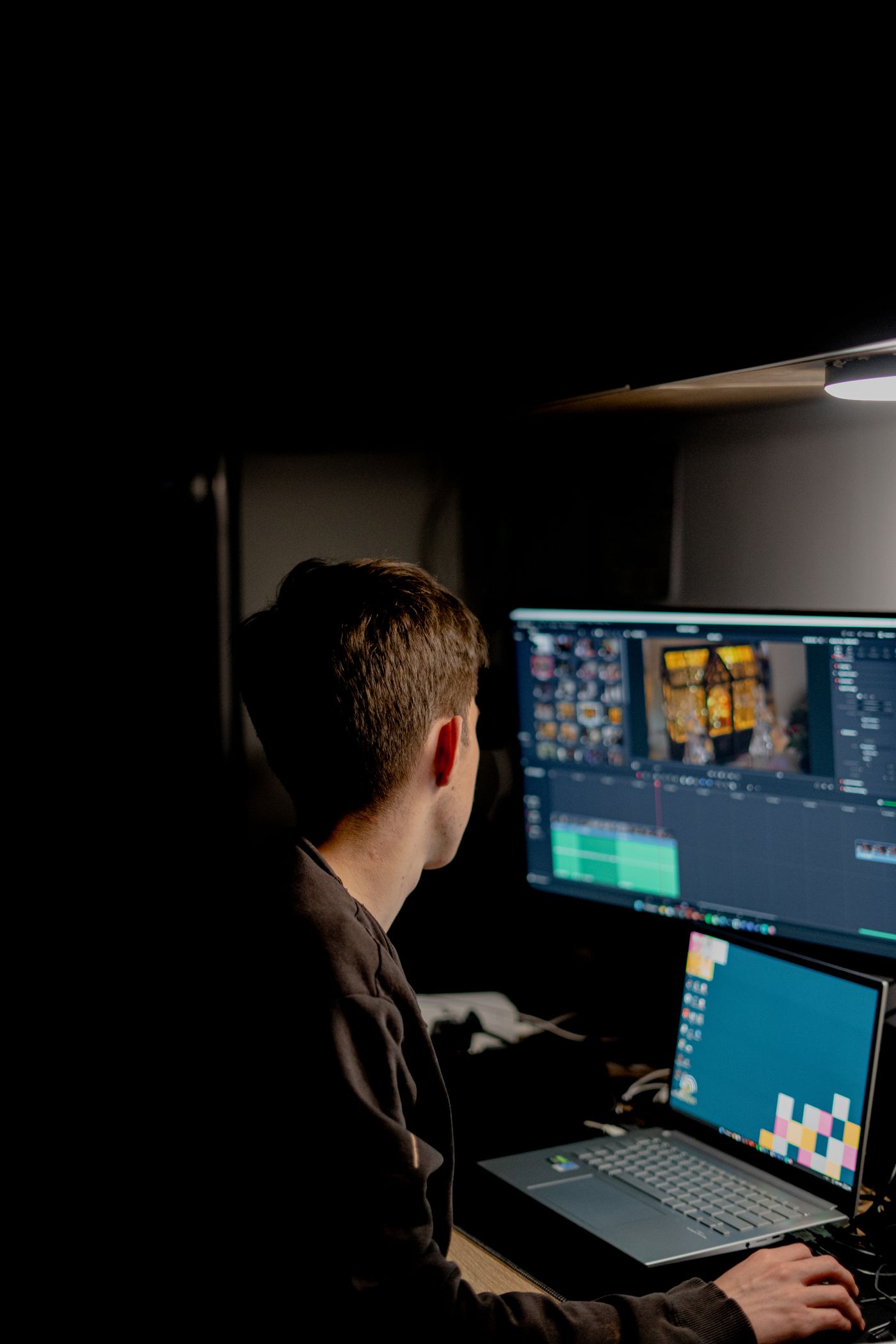
Review in stages so that each decision has a clear purpose. Start with an animatic or blocking pass to assess scene length, camera coverage and narrative clarity. Review performance before treating small surface details as final. Then evaluate facial polish, contacts and technical integration. The editing photograph illustrates this review process and is not evidence of a particular Mimic project. Use time-coded notes and one consolidated response so that artists are not following conflicting instructions from several reviewers.
Make acceptance observable. For a dialogue shot, specify the approved audio file and check sync, mouth closures, gaze and the intended expression from the delivery camera. For an interaction, check hand placement, prop attachment and continuity across cuts. For real-time delivery, test the sequence in the agreed engine version and representative target configuration. Record any accepted limitations. A movie exported from an artist's workstation does not, by itself, establish that the sequence behaves correctly inside your game.
Treat the handoff as a reproducibility check. The receiving team should be able to open the supplied scenes or import the exports, resolve the listed dependencies and identify the approved version. Check naming, units, frame rate, animation ranges and the reference audio. If there are engine sequences, confirm camera bindings and asset references. If there are rendered masters, check picture, audio, subtitles and required variants. Keep a delivery manifest so that everyone knows which files are final and which are reference material.
An illustrative acceptance note could read: "The approved dialogue shot opens in the agreed project version, uses the approved audio, retains the agreed camera cuts and contains no unresolved character references." Add the project's actual performance and visual criteria rather than copying invented numerical thresholds. Record who owns defects, integration questions and subsequent changes. After delivery, retain the brief, approvals and manifest together. They provide a practical starting point if you commission another sequence, replace a line or adapt the scene for another release.
Frequently asked questions
How much does game cinematics production cost?
There is no reliable universal price per minute. Character and environment readiness, performance requirements, shot complexity, animation scope, revisions and output formats change the work. Ask for a proposal against a shared brief, with assumptions and exclusions. This article does not present an unverified market price or a Mimic Gaming price list.
Is real-time production always cheaper than pre-rendered cinematics?
No. Asset reuse can help, but integration, optimisation, runtime variation and engine-specific testing also require work. Pre-rendered delivery has its own rendering and version requirements. Compare the complete agreed scope for your scene instead of selecting an approach from a general cost claim.
Can we outsource only facial animation?
Yes, a project can be scoped around a particular production stage rather than a complete sequence. Establish the supplied rig, approved audio, camera views, expected exports and review responsibilities. Discuss the actual asset condition with the studio before assuming that facial animation requires no preparation or corrective work.
Do we need finished characters before asking for a quote?
No. You can begin with references and a clear description of what exists. However, incomplete or untested assets introduce uncertainty. Ask the studio to distinguish confirmed animation work from asset assessment, repairs and new creation, and to state which assumptions need validation before a firm scope is agreed.
What should a cinematic brief include first?
Start with the scene objective, approximate runtime, character count, visual references, available assets and delivery format. Add audio status, engine version and the production stages you want help with. You do not need a perfect document to start a conversation; clearly labelled unknowns are more useful than false precision.
Should editable source files be included?
Specify them if your team needs to revise or integrate the work. Agree which source scenes, rigs, caches, exports and dependencies are included and what usage rights apply. Do not assume a rendered master automatically includes editable production assets, or that every third-party dependency can be transferred.
How should we review a pilot shot?
Choose a shot that represents the project's difficult work, such as dialogue with a close-up or a character interacting with a prop. Evaluate it using the intended camera, audio and target environment. Document the outcome so the approved standard guides later shots rather than relying on memory or a vague "looks good" response.
Can the same sequence become a marketing trailer?
It may provide useful material, but a trailer has a different communication goal and can require a new edit, captions, music permissions and additional formats. List those outputs in the brief and confirm rights. Do not assume an in-game delivery already includes every campaign asset you might need.
Start with a brief your team can review
A useful cinematic proposal connects the story objective to supplied assets, production responsibilities and acceptance checks. It should make it possible to explain what your team is buying and how the result will be used. An attractive showreel is a starting point; a clear scope and a representative test are what make the production discussion concrete.
Planning a game cinematic? Discuss your cinematic brief with Mimic Gaming. Send a short scene outline, your engine details and a summary of available assets. We can discuss the production stages that fit your project.
 July 2, 2026
 June 29, 2026
 November 9, 2026